12
PROGRAM
The “Program” pages allow you to construct and edit basic automation programs for lighting
and temperatures. You are first prompted to enter a code. After the last digit of a valid code is
entered, the “Edit Program” page is displayed:
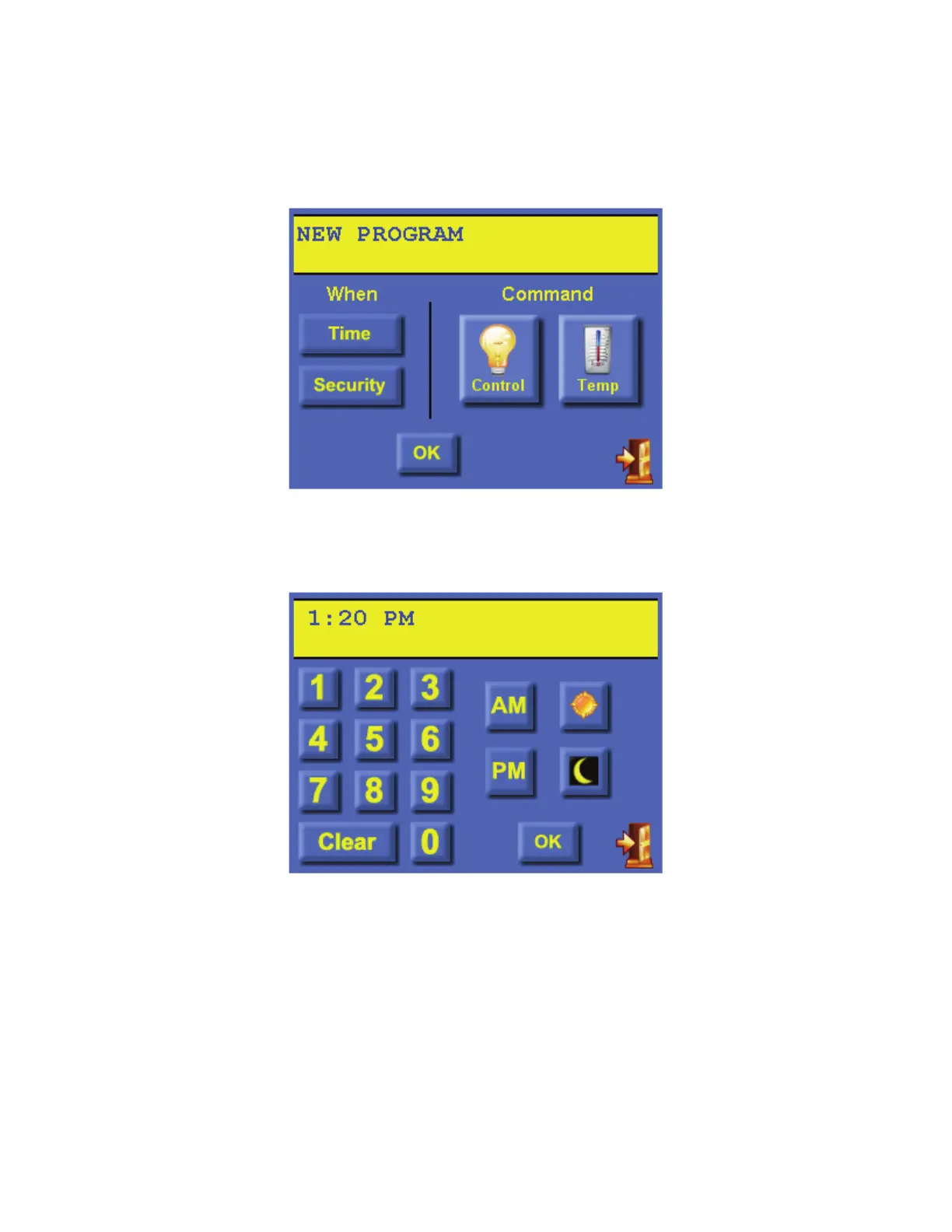
From the “Edit Program” page, press the [Time] button to create a program/schedule that will
activate at a specific time on the specified day(s):
Enter the time (use either AM/PM or 24HR time format). Press the [sun] button for the “time
of Sunrise” or the [moon] button for the “time of Sunset”. Once complete, press the [OK]
button to save time. If you make a mistake, press the [Clear] button and start over.



 To Next Page