13
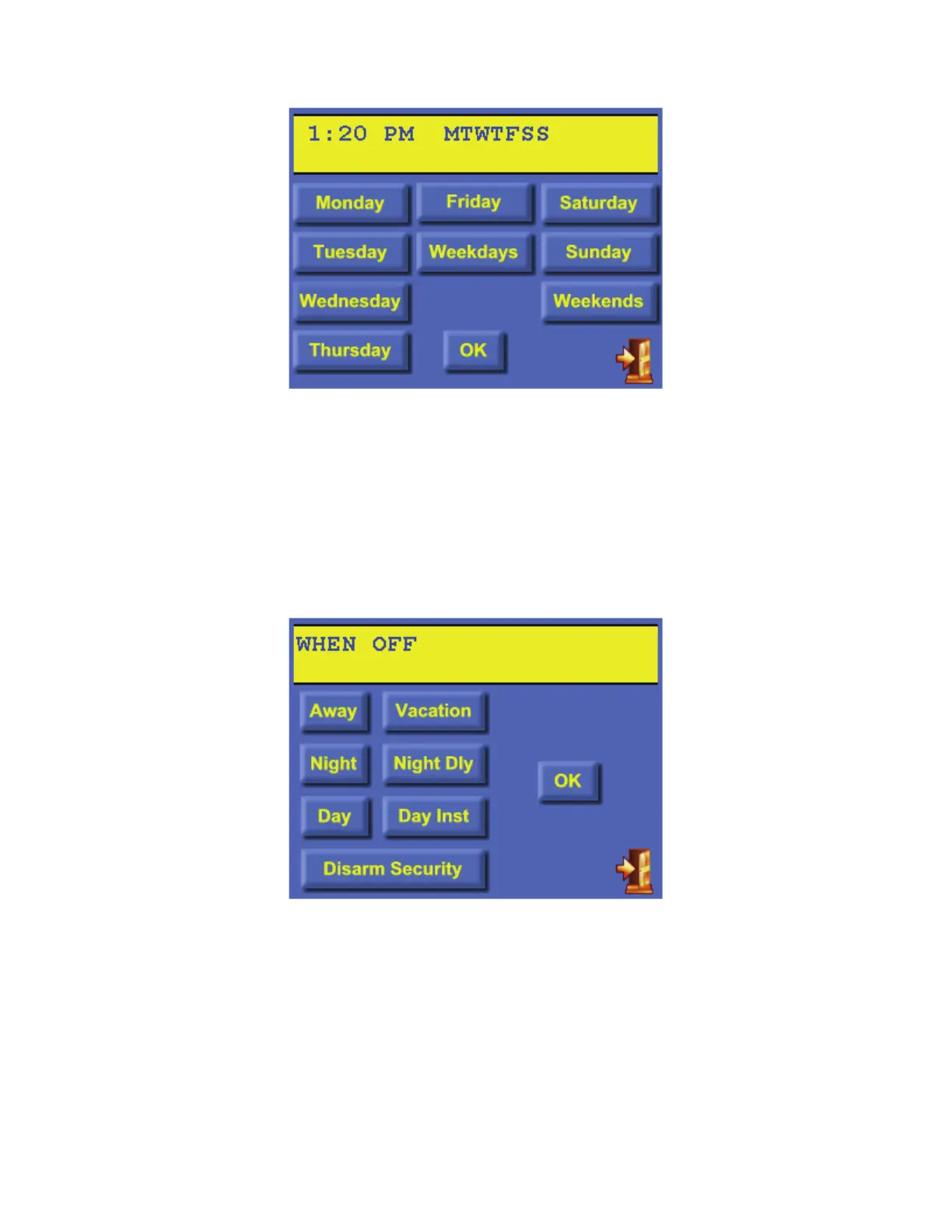
Next, specify the day(s) in which the program will activate:
Press Monday-Sunday to select the specific day(s). After a day is selected, it may be deselected
by pressing the respective button once again. The [Weekdays] button will select Monday-
Friday and the [Weekends] button will select Saturday and Sunday. Once complete, press the
[OK] button to save the day(s).
From the “Edit Program” page, press the [Security] button to create a program that is activated
when the security mode changes to the specified mode.
Press the desired security mode button. Once complete, press the [OK] button to save the
security mode. Note: The program will activate at the end of the “exit delay” (if applicable).
From the “Edit Program” page, touch the [Control] icon to create a program that controls a unit
(i.e. light, appliance, output, or flag).
From the “Edit Program” page, touch the [Temperature] icon to create a program that controls
thermostats, energy saver modules, temperature sensors, and humidity sensors.



 To Next Page