14
Control and temperature devices are displayed in a list boxes. The device may be selected from
a list box by simply touching the device in the list or by pressing the [up arrow] or [down
arrow] buttons to scroll through list devices, then pressing [enter] to select the highlighted
device.
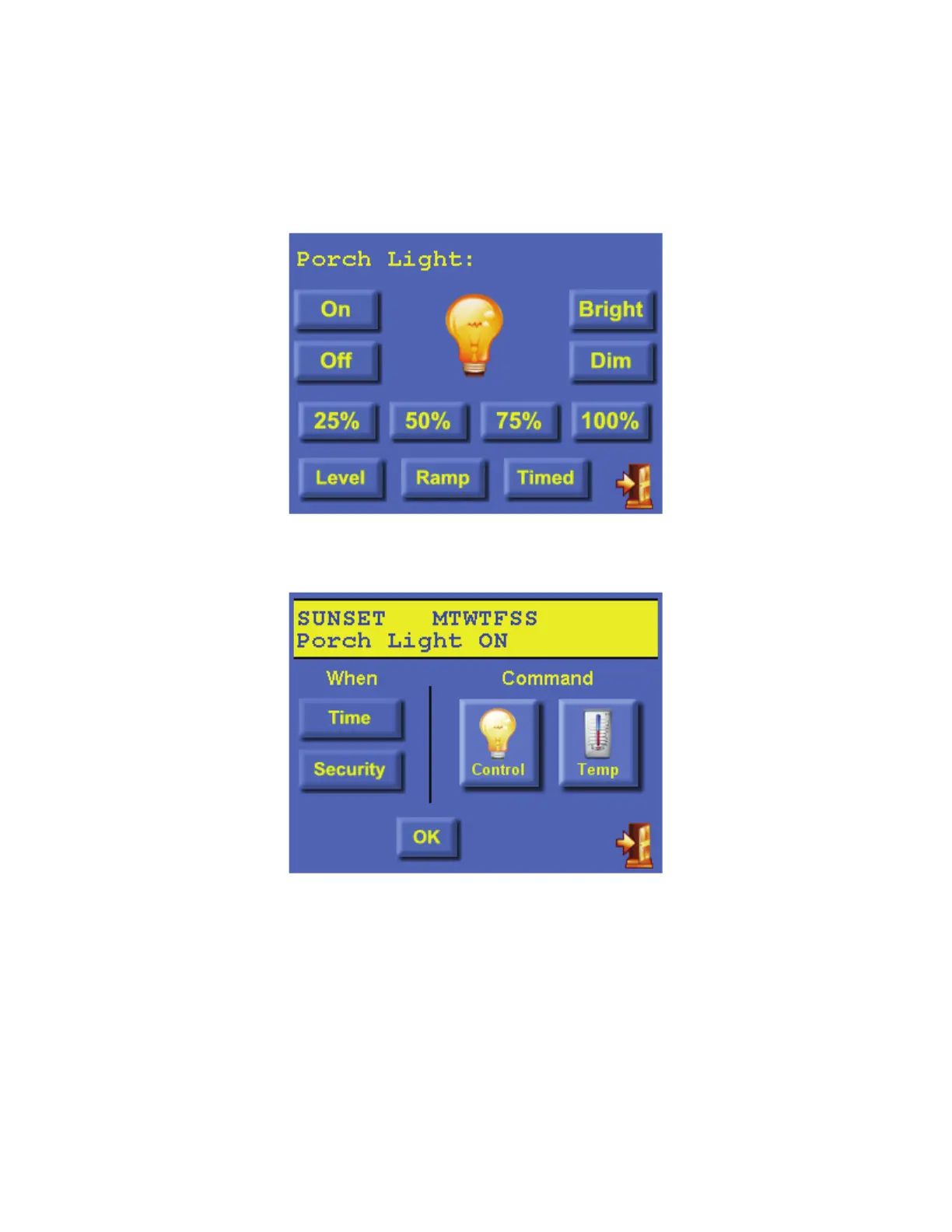
Once selected, the appropriate command page is displayed for the selected device.
Specify the desired command for the selected device.
Press [OK] to save the displayed program or the [exit] button in the lower-right corner to
cancel.



 To Next Page