EasyManua.ls Logo

HAI RC-1000 - User Manual

HAI RC-1000
20 pages
Print Icon
To Next Page IconTo Next Page
Loading...
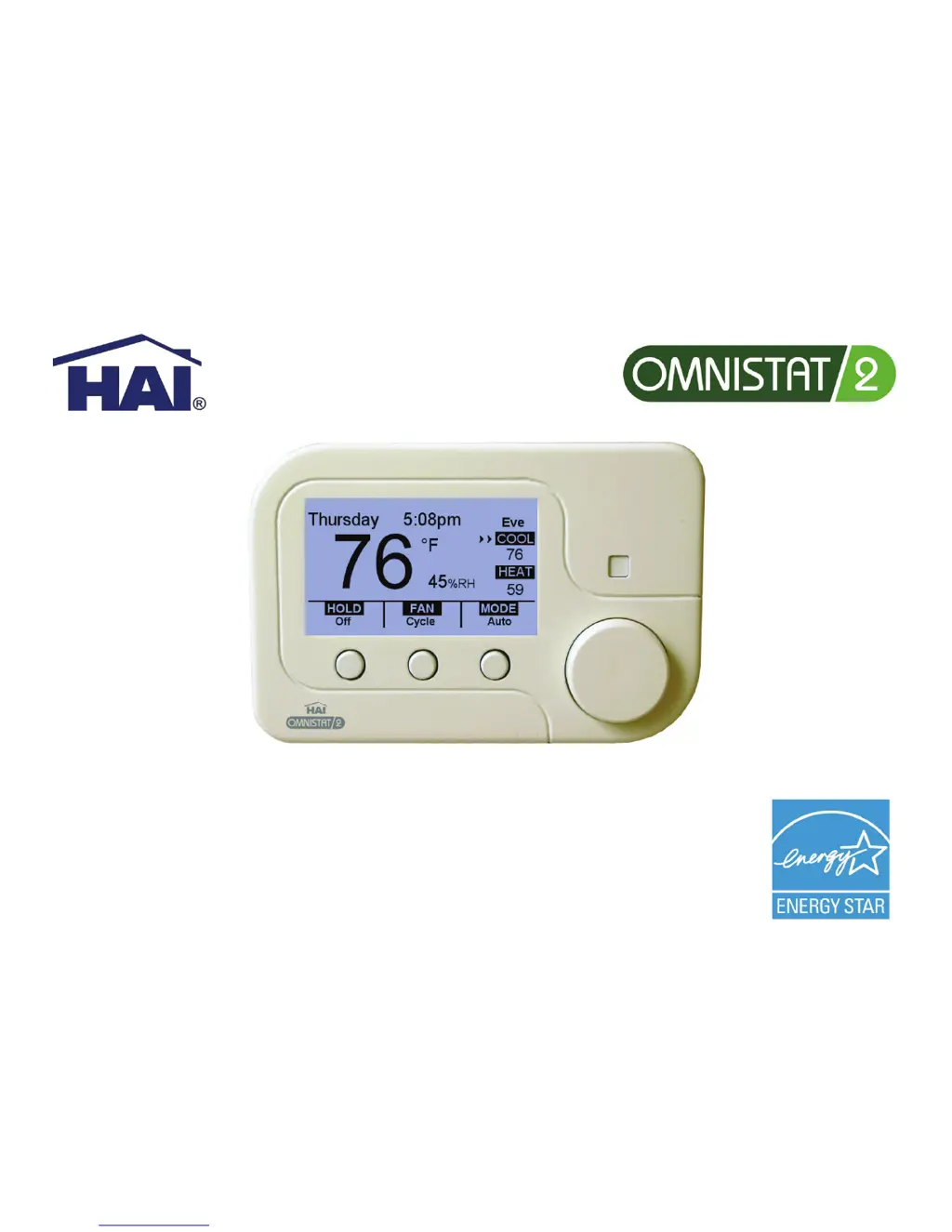
RC-1000 and RC-2000
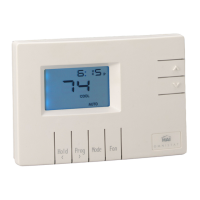
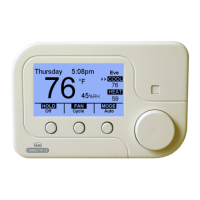
Programmable Communicating Thermostat
User’s Guide

Other manuals for HAI RC-1000

Questions and Answers

  • B
    brussellJul 29, 2025
    What to do if HAI RC-1000 Thermostat heat or cool is inoperative?
    • C
      Charles MartinezJul 30, 2025
      If your HAI Thermostat's heat or cool function isn't working, here are a few things to check: * Ensure the mode isn't set to 'Off'. Choose 'Heat', 'Cool', or 'Auto'. * Look for any breaks in the W or Y wire. * Verify the system options have the correct settings. * Allow the minimum off time to pass. * If an arrow is blinking, wait for the startup delay to expire. * Check if a remote system is overriding the thermostat.
  • A
    Anna Carter DVMAug 2, 2025
    Why is my HAI RC-1000 Thermostat temperature reading incorrect?
    • R
      Raymond NicholsonAug 2, 2025
      If your HAI Thermostat displays an incorrect temperature, give it about 30 minutes to adjust after installation. You can also adjust the calibration offset. Finally, ensure the setup option displays your preferred scale (Fahrenheit or Celsius). After installation, allow the thermostat up to 30 minutes for an accurate temperature reading.
  • N
    Nancy CantuAug 6, 2025
    How to fix HAI RC-1000 control by remote system not working?
    • R
      Randy SanchezAug 6, 2025
      If your HAI Thermostat isn't responding to the remote system, verify the wiring and connections to the section marked 'Comm'. Check the thermostat's address and communication mode settings. Also, review the setup of the remote system. It is important to ensure that all setup items for both the thermostat and the remote system are properly configured for communication.
  • H
    hilllauraAug 11, 2025
    What to do if my HAI RC-1000 Thermostat is dead?
    • A
      Angela MoralesAug 11, 2025
      If your HAI Thermostat appears to be dead, start by checking the power supply to the thermostat. You should also check the wiring diagrams.
  • T
    Tony NorrisAug 15, 2025
    Why is the aux heat on too often on my HAI RC-1000 Thermostat?
    • O
      ohughesAug 15, 2025
      Auxiliary heat might activate frequently on your HAI Thermostat if the heat pump can't meet the heating demand due to cold weather. Also, check if the thermostat is set to EM Heat mode; switch it to Heat or Auto mode.
  • T
    Tiffany RoachAug 20, 2025
    What to do if my HAI Thermostat display has a problem?
    • O
      olongAug 20, 2025
      If you're experiencing a display problem with your HAI Thermostat, try cycling the power to the thermostat (R).
  • K
    Karen SmithAug 25, 2025
    What to do if HAI Thermostat heat pump heats in cool mode and cools in heat mode?
    • D
      danaallenAug 25, 2025
      If your HAI Thermostat's heat pump is heating in cool mode and cooling in heat mode, the wires connecting the reversing valve may be reversed. Move the wire from B to O or from O to B, depending on the configuration.

Summary

About Your Thermostat

Thermostat Features

Lists the key features and capabilities of the thermostat, including precise control and programmability.

Getting to Know Your Thermostats Controls

Display Components Overview

Details the large graphical display, proximity sensor, task buttons, and scroll wheel for user interaction.

Adjusting Display Contrast

Explains the procedure for modifying the thermostat's display contrast using the scroll wheel.

Adjusting Display Color

Describes how to change the color of the thermostat's backlight using the scroll wheel.

Understanding Thermostat Displays

Advanced Display Guide

Details the elements and functions displayed on the advanced thermostat screen.

Filter Reminder Function

Explains how the thermostat notifies users when it's time to change the air filter.

Simplified Display Guide

Details the elements and functions displayed on the simplified thermostat screen.

Changing Thermostat Settings

Changing Temperature Settings

Instructions for adjusting the desired heating and cooling temperature setpoints.

Changing Thermostat Mode

Guide to selecting operational modes like Heat, Cool, Auto, or Off.

Fan and Hold Settings

Covers fan operation modes and different hold setting options.

Vacation Hold Configuration

Details setting desired temperatures and duration for vacation mode.

Programming and Usage

Setting Time and Date

Instructions for setting or changing the current time and date on the thermostat.

Modifying Program Schedule

Guide to customizing daily heating and cooling schedules.

Daily Schedule Periods

Defines the four daily time periods (Morning, Day, Evening, Night) for temperature programming.

Copying Schedule to Other Days

Explains how to copy a programmed daily schedule to other days of the week.

Advanced Features

Humidity Settings (RC-2000)

Details how to set desired humidity and dehumidify setpoints for the RC-2000 model.

Runtime Usage Graph

Explains the bar graph displaying HVAC system runtime over the past four weeks.

HAI RC-1000 Specifications

General IconGeneral
BrandHAI
ModelRC-1000
CategoryThermostat
LanguageEnglish

Related product manuals