EasyManua.ls Logo

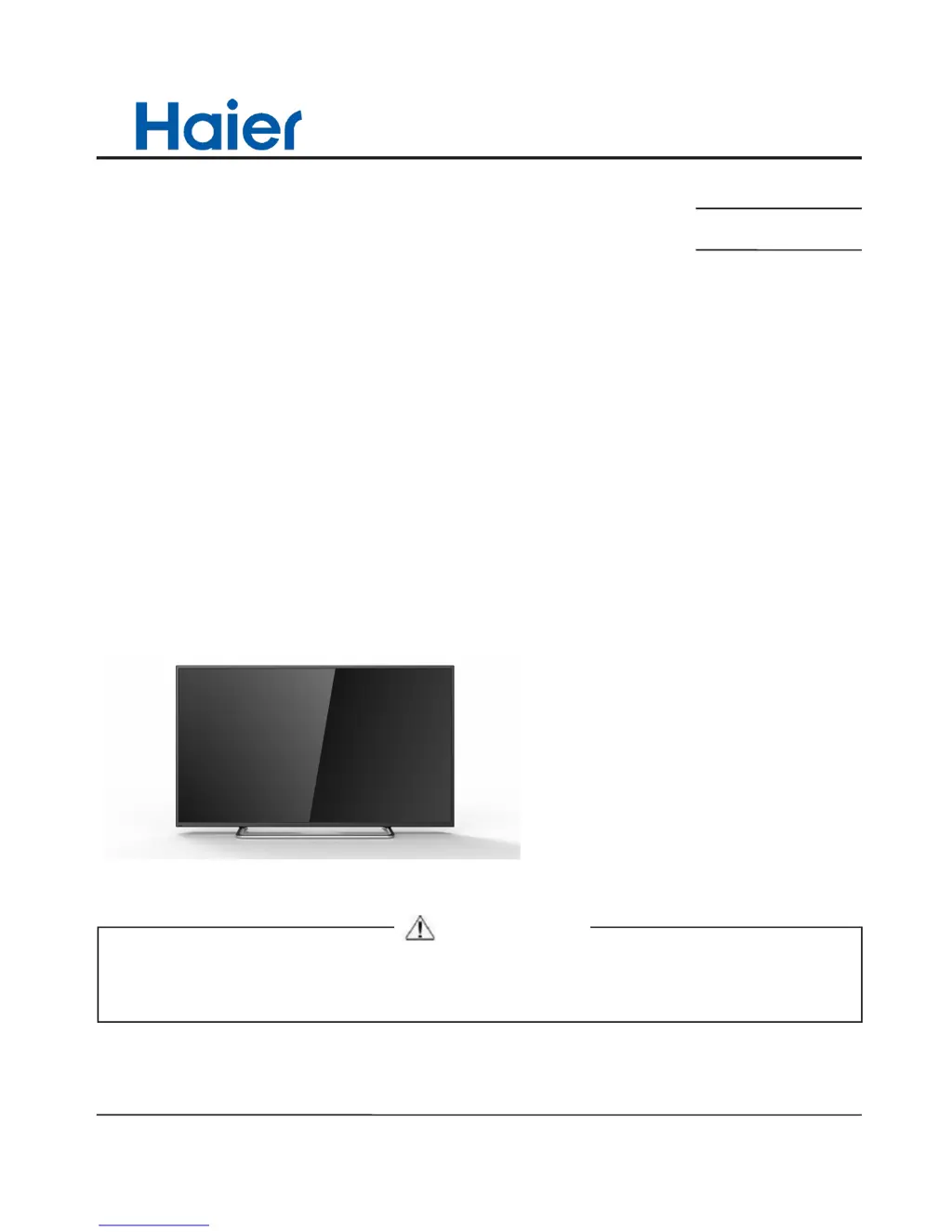
Haier 48DR3505 - User Manual

Haier 48DR3505
50 pages
Print Icon
To Next Page IconTo Next Page
Loading...
SERVICE MANUAL
LED TV
Model No.
MSD3393LU
Chassis
WARNING
This service information is designed for experienced repair technicians only and is not designed for use by the general public.
It does not contain warnings or cautions to advise non-technical individuals of potential dangers in attempting to service a product.
Products powered by electricity should be serviced or repaired only by experienced professional technicians. Any attempt to service or repair
the product or products dealt with in this service information by anyone else could result in serious injury or death.
©2014 Qingdao Haier Electronics Co., Ltd.
All rights reserved. Unauthorized copying and distribution is a violation of law.
48DR3505

Questions and Answers

  • M
    madisonrossAug 9, 2025
    What to do if my Haier 48DR3505 LCD TV has a blank screen?
    • A
      Adriana KaneAug 9, 2025
      If your Haier LCD TV screen is blank, verify that the correct signals are being input. Try pressing the SOURCE button to change the signal input to TV input. If the issue persists, try restarting the television by interrupting and then restoring the power supply.
  • D
    dawsonmaryAug 14, 2025
    What to do if my Haier 48DR3505 has no sound?
    • C
      Cindy NguyenAug 14, 2025
      If there is no sound on your Haier LCD TV, first press the MUTE button to verify that Mute mode is not active. If that's not the problem, switch to another channel to check whether the same problem occurs. You can also press the VOL+ button to see if increasing the volume resolves the issue.
  • S
    Samuel HowardAug 19, 2025
    Why is my Haier LCD TV showing no picture and no sound?
    • P
      Paul LaneAug 19, 2025
      If your Haier LCD TV shows no picture and no sound, first ensure the television is properly plugged in and receiving power. Also, verify that electricity is available at the outlet.
  • J
    Jennifer SmithAug 25, 2025
    Why is my Haier LCD television out of control?
    • D
      Darrell RomeroAug 25, 2025
      If your Haier LCD television is out of control, try disconnecting it from the power supply and then reconnecting it after 10 seconds.
  • W
    washingtonwesleyAug 29, 2025
    Why is there no picture on some channels on my Haier LCD TV?
    • R
      Rebecca SmithAug 29, 2025
      If there is no picture on some channels on your Haier LCD TV, verify that the correct channel is selected. Also, adjust the antenna and make adjustments using Fine Tune and MANUAL Scan.
  • J
    johnathanhendrixSep 3, 2025
    Why is my Haier LCD TV showing spots with some or all pictures?
    • N
      nguyenchristinaSep 3, 2025
      If your Haier LCD TV is showing spots with some or all pictures, verify that the antenna is correctly connected and in good condition. Also, make fine adjustments to the channel.

Haier 48DR3505 Specifications

General IconGeneral
Display TechnologyLCD
Screen Size48 inches
Refresh Rate60 Hz
HDMI Ports3
USB Ports1
Smart TVNo
Built-in Wi-FiNo
Resolution1920 x 1080

Related product manuals