EasyManua.ls Logo

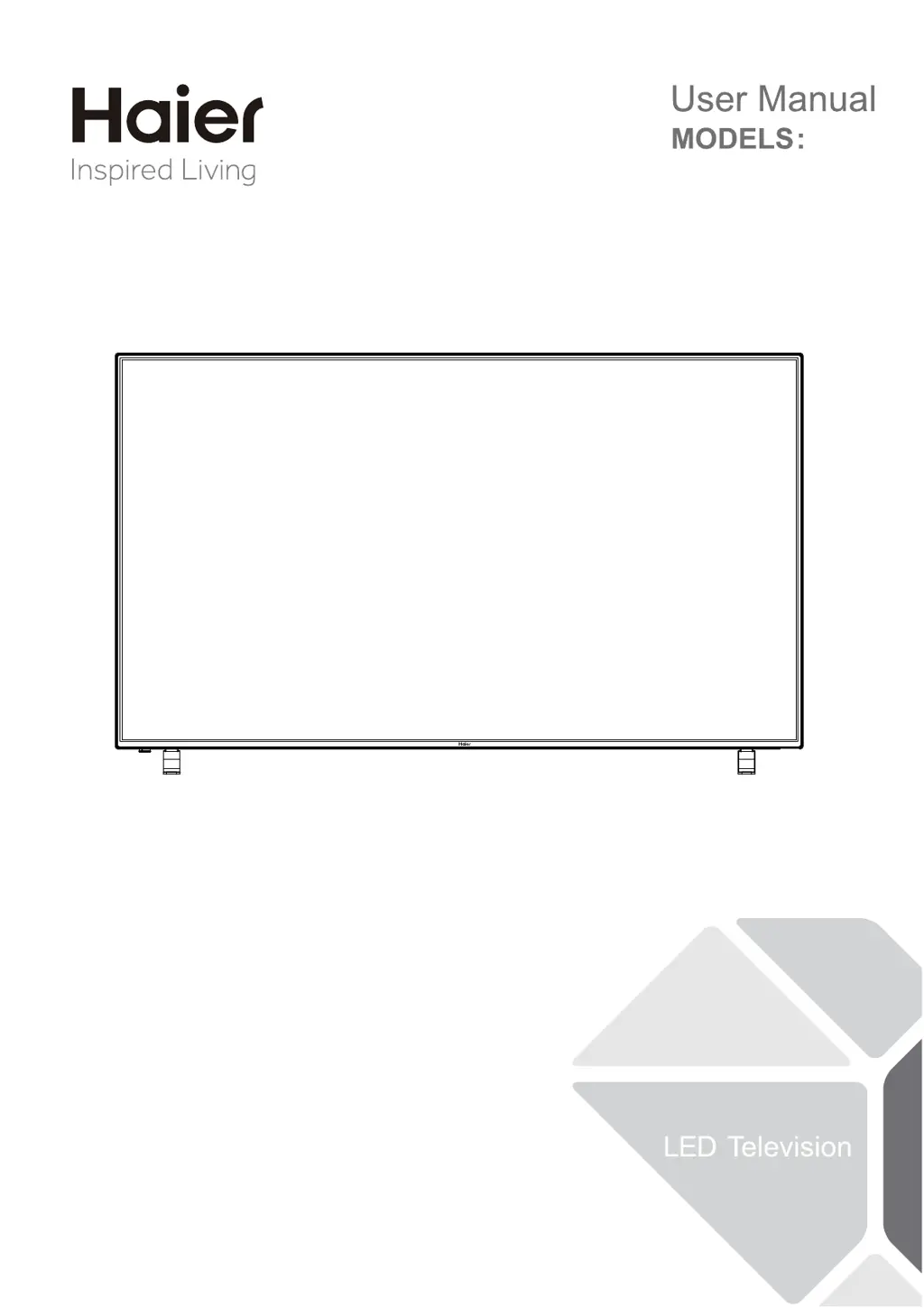
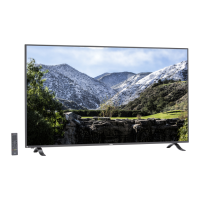
Haier 65UF2505 - User Manual

Haier 65UF2505
24 pages
Print Icon
To Next Page IconTo Next Page
Loading...
65UF2505

Questions and Answers

  • R
    Rebecca PerezAug 14, 2025
    What to do if my Haier LED TV has no picture?
    • A
      Amy ArnoldAug 14, 2025
      If your Haier LED TV shows no picture, verify the antenna connections at the back of the TV. Try switching to another channel. Adjust the contrast and brightness settings. Also, check the Closed Captions control, as some TEXT modes might block the screen.
  • M
    Maria BellAug 17, 2025
    What to do if my Haier LED TV is not responding to the remote control?
    • K
      Keith BaxterAug 17, 2025
      If your Haier LED TV isn't responding to the remote control, first check the batteries and replace them if needed. Then, clean the remote control sensor lens on the TV. As a temporary solution, you can use the buttons on the side of your TV.
  • M
    mckinneyjanetAug 20, 2025
    How to fix a Haier LED TV that has no power?
    • M
      Mary PorterAug 20, 2025
      If your Haier LED TV has no power, check if the AC power cord is properly plugged into the outlet. Unplug the TV, wait for 60 seconds, then plug it back in and turn the TV on again.
  • U
    underwoodadamAug 25, 2025
    How to improve poor color on my Haier LED TV with good sound?
    • M
      Michelle HallAug 25, 2025
      If your Haier LED TV picture is good but the color is poor, adjust the contrast, color, and brightness settings.
  • S
    stevencameronAug 27, 2025
    Why does my Haier LED TV have a ghost or double image?
    • M
      Marie ParksAug 27, 2025
      If you observe a 'ghost' or double image on your Haier LED TV, it could be due to obstructions like buildings or hills interfering with the antenna signal. Using a highly directional antenna might improve the picture.
  • S
    Shane DavisAug 30, 2025
    How to fix snowy picture and noise on Haier LED TV?
    • K
      Kayla HarrisAug 30, 2025
      If your Haier LED TV displays a snowy picture and noise, check the antenna connection.
  • B
    Benjamin BushSep 3, 2025
    Why is the picture quality poor on my Haier LED TV?
    • D
      David HawkinsSep 3, 2025
      Poor picture quality on your Haier LED TV may occur when an activated S-VHS camera or camcorder is connected to your TV and other peripherals.
  • T
    tommypetersonSep 6, 2025
    What causes horizontal dotted lines on my Haier LED TV screen?
    • A
      Ashley BarnesSep 6, 2025
      Electrical interference from devices like hair dryers may cause horizontal dotted lines to appear on your Haier LED TV.
  • I
    iwilcoxSep 10, 2025
    Why does my Haier LED TV have pixels that are always dark or always lit?
    • J
      Jaime JohnsonSep 10, 2025
      The presence of pixels (dots) that are always dark or always lit on your Haier LED TV is inherent to this type of product and does not indicate a defect.

Summary

FOR YOUR SAFETY

PRECAUTIONS AND REMINDERS

Notice for Remote Control

Guidance for remote control usage and warnings.

IMPORTANT SAFETY INSTRUCTIONS

Outdoor Antenna Grounding

PREPARATION

Attaching the Stand

Instructions for attaching the TV stand.

Preparing for Wall Mounting

Guidance for wall mounting preparation.

Turning On the TV

Steps to power on the TV.

PERIPHERAL CONNECTION AND CONTROLS

Peripheral Connection

Details of connecting external devices to the TV.

Side Control Panel

Overview of TV's side control buttons and functions.

MAKING CONNECTIONS

Connecting to Antenna;Cable Jack

Connecting the TV to antenna or cable TV wall jack.

Connecting External Audio;Video

Connecting audio and video devices via HDMI or component.

Connecting Optical Output

Connecting optical audio output to external speakers.

OPERATING INSTRUCTIONS

Using the Remote Control

Explanation of remote control buttons and their functions.

INITIAL SETUP

Input Source Selection

Switching between different input sources like TV, HDMI, USB.

Navigating On-Screen Menus

How to navigate through the TV's on-screen menus.

PICTURE

Picture Modes and Parameters

Adjusting picture modes, brightness, contrast, color, and temperature.

AUDIO

Sound Modes and Audio Adjustments

Adjusting sound modes, balance, bass, treble, and surround sound.

Audio Output and Volume Control

Selecting audio output, language, and auto volume level.

CHANNEL

Signal and Channel Management

Selecting signal type, scanning channels, and managing favorites/skips.

SETUP

Menu, Time, and Audio Settings

Configuring menu language, aspect ratio, sound, time, and sleep timer.

LOCK

Password and System Lock

Setting password and system lock for parental controls.

MEDIA

USB Media Player Functionality

Using the TV to play music and photos from a USB device.

Media Playback Controls

Controls for playing music and viewing photos, including playback options.

TIPS

Screen Care, Warnings, and Disposal

Guidance on screen care, phone warnings, and product disposal.

LEGAL NOTICES

Regulatory Compliance and Trademarks

FCC, Canadian regulations, and HDMI trademark information.

PRODUCT SPECIFICATION

Display, Connections, and Dimensions

Details on display, ports, weight, and dimensions.

Mounting, Power, and Package Contents

Specifications for mounting, power, and package contents.

TROUBLESHOOTING

Common TV Issue Resolution

Guidance on resolving common TV problems like picture or sound issues.

WARRANTY

Warranty Terms and Coverage

Details on Haier's product warranty, coverage, and limitations.

Warranty Period and Exclusions

Information on warranty duration, parts, labor, and excluded items.

Customer Support Contact

Contact information for obtaining service, literature, or assistance.

Haier 65UF2505 Specifications

General IconGeneral
Screen Size65 inches
Resolution3840 x 2160 (4K UHD)
Display TypeLED
Smart TVYes
HDMI Ports3
USB Ports2
Wi-FiYes
BluetoothNo
Audio Output20W
Operating SystemAndroid TV
Refresh Rate60 Hz

Related product manuals