12
GUIDE TO OPERATION
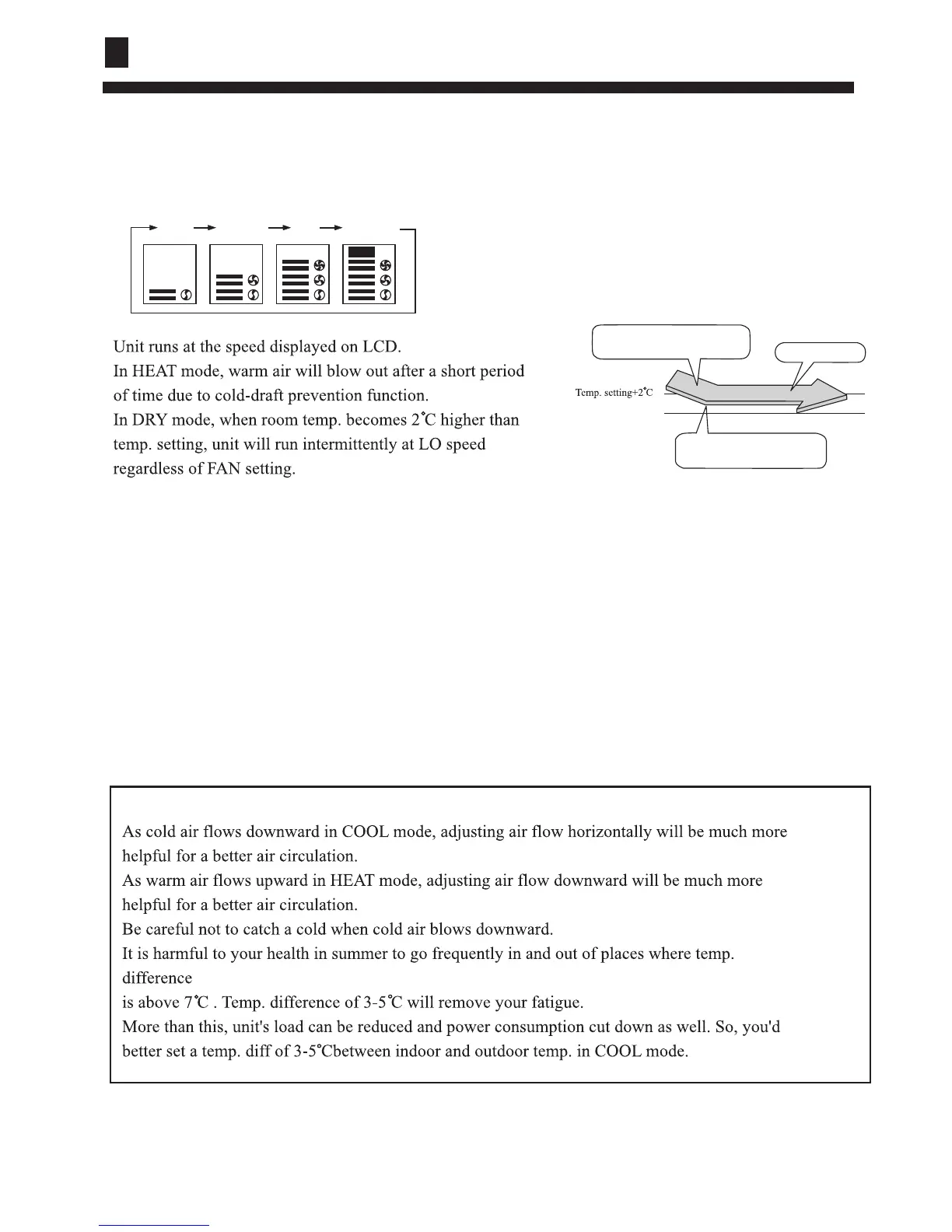
Press FAN button. For each press, fan speed changes
as follows:
(4) Fan speed selection
AUTO
LO
MID HI AUTO
Press ON/OFF button.
Only time remains on LCD.
All indicators on indoor unit go out.
Vertical flap closes automatically.
(6) Unit stop
Hints
COOL operation starts when room
temp. is higher than temp. setting.
On reaching temp. setting,unit
will run in mild DRY mode.
Ultra-low air flow
Temp. setting
(5) Air flow direction adjust
After operation mode is selected, vertical flap will open automatically according to the mode.



 To Next Page