EasyManua.ls Logo

Haier AP71DFCHRA - Page 12

Haier AP71DFCHRA
27 pages
Print Icon
To Next Page IconTo Next Page
To Previous Page IconTo Previous Page
Loading...
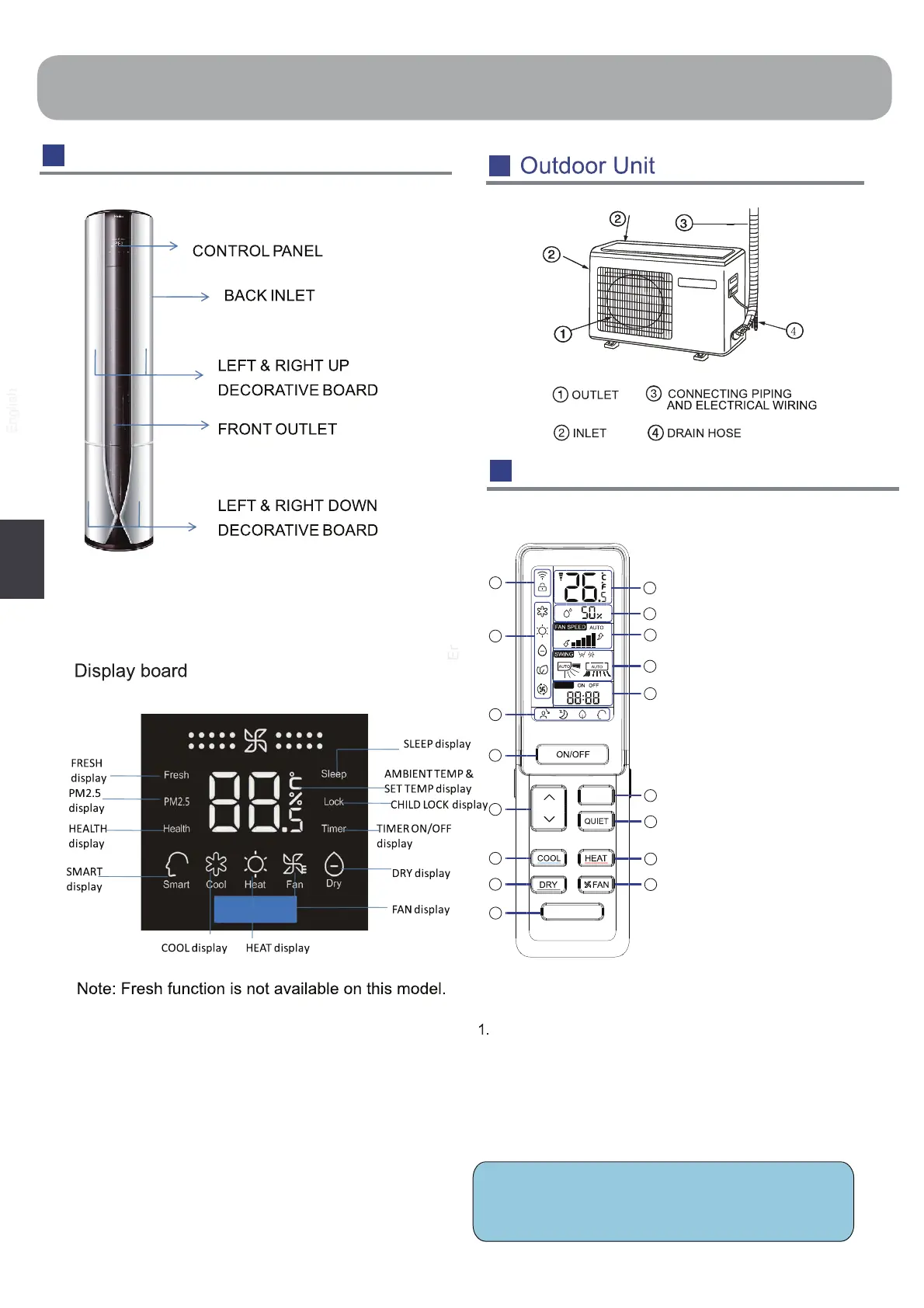
Parts and Functions
Remote controller
Outer side of the controller
1. SELF CLEAN button
2. DRY button
3. COOL button
Used to set COOL operation.
4.
5.
n6.
status
8. CLOCK display
7. Operation mode display
9. TEMP display
10.
Humidity display
11. FAN SPEED display
12. SWING display
Swing up/down display
swing left/right display
14. TURBO button
15. QUIET button
16. HEAT button
17. FAN button
Used to set DRY operation.
13. TIMER ON display
TIMER OFF display
CLOCK display
TEMP button
used to change setting
temperature
ON
/ OFF button
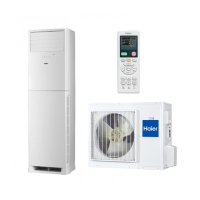
Indoor Unit
11
NOTICE:
Humidity display is unavailable on this model.
TIMER
1
2
3
4
5
6
7
8
9
10
11
12
13
15
16
17
14
TURBO
SELF CLEAN
h
s
i
l
g
n
E
Display of each functio
AIR FILTER INSIDE

Related product manuals