Task Control Principle & Parameters
1. Control Principle & Functions:
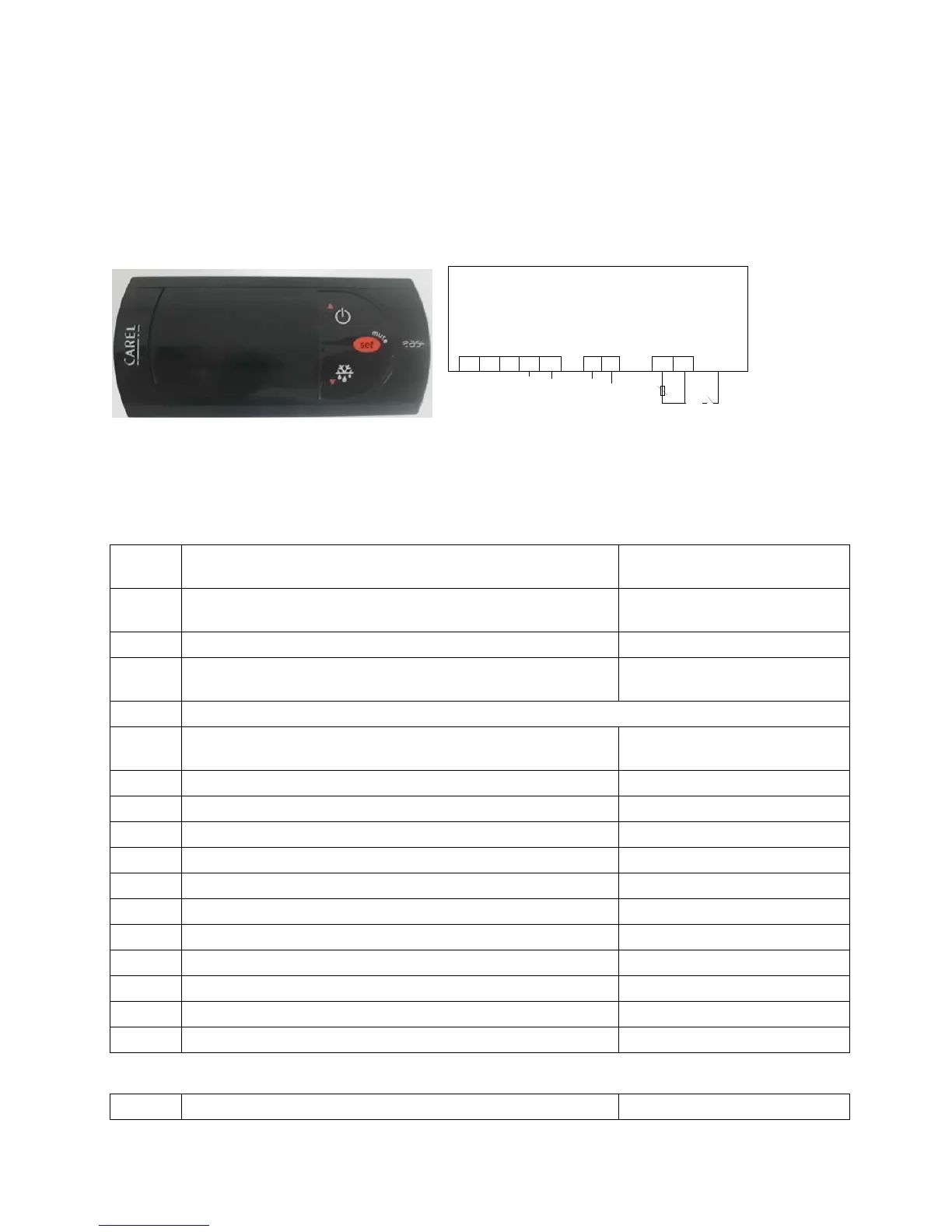
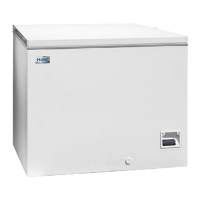
This freezer adopts an electronically temperature control system controlled by the Carel temperature
controller.
Temperature controller panel & wiring diagram
电源
压机线
7
6
5
98
棕
探头
蓝棕
黑
1
23
4
白
黑
Temperature Controller Panel
Temperature Controller Wiring Diagram
Debug Methods of the temperature controller:
Serial
No.
Button Operation Display
1 Press the button “Set” for about 2 seconds To display the initially set
temperature of -30
2 If “-30” is not displayed, press “Up▲” / “Down▼”for resetting. To display: -30
3 Press the button “Set” To display the current internal
temperature
4 After check of the set temperature, it is still necessary to check the setting of other parameters.
5 To display the current internal
temperature
6 Press the button “Set” for at least 5 seconds To display: a flashing “PS”
7 Press the button “Set” To display: 0
8 ▲By pressing the button “Up▲” To display: 22
9 Press the button “Set” To display: PS
10 By pressing the button “Up▲” To display: /C1
11 Press the button “Set” To display: 0
12 If “0” is not displayed, press “Up▲” / “Down▼”for resetting. To display: 0
13 Press the button “Set” To display: /C1
14 By pressing the button “Up▲” To display: /4
15 Press the button “Set” To display: 1
16 If“1”it is not displayed, press “Up▲” / “Down▼”for resetting. To display: 1
17 Press the button “Set” To display: /4
comp


 To Next Page