POWER
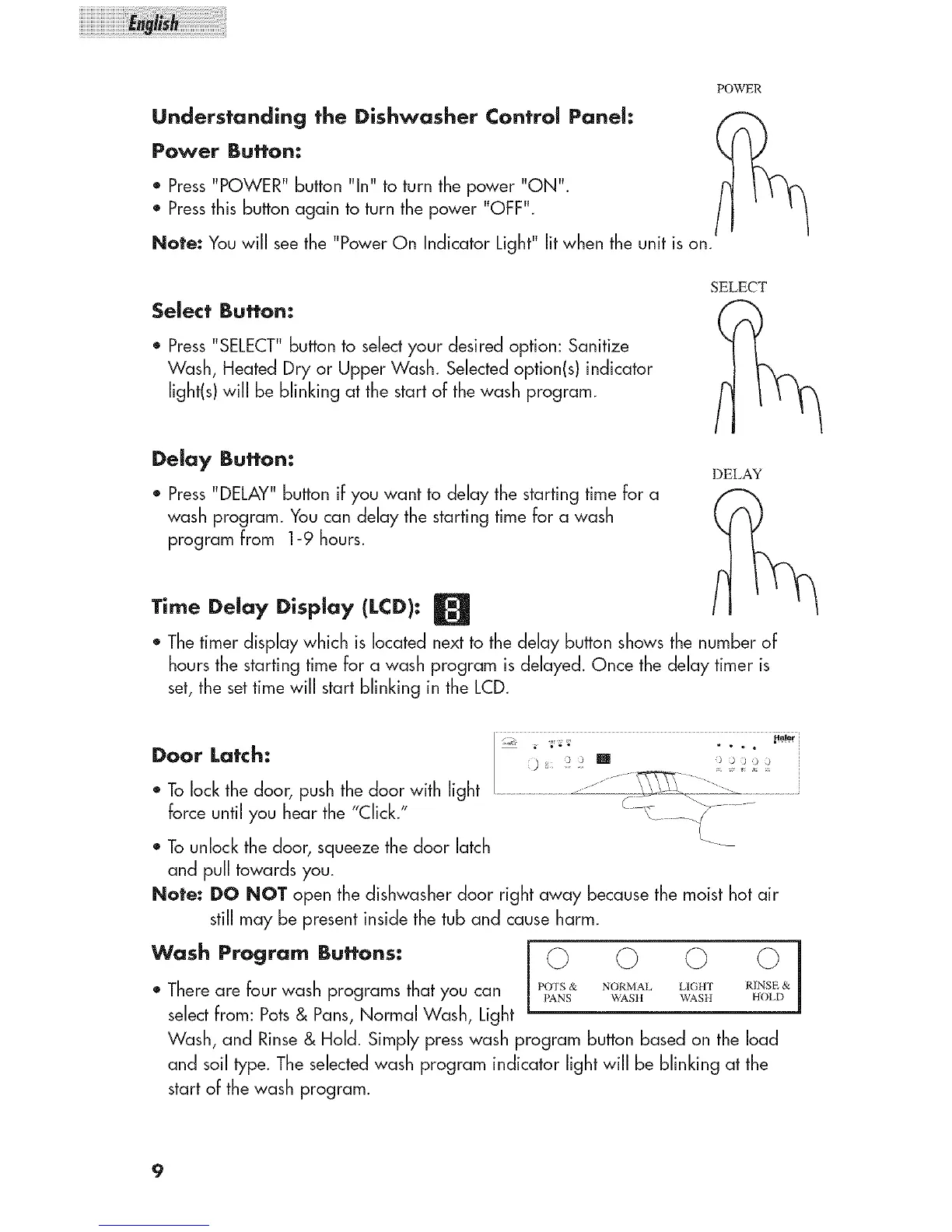
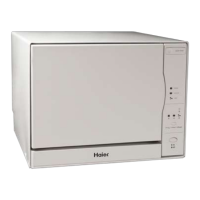
Understanding the Dishwasher Control Panel:
Power Button:
* Press"POWER"button "In" to turn the power "ON".
* Pressthisbuttonagain to turn thepower "OFF".
Note: Youwill seethe "PowerOn IndicatorLight" litwhen the unit ison.
SELECT
Select Button:
* Press "SELECT"button to selectyour desired option: Sanitize
Wash, Heated Dry or Upper Wash. Selected option(s) indicator
light(s) will be blinking at the start of the wash program.
Delay Button:
* Press"DELAY"button if you want to delaythe startingtime for a
washprogram. Youcan delaythe startingtimefor a wash
program from 1-9 hours.
DELAY
Time Delay Display (LCD):
* Thetimer displaywhich is locatednextto the delay buttonshowsthe numberof
hoursthe starting timefor a wash program isdelayed. Once the delay timer is
set,the settimewill start blinking in the LCD.
Door Latch:
* Tolockthe door, push thedoor with light
force untilyou hear the"Click."
)_: ]2 m ) _ )))
* Tounlockthe door, squeezethedoor latch
and pull towardsyou.
Note: DO NOT open the dishwasherdoor right away becausethemoisthot air
still may be presentinsidethetub and causeharm.
Wash Program Buttons: i 0 0 0 0 l
* Thereare four wash programsthatyou can Po'rsa NORMALLIGHT RINSE&
PANS WASII WASH HOLD
selectfrom: Pots& Pans,Normal Wash, Light
Wash,and Rinse& Hold. Simplypresswash program buttonbased on the load
and soiltype. Theselectedwash programindicator lightwill be blinking at the
startof thewash program.
9



 To Next Page