Start/Pause Button:
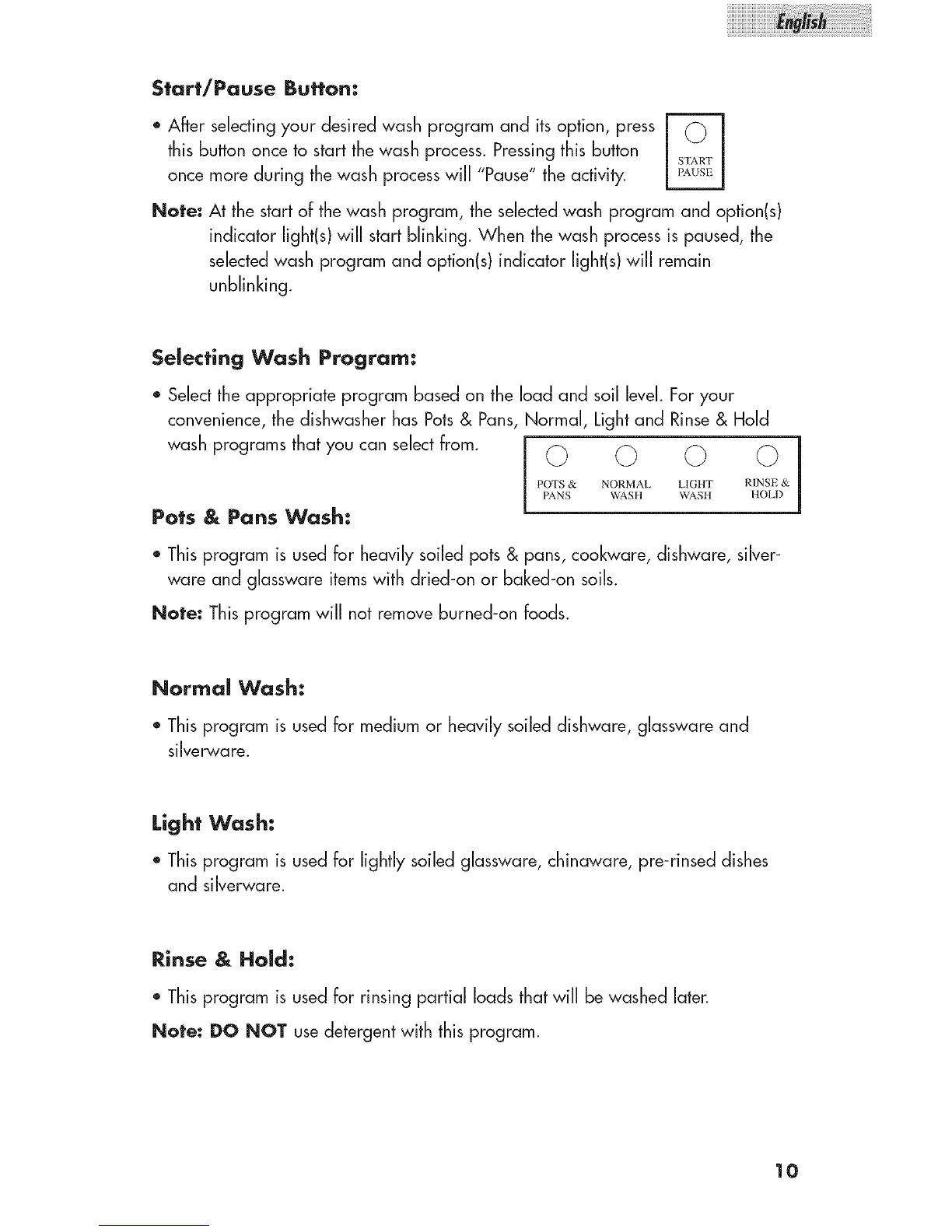
. After selecting your desired wash program and its option, press
this button once to start the wash process. Pressing this button
U
once more during the wash process will "Pause" the activity.
Note: At the start of the wash program, the selected wash program and option(s)
indicator light(s) will start blinking. When the wash process is paused, the
selected wash program and option(s) indicator light(s) will remain
unblinking.
Selecting Wash Program:
* Select the appropriate program based on the load and soil level. For your
convenience, the dishwasher has Pots& Pans, Normal, Light and Rinse & Hold
wash programs that you can select from. _ (_ (_ (_ j
1
POTS & NORMAL I,IGHT RINSE &
PANS WASH WASH HOLD
Pots & Pans Wash:
* Thisprogram is usedfor heavilysoiled pots& pans, cookware,dishware,silver-
ware and glasswareitemswith dried-on or baked-on soils.
Note: Thisprogram will not removeburned-onfoods.
Normal Wash:
* This program is used for medium or heavily soiled dishware, glassware and
silver,,vare.
Light Wash:
• Thisprogram is usedfor lightly soiled glassware,chinaware, pre-rinseddishes
and silverware.
Rinse & Hold:
* This program is usedfor rinsing partial loads that will be washed later.
Note: DO NOT use detergent with this program.
10



 To Next Page