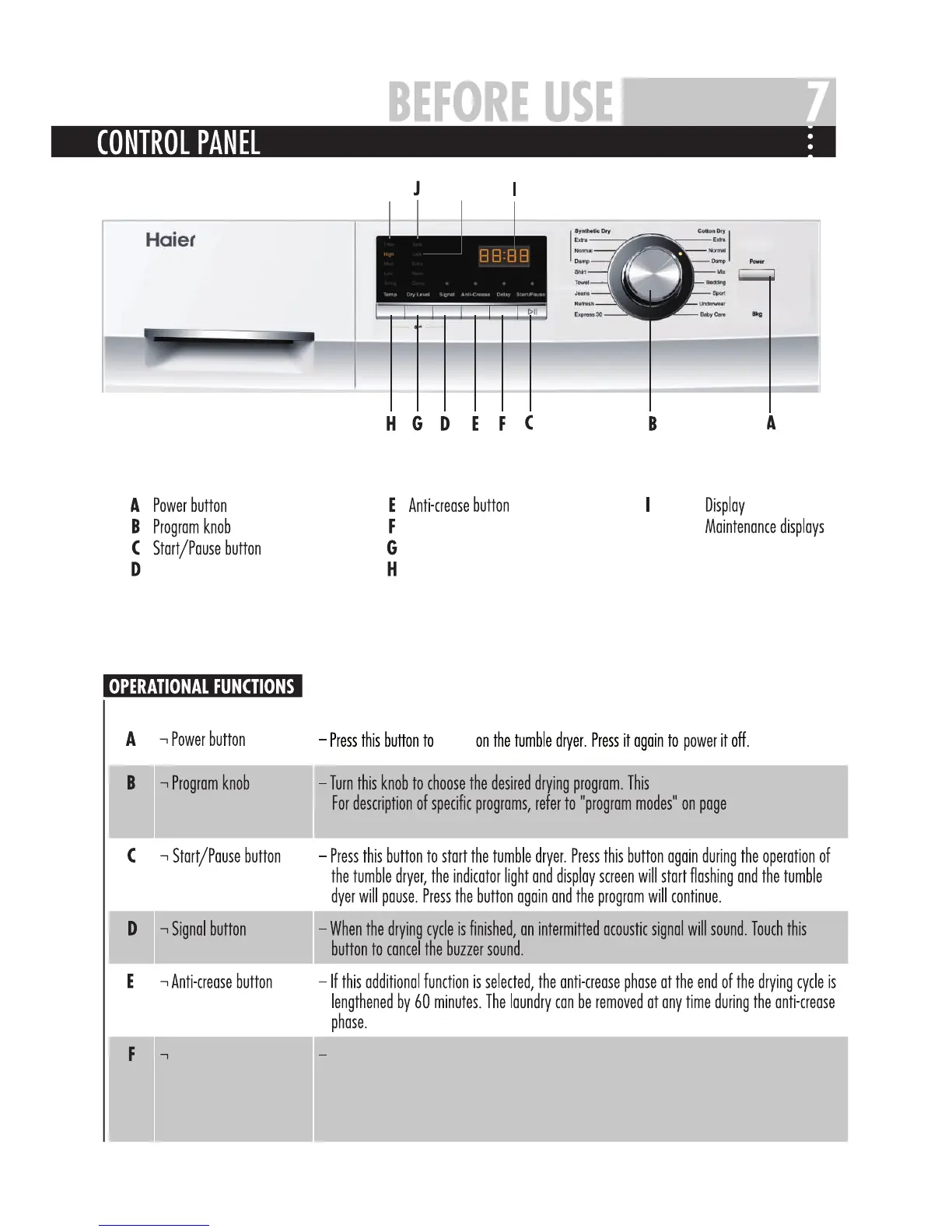
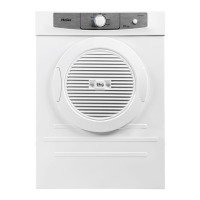
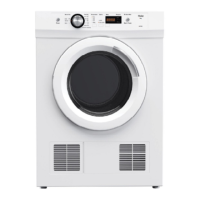
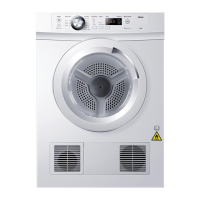
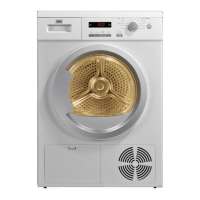
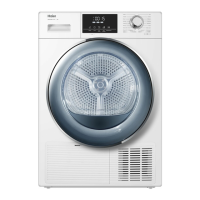
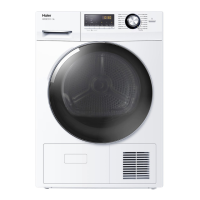
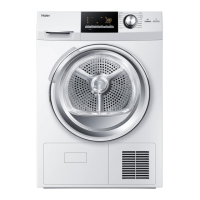
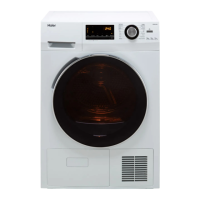
Delay button
KL
Signal button
Dry level button
Temperature level button
J L
K
Child lock display
Delay button
Press this button repeatedly before starting the program to enter the time you want the dryer
to be started. You can delay it 1 to 19 hours in 1 hour intervals. When passing 19 hours,
the delay time will turn off. After the delay is set, press the “start/pause” button to start
contdown(the indicator light will flash).
power
dryer has 16 program options.
9. When the drying
program is selected,the relevant indicator light is on.


 To Next Page