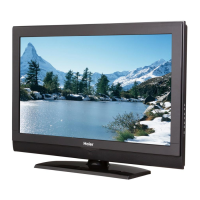
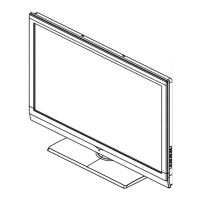
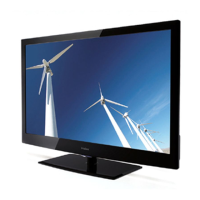
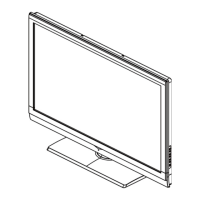
5 TV LCD-TFT
hsilgnE
PREPARATION
IMPORTANT: Do not apply pressure to the screen display area which may compromise the
integrity of the display. The manufacturer’s warranty does not cover user abuse or improper
installations.
PREPARING YOUR LCD HDTV FOR WALL MOUNTING
We suggest that you keep your TV at least 2.36 inches (6.0 cm) from the wall to prevent cable
interference.
Before mounting your TV on the wall, you need to remove the base.
For your safety, please use only with UL listed wall mount bracket with minimum weight of the
TV without stand. (Please see page.15.)
To attach a wall mount bracket to your TV:
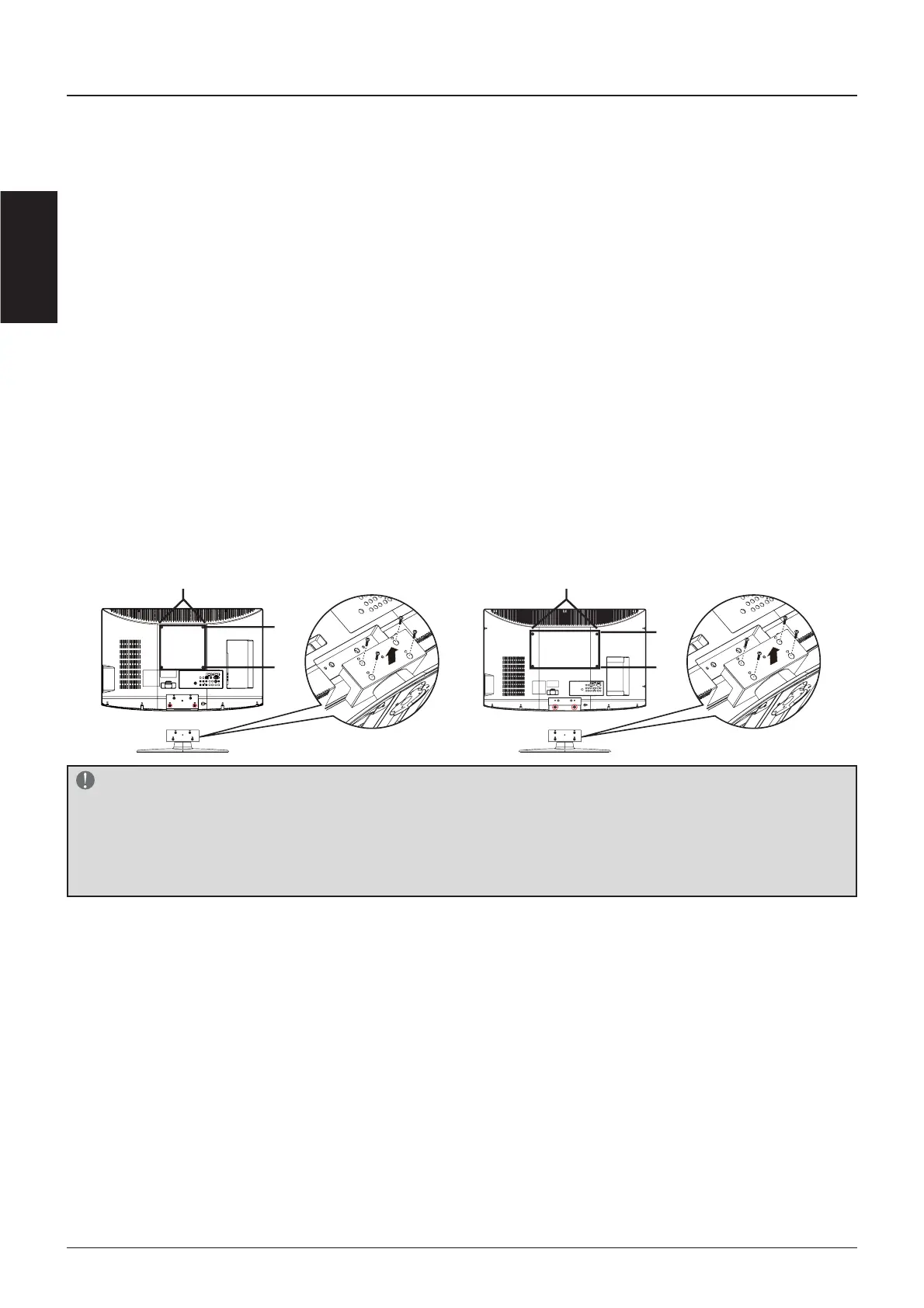
1 Loosen the screws on the back of the stand and remove the back cover of the stand.
2 Pull up the stand base from the hinge to remove the stand base from your TV.
3 Secure the wall mount bracket to the back of your TV using four M6 screws, as indicated
in the illustration.
32" 42"
200 mm
200 mm
400 mm
200 mm
NOTE
fFP[FPLQFK[LQFKZDOOPRXQWEUDFNHW0VFUHZVDUHQRWLQFOXGHG
fFP[FPLQFK[LQFKZDOOPRXQWEUDFNHW0VFUHZVDUHQRWLQFOXGHG
f $IWHU WDNLQJ WKH EDVH DSDUW XVHUV PXVW DWWDFK WKH WZR VFUHZ ORFNHUV PDUNHG WKH SLFWXUH WR
PDFKLQHLQRUGHUWRSUHYHQWJDSDIWHUKDQJLQJRQWKHZDOO


 To Next Page
 Loading...