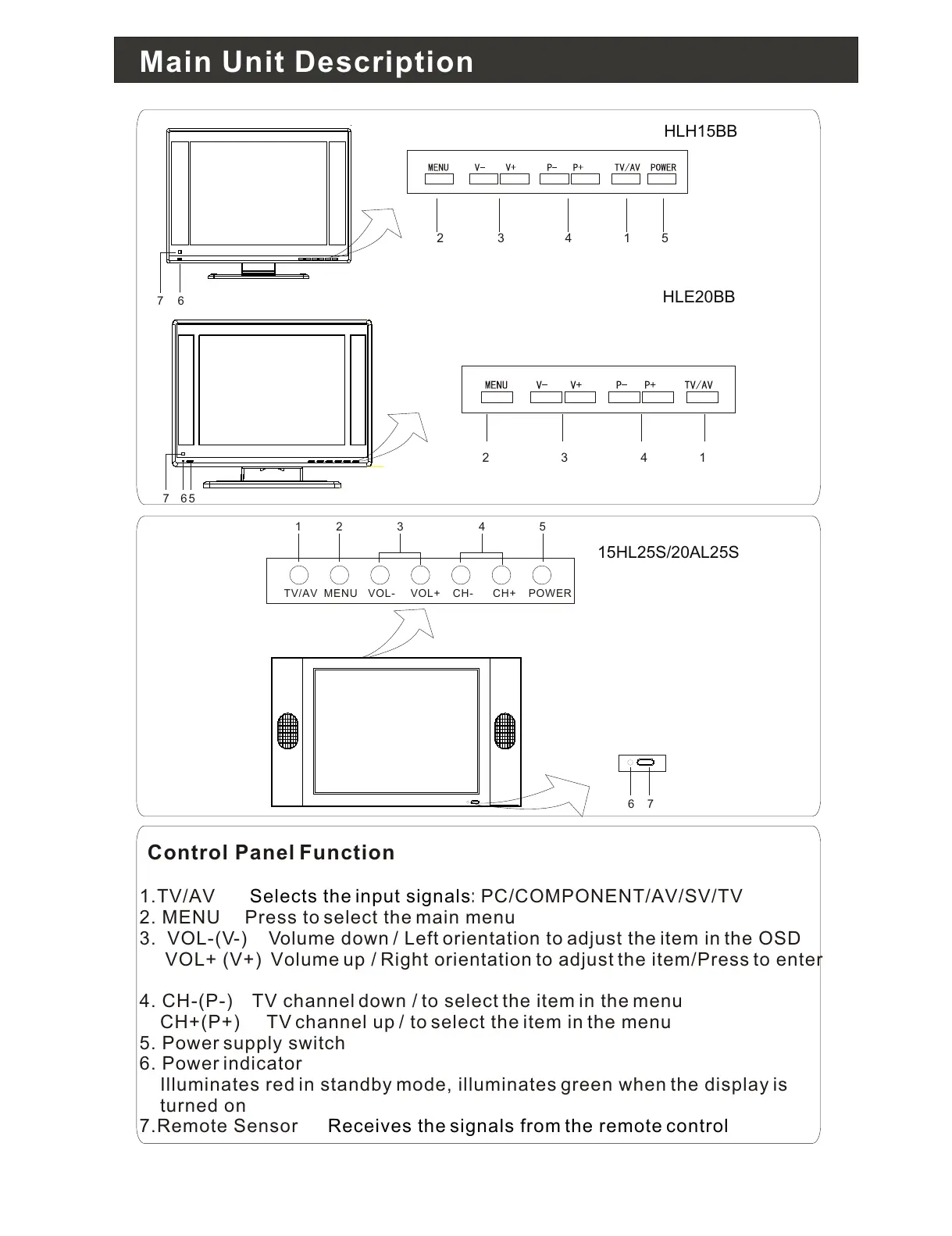
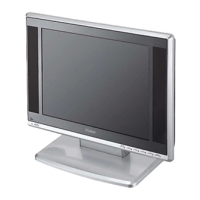
Control Panel Function
1.TV/AV PC/COMPONENT/AV/SV/TV
2. MENU Press to select the main menu
3. VOL-(V-) Volume down / Left orientation to adjust the item in the OSD
VOL+ (V+) Volume up / Right orientation to adjust the item/Press to enter
4. CH-(P-) TV channel down / to select the item in the menu
CH+(P+) TV channel up / to select the item in the menu
5. Power supply switch
6. Power indicator
Illuminates red in standby mode, illuminates green when the display is
turned on
7.Remote Sensor
Selects the input signals:
Receives the signals from the remote control
TV/AV MENU VOL- VOL+ CH- CH+ POWER
1 2 3 4 5
6
7
2 3 14
5
2 3 14
67
567
HLH15BB
HLE20BB
15HL25S/20AL25S
Main Unit Description


 To Next Page