REPLACEMENT OF MEMORY IC
1. MEMORY IC.
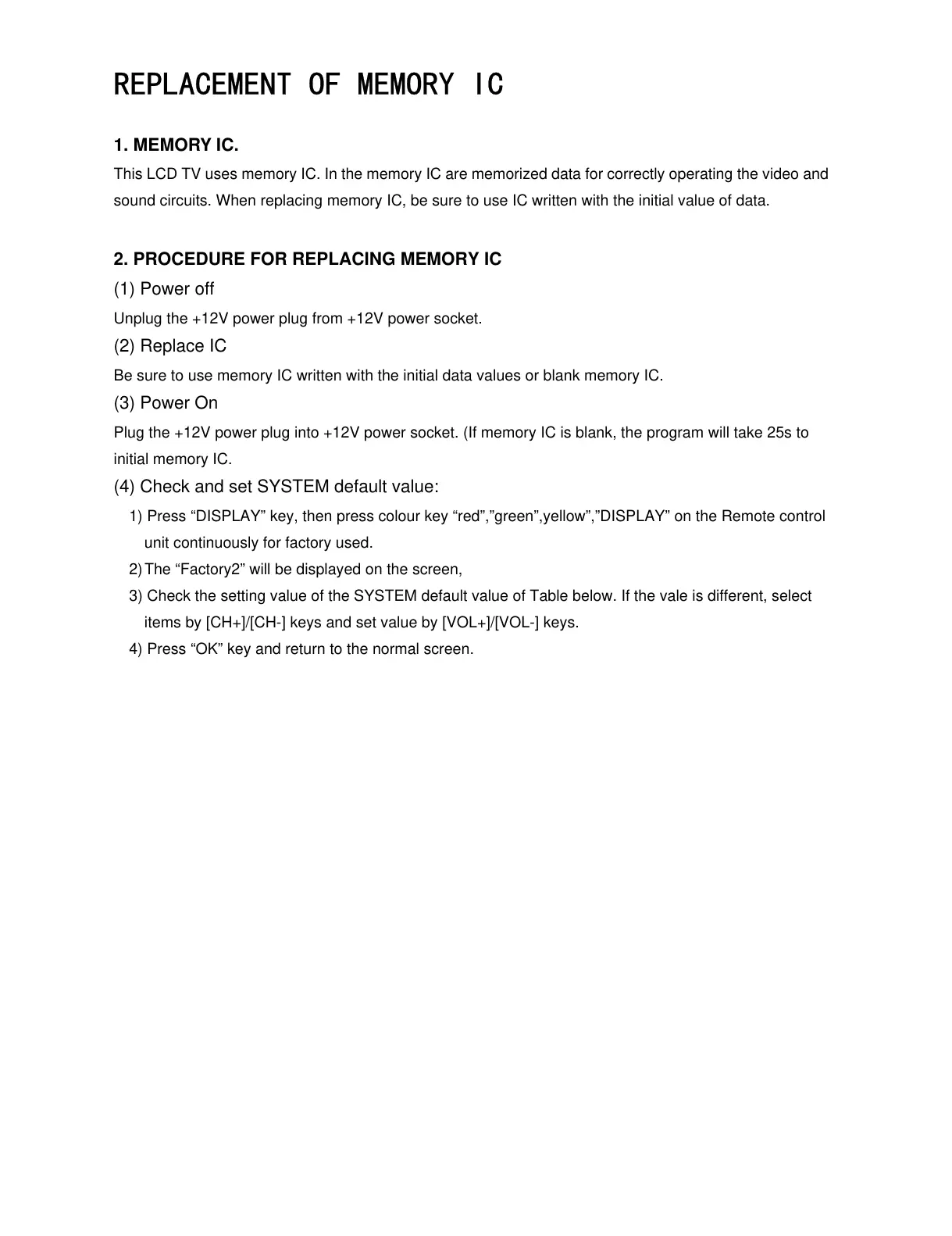
This LCD TV uses memory IC. In the memory IC are memorized data for correctly operating the video and
sound circuits. When replacing memory IC, be sure to use IC written with the initial value of data.
2. PROCEDURE FOR REPLACING MEMORY IC
(1) Power off
Unplug the +12V power plug from +12V power socket.
(2) Replace IC
Be sure to use memory IC written with the initial data values or blank memory IC.
(3) Power On
Plug the +12V power plug into +12V power socket. (If memory IC is blank, the program will take 25s to
initial memory IC.
(4) Check and set SYSTEM default value:
1) Press “DISPLAY” key, then press colour key “red”,”green”,yellow”,”DISPLAY” on the Remote control
unit continuously for factory used.
2) The “Factory2” will be displayed on the screen,
3) Check the setting value of the SYSTEM default value of Table below. If the vale is different, select
items by [CH+]/[CH-] keys and set value by [VOL+]/[VOL-] keys.
4) Press “OK” key and return to the normal screen.


 To Next Page