EasyManua.ls Logo

Haier HWM60-Z918 - User Manual

Haier HWM60-Z918
15 pages
Print Icon
To Next Page IconTo Next Page
Loading...
Users Manual
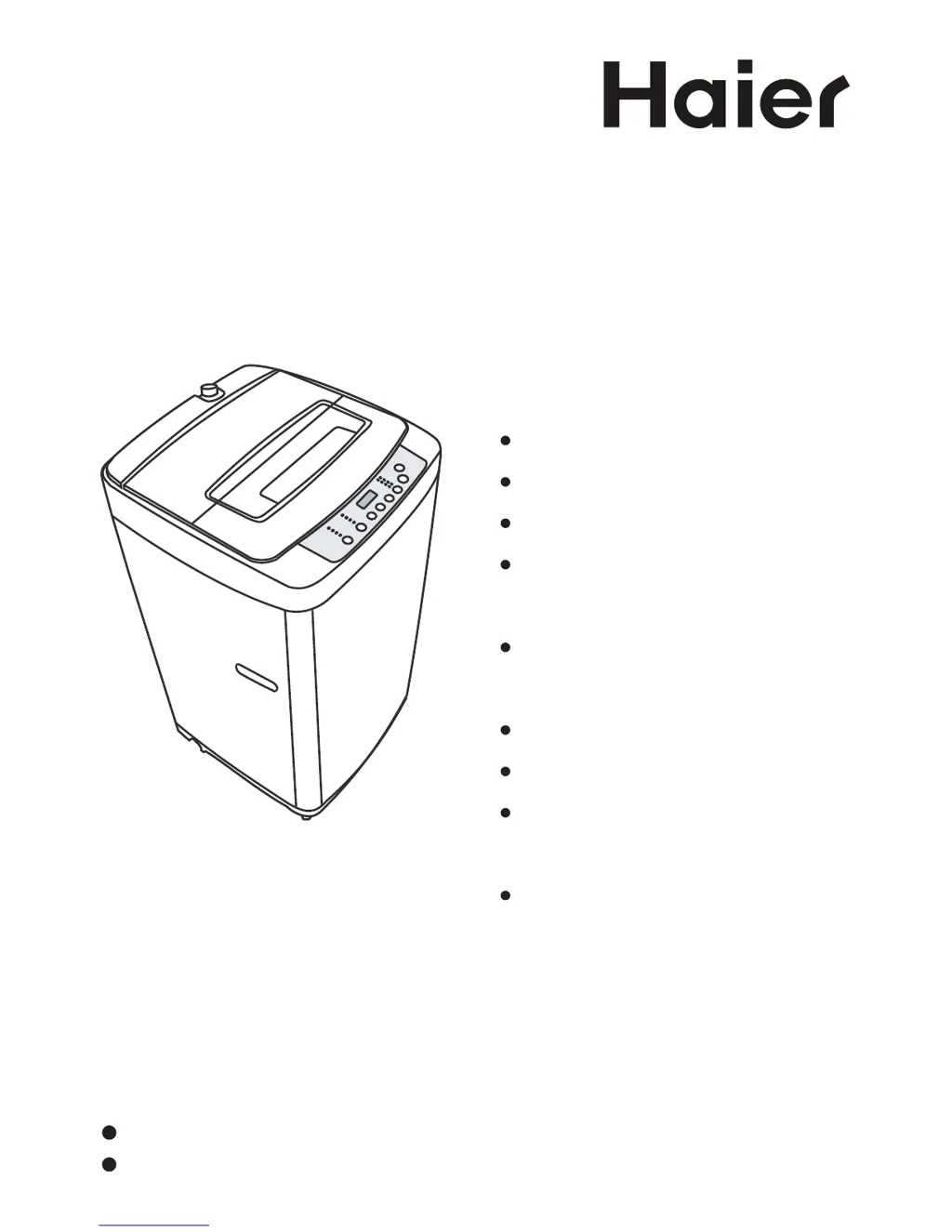
Fully Automatic Washing Machine
This manual is for
HWM60-Z918
Please read this manual carefully before using.
Retain it for future reference.
Index
Safety precautions ...............
2
Packing list
...........................
4
Names of the parts
...............
4
Installation and
adjustment............................
5
Preparation before
washing .................................
9
Use the operation buttons
....
11
Disposal after washing
.........
13
Trouble-shooting Answer
to question............................
14
Specication
.........................
15

Questions and Answers

  • C
    Catherine JacksonAug 13, 2025
    Why is my Haier HWM60-Z918 not working?
    • S
      Scott FullerAug 13, 2025
      If your Haier Washer isn't working, check if there is a power failure and ensure the power plug is tightly inserted. Also, make sure the water level has reached the preset position. If there is no power, wait until the power is restored. If the plug is loose, insert it tightly. If the water level is low, fill water to the preset position.
  • J
    Jonathan AlexanderAug 17, 2025
    What to do if the Haier HWM60-Z918 spinning doesn't work and shows E3?
    • R
      rossbrianAug 17, 2025
      If the safety switch in your Haier Washer is activated, preventing spinning, and the display shows E3, it could be due to unevenly distributed laundry or the machine not being level. Try reordering the laundries inside the washer so that they are evenly distributed. Also, ensure the machine is placed horizontally. Close the top lid. The machine will start running after 10 seconds of being placed horizontally.
  • G
    Gregory PerryAug 20, 2025
    How to fix a leaking water tap on a Haier HWM60-Z918?
    • S
      Stephen ClarkAug 20, 2025
      If the water tap is leaking on your Haier Washer, check the jointer of the water inlet hose. If it's loose or awry, fasten it properly.
  • D
    Dawn MaysAug 25, 2025
    What to do if the Haier Washer drainage is slow and shows E1?
    • N
      Nancy GrayAug 25, 2025
      If your Haier Washer's drainage is slow or not working, and the display shows E1, it could be due to a blocked drain hose or incorrect positioning. First, clean any foreign material from the drain hose. Then, ensure the drain hose is placed down correctly. Also, try opening and closing the top lid once.
  • W
    walkerjenniferAug 28, 2025
    Why is my Haier Washer not filling with water and showing E4?
    • K
      Kirsten ComptonAug 28, 2025
      If your Haier Washer isn't filling with water or is filling slowly, and the display shows E4, check the following: Ensure the water tap is fully open and that there is no water supply failure. Inspect the water inlet valve for blockages and clean it if necessary. Also, make sure the water pressure is normal. After performing each of these steps, press the Start/Pause button.
  • S
    Shawn TorresSep 1, 2025
    How to fix abnormal sounds inside the Haier HWM60-Z918?
    • J
      Julia CarrilloSep 1, 2025
      Abnormal sounds in your Haier Washer can be caused by a few things. First, check if the machine is level and adjust if needed. If the laundries are put slantingly in spinning, reorder them evenly and close the top lid. Also, check for and remove any foreign materials inside the machine.
  • S
    Steven HartSep 4, 2025
    Why does my Haier Washer stop mid-cycle and show E2?
    • A
      Autumn FordSep 4, 2025
      If your Haier Washer stops running midway and the display shows E2, it's likely that the top lid is not closed properly. Make sure to close the top lid securely.
  • C
    campbellsydneySep 9, 2025
    What does E0 mean on my Haier HWM60-Z918?
    • J
      Jill HinesSep 9, 2025
      If your Haier Washer's display shows 'E0', it means the top lid was opened during the reserve procedure. To resolve this, simply close the top lid.

Summary

Safety Precautions

Meaning and Description of Symbols

Explains safety symbols like WARNING and FORBIDDING used in the manual for user safety.

Installation and Adjustment

Install the Bottom Plate

Guides on attaching the bottom plate to the washing machine base for stability and correct installation.

Adjust the Installation Position

Instructions on ensuring the machine is level and stable for optimal operation and preventing vibrations.

Install the Water Inlet Hose

How to Change the Direction of the Drain Hose

Preparation Before Washing

Usage of the Detergent

Use the Operation Buttons

Steps of Using the Operation Buttons

Trouble-shooting Answer to Question

Haier HWM60-Z918 Specifications

General IconGeneral
TypeTop Load
Capacity6 kg
Spin Speed800 RPM
ColorWhite
Water Level SelectionYes
Child LockYes

Related product manuals