10
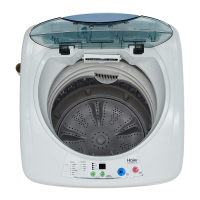
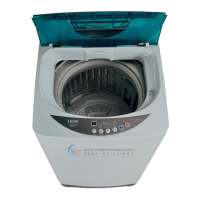
3 Push the " WATER LEVEL "button,select suitable water level
After switching on the power, the washing machine will execute fuzzy program
automatically to detect the cloth.
After defection, it can set the water level automatically. To select other water level, first
push the " START/PAUSE " button, then push the "WATER LEVER" button to set the
water level.
4 Push the "START/PAUSE " button
6 Finish washing
After finishing wash it will switch off power automatically.
When "NORMAL" program is selected, the washing machine will perform
fully-automatically controlled fuzzy program to set water level, water flow
and wash duration according to the cloth nature and weight.
WATER
LEVEL
START
PAUSE


 To Next Page
 Loading...