EasyManua.ls Logo

Haier IPD-157W - User Manual

Haier IPD-157W
27 pages
Print Icon
To Next Page IconTo Next Page
Loading...
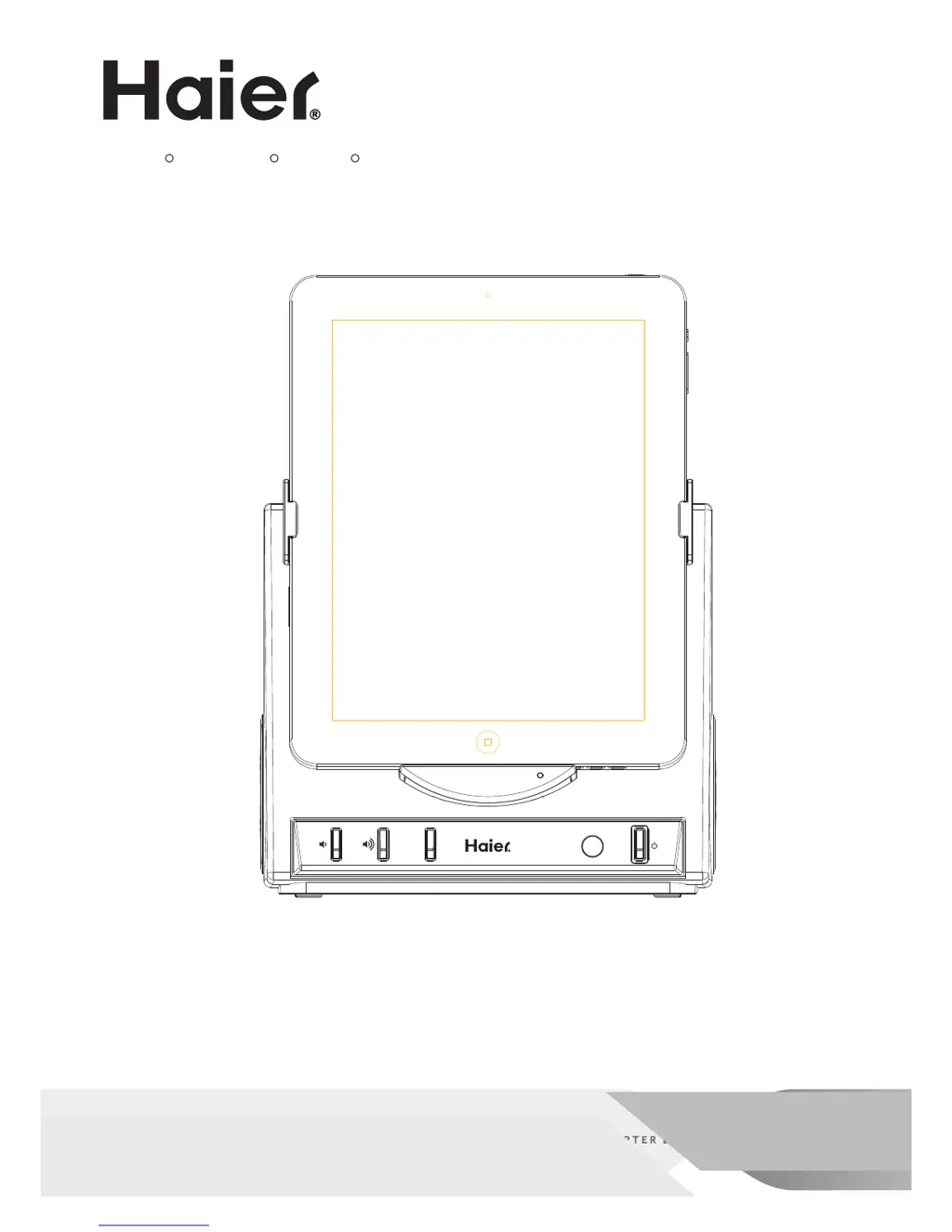
iPod , iPhone , iPad Docking Station
Speaker System
EQ
Model # IPD-157
User Manual
R R R
Guide de l'Utilisateur
Manual
del Usuario Modelo

Questions and Answers

  • S
    Sean SmithAug 11, 2025
    How to fix a Haier Docking Station that won't turn on?
    • R
      Ryan KhanAug 11, 2025
      If your Haier Docking Station isn't powering on, ensure the AC adapter is correctly plugged into both a working wall outlet and the DC IN jack located at the back of the unit. This should restore power.
  • B
    Bruce SheltonAug 18, 2025
    What to do if my iPod doesn't dock properly on my Haier IPD-157W?
    • B
      brianna31Aug 18, 2025
      If your iPod isn't docking correctly with the Haier Docking Station, remove the iPod and inspect both the dock's connections and the iPod itself for any obstructions. After checking, carefully reseat the iPod in the dock.
  • B
    Bradley GoodwinAug 27, 2025
    Why is my iPod not responding to my Haier Docking Station?
    • C
      Crystal WhiteAug 27, 2025
      If your iPod isn't responding when docked in the Haier Docking Station, take it out and inspect the connections on both the dock and the iPod for any obstructions. Once you've checked, reseat the iPod firmly in the dock.
  • J
    Jessica ClarkSep 3, 2025
    What to do if my iPod isn't charging on my Haier IPD-157W?
    • N
      Nathan FrederickSep 3, 2025
      If your iPod isn't charging on the Haier Docking Station, remove the iPod and check for any obstructions on the connections, both on the dock and on the iPod itself. Then, reseat the iPod in the dock.

Haier IPD-157W Specifications

General IconGeneral
BrandHaier
ModelIPD-157W
CategoryDocking Station
LanguageEnglish

Related product manuals