ADVANCE
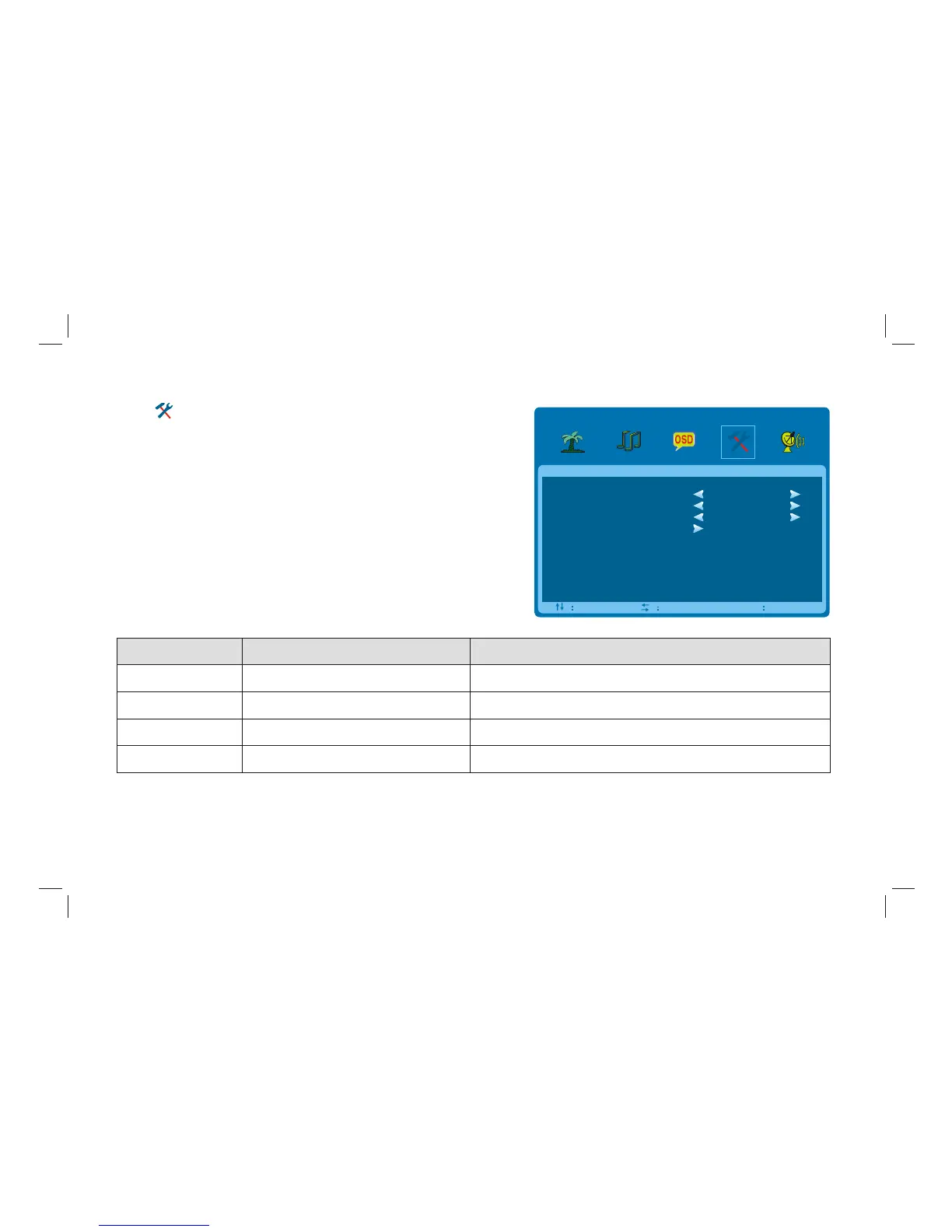
Select to enter the ADVANCE submenu. Press "Up/Down" key
on the remote control or "CH+/CH-" key on the front panel to
choose what you need. Press the "Left/Right" key on the remote
control or the"VOL+/VOL-" key on the front panel to adjust analog
value or state (see below table).
SLEEP - TIMER
DCC
BLUE SCR EEN
RESETTING
ADVANCE
SEL ADJ
MENU
EXIT
OFF
OFF
ON
Option Function Description
SLEEP - TIMER
DCC
BLUE SCREEN
RESETTING
Set sleep time of the machine
Resume to setting of factory
Open or close DCC
Open or close BLUE SCREEN
"",
"ON/OFF" two states.
"ON/OFF" two states.
Off, 15M, 30M, 45M, 60M, 120M unit: minute.
Reset all values to setting of factory.
23



 To Next Page