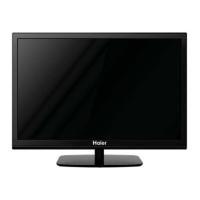
POWER
POWER
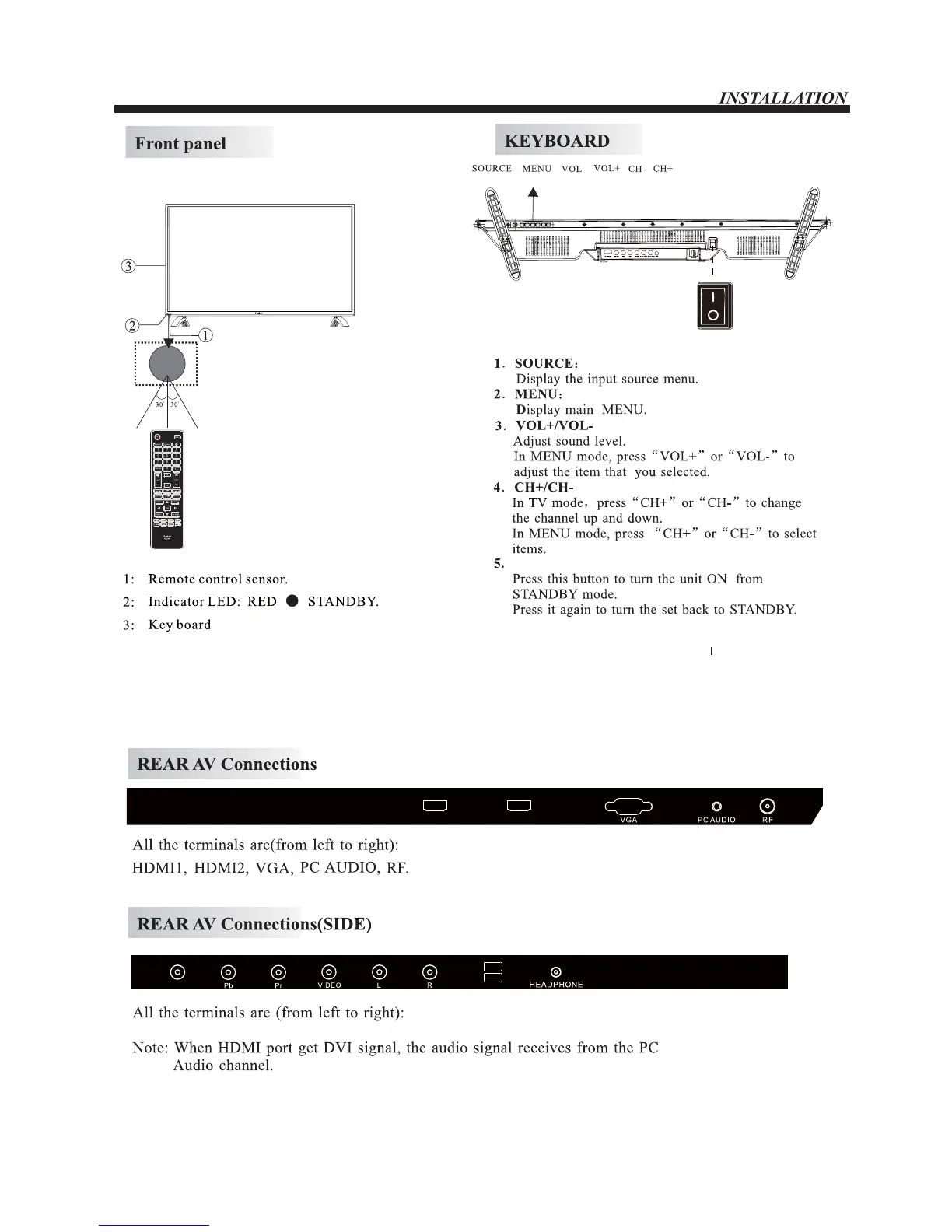
POWER SWITCH
<
HDMI2HDMI1
USB2
USB1
ZQcQs-WJEFP-M-S-VTC2-VTC3-IFBEQIPOF
NOTE:After getting through the power supply, press the
power switch on the TV (“ ” means connected),
the television enter into standby mode, press the
standby key on the remote control , then the TV
enter into normal playing status.
The “O” on the power switch means shut off the
power.
-6-


 To Next Page