Getting Started
Digital LCD Television Instruction Manual EN-22
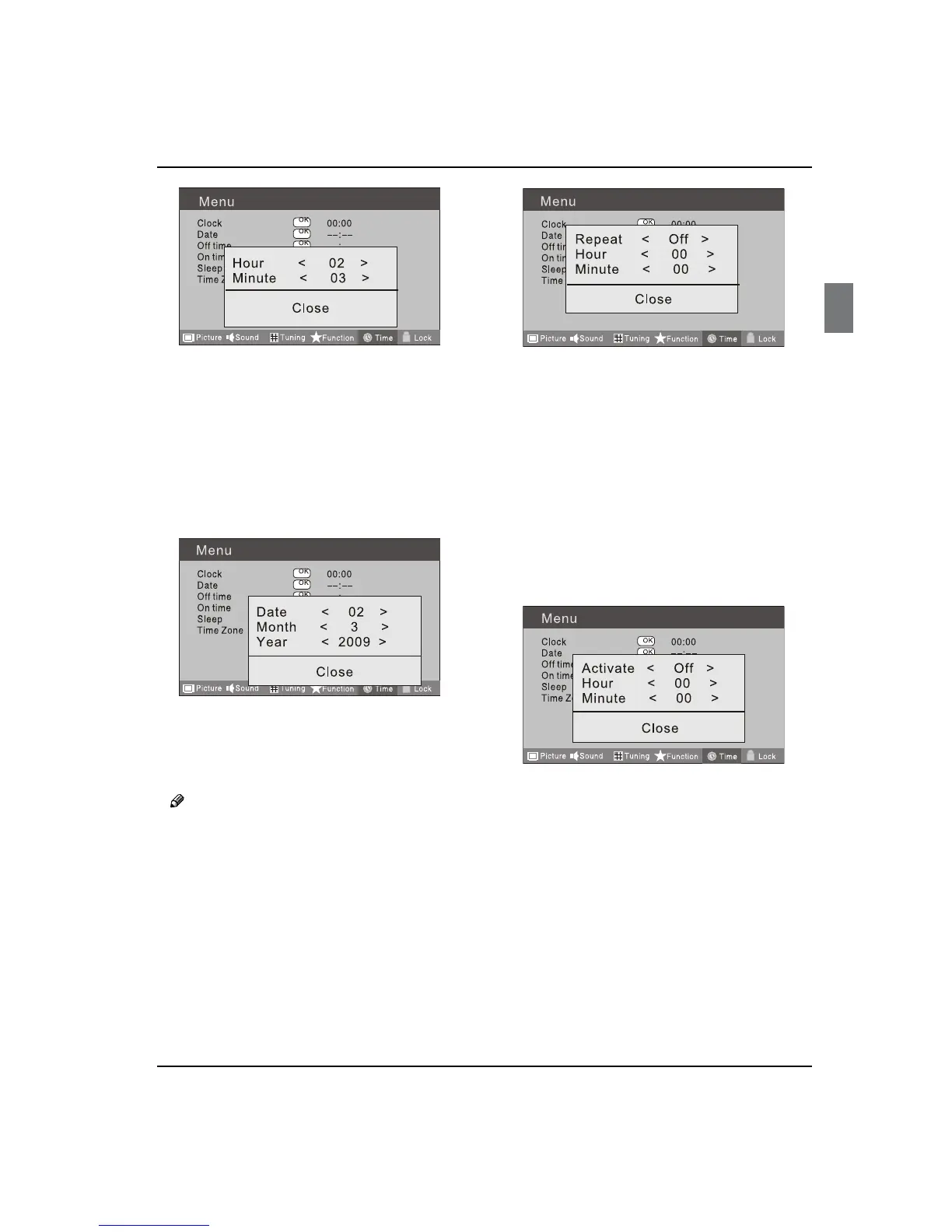
Press
C button to select Clock item, press
button to enter setting.
Press button to select hour or minute, press
button to adjust the value.
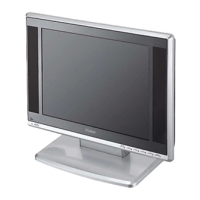
DateV
Press A MENU button.
Press
B button to select Time menu, press
button to enter.
Press C button to select Date item, press
button to enter setting.
Press button to select the option, and then
press button to adjust value.
Note
In DTV mode, because the time information is O
from the signal, the Clock and Date are not able
to be changed.
If you want to change the time, turn o the TV in
ATV mode, then turn on the TV.
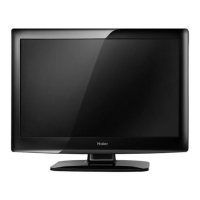
O TimeV
Press A MENU button.
Press
B button to select Time menu, press
button to enter.
Press C button to select O Time item, press
button to enter setting.
Press button to select Repeat option, and
then pressbutton to set it on.
Press button to select hour or minute, press
button to adjust the value.
When the o time has arrived, the TV set will
enter into standby mode.
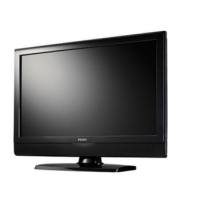
On TimeV
Press A MENU button.
Press
B button to select Time menu, press
button to enter.
Press C button to select On Time item, press
button to enter setting.
Press button to select activate option, and
then pressbutton to set it On.
Press button to select hour or minute, press
button to adjust the value.
When the on time has arrived, the TV set will
switch on automatically.
SleepV
The sleep timer automatically shuts o the TV after a
preset time (from 5 to 240 minutes).


 To Next Page