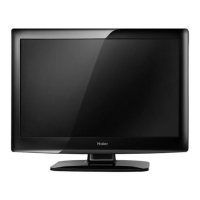
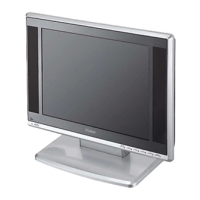
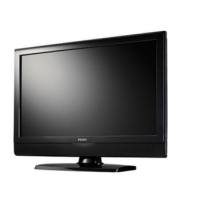
About your LCD TV
EN-9 Digital LCD Television Instruction Manual
6
7
1
2
4
3
5
DC IN
USB
DIGITALVOUT
(COAXIAL)
HDMI IN
COMPONENT
IN
AV IN
Y Pb Pr
VIDEO L-AUDIO-R
L-AUDIO-R
PC/DVI AUDIO IN
PC IN
SCART
1
2 3
4
5
6
7
8
9
10
11
1
DC IN input
2
EARPHONE
output
3
USB
input
4
Digital output input
5
HDMI IN
input
6
PC IN input
7
PC/DCI AUDIO IN
input
8
TV SCART input
9
AUDIO IN
input
>
AV IN input
A
COMPONENT IN
input
1
SOURCE
Call the input Source menu/Conrm button
when operating menu.
2
MENU
Press to select the main menu.
3
VOL-
Volume down/Left orientation to adjust the item
in the OSD.
VOL+
Volume up/Right orientation to adjust the item
in the OSD.
4
CH-
TV channel down/to select the item in the menu.
CH+
TV channel up/to select the item in the menu.
5
POWER
6
Power indicator
7
Remote Sensor
Only 19"/22" LED LCD Model


 To Next Page