About your LCD TV
EN-5 Digital LCD Television Instruction Manual
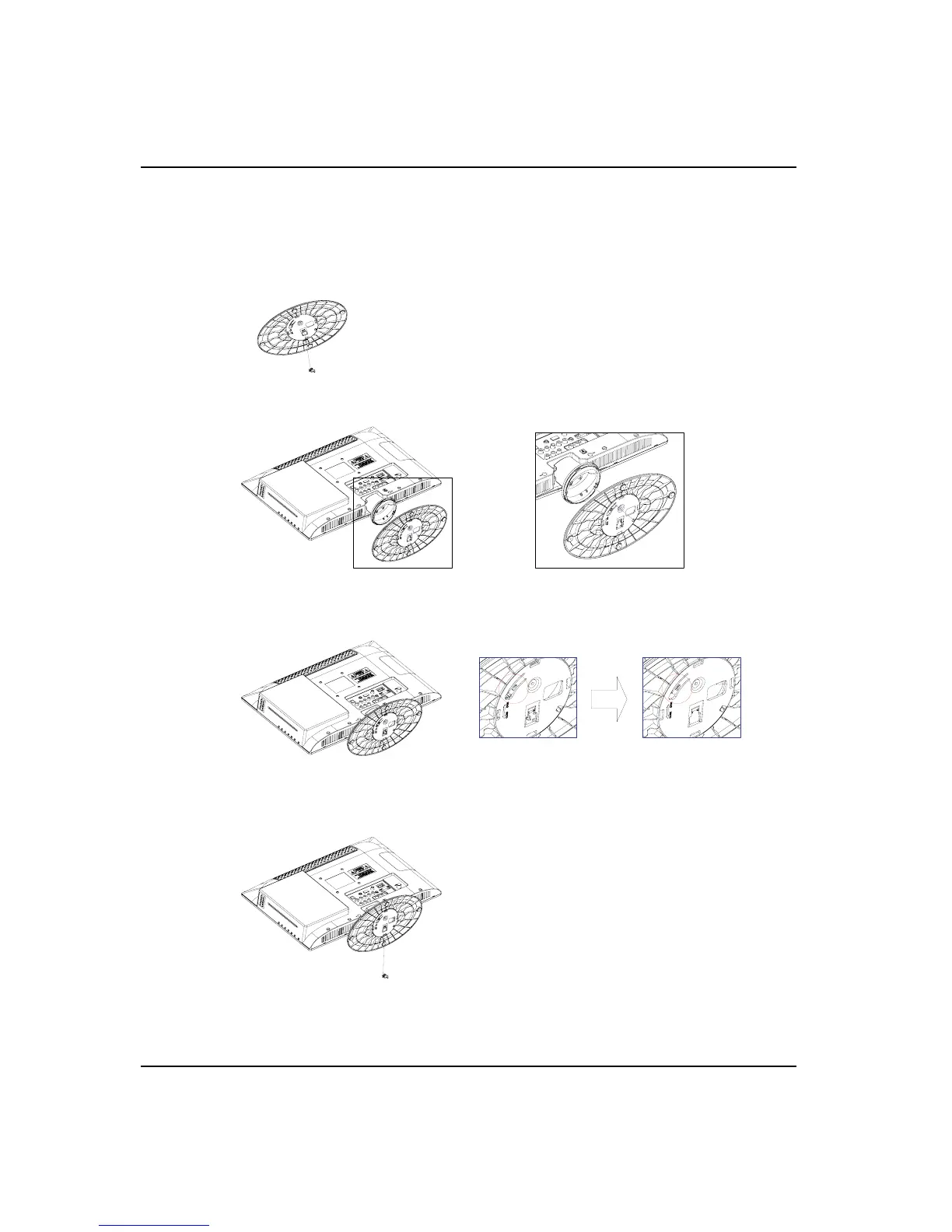
1. Put the small piece out of the base stand.
2. Position the column with the base stand.
4. Put the small piece in the base, also can use a screw.
3. Push the LCD TV onto the base.ˈRotate the machine about 15 degrees according
to the arrow on the base stand .
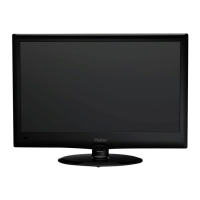
Installing the stand
Only for LED19/22T3


 To Next Page