About your LCD TV
Digital LCD Television Instruction Manual EN-6
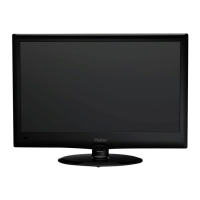
Installing the Stand
Only for LED40T3
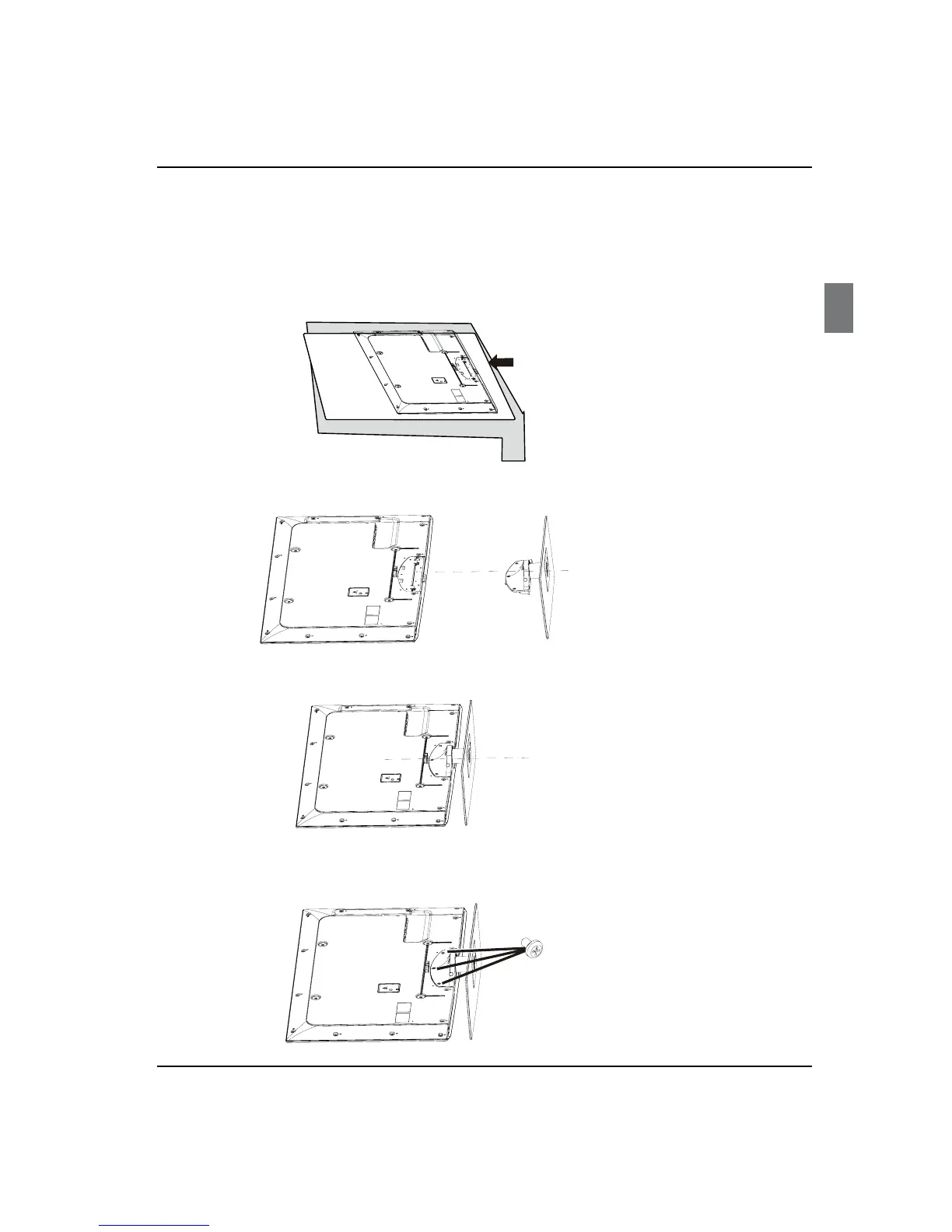
1.Carefully place the TV screen side down on a table. We suggest that you place the
wrapping material fromthe TV package on thetable top toprotect the screen from
damage.
2.Position the stand with the bottomof the TV as shown below.
4.Attach the screw from the bottom of the stand to the TV.
3.Push the stand onto the TVDŽ
.


 To Next Page