Using the features
EN-29 Digital LCD Television Instruction Manual
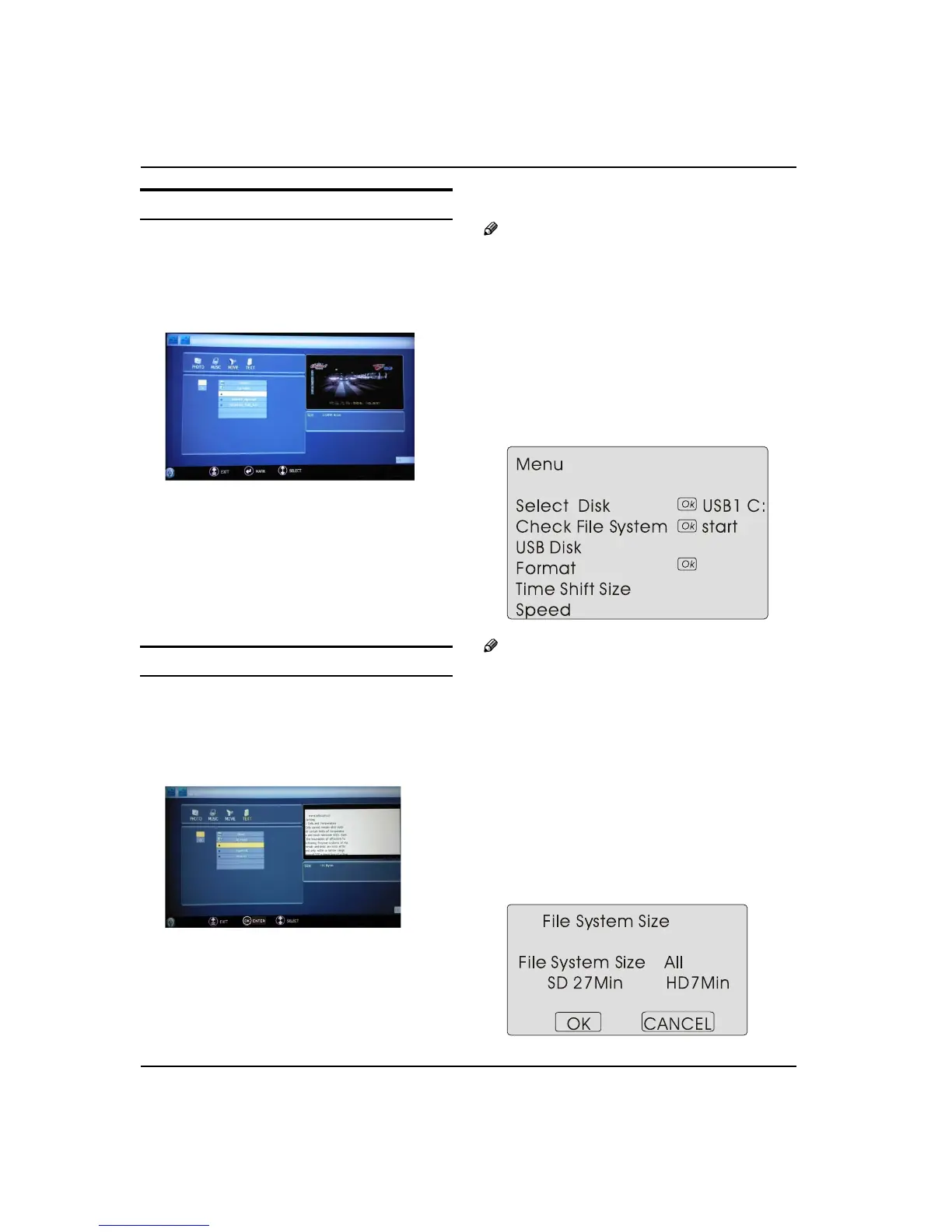
Playing a Movie
Atter entering USB main interface, press A “/“ to
select “Movie”.
Press “
B OK” to confirm the selection and enter the
movie file list.
Press C “/“ and “OK” button to select the movie
you want to play, and then press “PLAY/PAUSE”
button to play the movie.
Press “ZOOM” to magnify the picture.
Press “PREV/NEXT “ to select the last or next movie.
Press “STOP
“ to stop the movie being played.
To exit playing, just press “
D BACK” repeatedly.
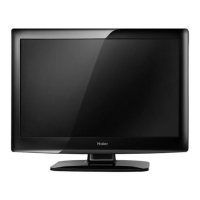
Tex t
After entering USB main interface, press “A /“ to
select “Text” .
Press “
B OK” to confirm the selection and enter the
text file list.
Press “C /” and “OK” button to select the text you
want to play, and then press “PLAY/PAUSE” button
to play the text.
Press “PREV/NEXT “ to select the last or next text.
To exit the “Text”
D mode, just press “BACK” repeatedly.
Note
You can enjoy the music and the text at the same O
time.
Using External USB
Disk For Recording
Insert the USB device with FAT32 format into the A
USB1 connector. Then, press MENU button.
Note
Only USB1 is available for recording.O
Press
B button to select FUNCTION menu, press
button to enter .
Press
C button to select Recorder. Press OK
button to enter the submenu.
Press
D button to Select Disk and press or OK
button to enter. Press button to select disk if
your device has several disks.
Press
E button to select Format and press to
enter. Press button to select the size you want
to format. Press OK button to format the USB Disk.


 To Next Page