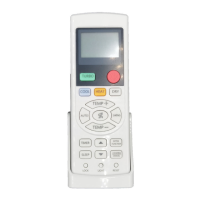
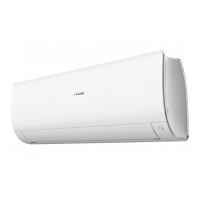
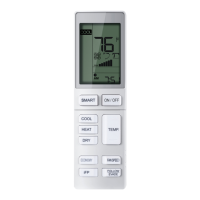
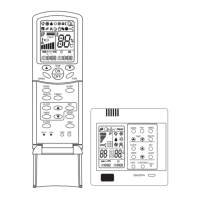
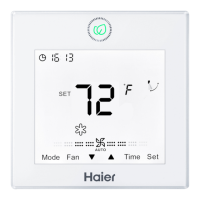
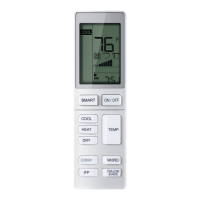
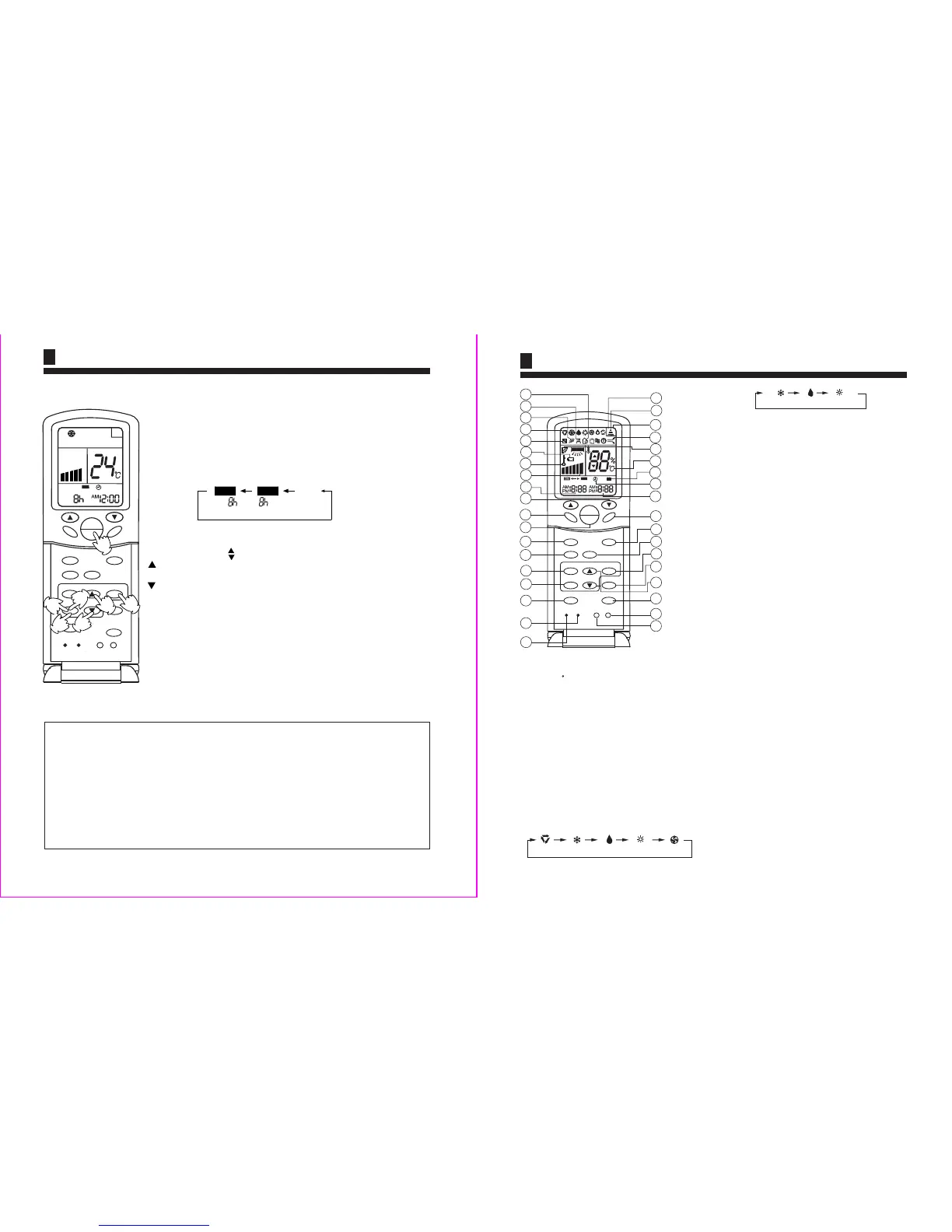
Remote controller
1.TEMP Setting Button
(Used to set temperature. Setting ranges:
16 C to 30 C)
2.SWING Button
If you press this button once, auto swing will be
activated.
If you press this button again, the louver will fix
in the present position.
3.Power ON/OFF Button
Used for unit start and stop
After power on, the LCD of remote controller will
display the previous operation state (except for
TIMER,SLEEP and SWING state).
4.Operation MODE
Used to select operation mode.
Every time you press MODE button, operation mode
changes according to following sequence:
The function of code A
6.CLOCK Button
Used to set correct time.
7.TIMER Button
Used to select TIMER mode:TIMER ON,TIMER OFF.
(Note: if time of TIMER ON is the same as TIMER OFF)
10.RESET Button
Press this button by using a sharp article to resume the correct
operation of the remote controller in case of need, i.e. for
example in case of malfunctions due to electromagnetic
disturbance.
5.HEALTH Button
13.HOUR Adjustment
Used to set clock and timer setting
8. FILTER Button
Used to set up/down function of filter.
9.CODE Button
Used to select Code A or B, this manual is for code B.
14.HIGH/SO Button
Used to select HIGH or SOFT operation.
11.LIGHT Button
Used to light the control panel (only for cabinet unit)
12.LOCK Button
Used to lock operation button and LCD display contents: by
pressing this button, other buttons comes out of function and
lock state display appears; if you press it again, lock state
will be no more active and lock state display will disappear.
HEAT
COOL
DRY
FRESH
HIGH/SO
TIMER
SET
FILTER
B
A
M D
HEALTH
RESET
LOCK
SLEEP
FAN
TEMP
ON
OFF
SWING
MODE
CLOCK
CODE
LIGHT
OFF
A
U
T
O
25
26
21
23
18
19
22
24
27
20
36
1
2
3
4
6
7
9
10
5
8
34
33
28
32
31
30
35
29
15.SET Button
Used to confirm TIMER and CLOCK settings when
or cooling. heating
16.FRESH Button
Used to set fresh mode, the unit will draw in fresh air.
Parts and Functions
2
22.TEMPERATURE Display
20.TIMER Display
21.FILTER Display
17.SLEEP Button
(The clock must be corrected before setting sleep function)
Used to set sleep mode.
18.FAN Button
Used to select fan speed:LOW,MID,HIGH,AUTO.
19.TIMER OFF Display
When the filter need be cleaned, the sign will
appear automatically.
HEAT
13
17
14
16
15
12
11
37
24.HIGN/SO Run Display
23.AUTO SWING Display
AUTO
FAN
HEAT
COOL
DRY
The function of code B
Auto restart (to be applied for a necessary situation)
:
Setting Method: When the wire remote controller is on (excluding timer mode and fan mode), press
the "SWING" button on the wire remote controller 10 times within 5 seconds, and after the buzzer
rings 4 times, the air conditioner will enter the state of power failure compensation.
Cancel Method: Press the "SWING" button on the wire remote controller 10 times within 5 seconds,
and after the buzzer rings 2 timer, the Auto restart mode will be cancelled.
Notes: When a power failure suddenly occurs during the air conditioner is working after the Auto restart
is set, if the air conditioner will not be used for a long time, please cut off the
power supply to prevent its operation from being resumed after the power is supplied again, or press
the "Switch On/Off" button after the power comes again.
After the Auto restart is set, if power failure suddenly occurs while the air conditioner is
working, it will resume the previous working state when the power is supplied again.
5
1.Unit start
After unit starts,select your desired operation mode(Operation mode
will be displayed on LCD)
2.TIMER mode selection
Press TIMER button on the remote controller to changeTIMER mode.
Every time the button is pressed,display of TIMER mode changes as
follows:
3.Time setting
Timer ON/OFF Function,(Set clock correctly before starting TIMER operation)
ON OFF
TIMER ON
TIMER OFF
blank
Then select TIMER mode as needed
5.Canel TIMER mode
4.Timer confirming
After time setting ,press SET button to confirm time.
Timer ON-OFF Function
After replacing batteries or if apower failure occurs,TIMER setting must be reset.
Remote controller has memory function.When you use TIMER mode next time,just press SET
button after mode selection if timer setting is the same as the previou sone.
FRESH
HIGH/SO
TIMER
SET
FILTER
B
HEALTH
RESET
LOCK
SLEEP
FAN
TEMP
ON
OFF
SWING
MODE
CLOCK
CODE
LIGHT
OFF
1
6
HIG
3
R
7
2
FIL
5
R
4
Press time button
Every time the button is pressed,time increases an hour.If the button
is kept pressed,time will changes quickly.
Every time the button is pressed,time decreases an hour.If the button
is kept pressed,time will changes quickly.It can be adjusted with in
12 hours at will. AM refers to morning and PM refers to afternoon.
Operation
HEAT


 To Next Page
 Loading...