► Remove the mains plug from the electrical socket before
cleaning the device.
Observe the following safety instructions to avoid injury:
► Do not touch the casing.
► To prevent irreparable damage, make sure that no moisture gets
into the device when you clean it.
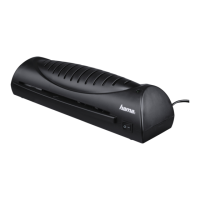
The rollers in the laminating device need to be cleaned regularly to
remove dirt and any adhesive residue. To do so, proceed as follows:
■ Switch on the device as previously described.
■ When the ready lamp
2
stays lit, insert a piece of paper into the
device.
■ If a lot of dirt sticks to the paper, turn over the paper and repeat
the process.
Clean the outside of the device with a dry cloth. You can lightly dampen
the cloth if the device is very dirty.


 To Next Page