23
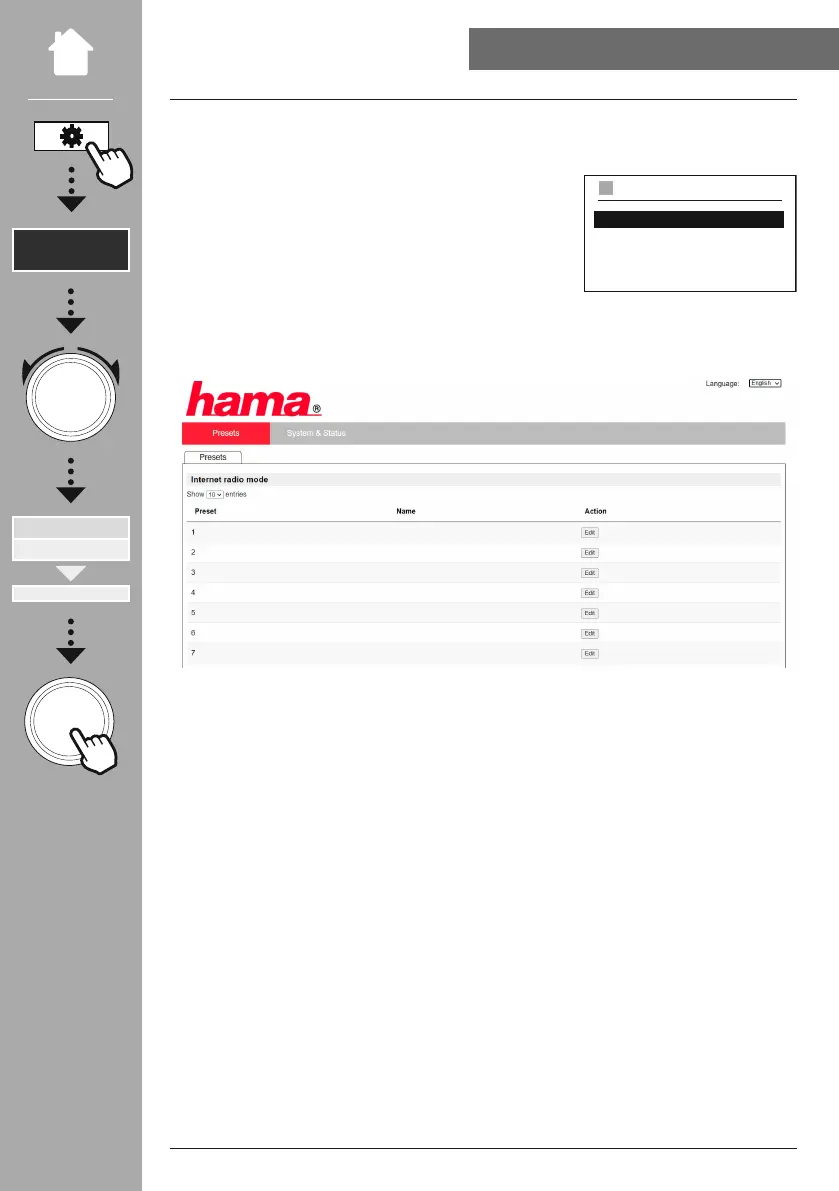
To access the administration interface, you must rst determine the radio's IP address on the local
network.
To do this, open the Network settings display, which you will
nd under
. Now make a note of the IP address
displayed there. Alternatively, the IP address can also be
determined from the device overview of most routers.
Now open the Internet browser on your smartphone, tablet or PC and enter the IP address in the address
line of the browser. (e.g. http://192.168.2.100)
If the IP address was entered correctly, the radio's administration interface should open.
In the top right-hand corner you will nd the supported languages for this interface. Select the desired
language from the drop-down menu here.
Network
View settings
IP address
192.168.2.100
VIEW SETTINGS



 To Next Page