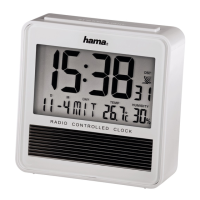
7
•This alarm is automatically activated by setting the alarm time indicated by the bell symbol.
•The set alarm time for weekdays and the weekend can be accessed by pressing the SET
ALARM TIME button (8). Press it once for the weekday alarm (1 to 5appears), twice for the
weekend alarm (6 to 7appears) and once moretoreturn to theprevious display.
Activating/deactivating the alarm clock
•Press the ALARM ON/OFF SETTINGS-button (7) repeatedly to activate/deactivate the
alarm time.
•Press the SET ALARM TIME button (8) twice and then press the ALARM ON/OFF
SETTINGS button (7) to activate or deactivate
the weekend alarm. If the alarm is activated, the corresponding
symbol is displayed.
Stopping the alarm clock/snooze function
•Ifthe alarm is triggered, an alarm signal will sound for 5minutes. The frequency of the alarm
signal increases the longer the alarm continues. The alarm switches off automatically after 5
minutes. Alternatively,itcan be stopped by pressing the SET ALARM TIME button (7), +/
DCF button (6), -button (5) or ALARM ON/OFF SETTINGS button (7).
Note –Snooze function
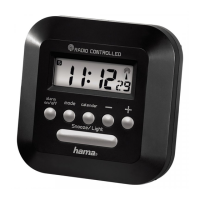
•While the alarm signal is sounding, press the SNOOZE/LIGHT button (12) to activate the
snooze function. begins to ash on the display.The alarm signal will be stopped for 8
minutes, after which it will sound again.
6.4. Backlight
•Ifyou press the LIGHT/SNOOZE button (9), the display lights up for approx. 3seconds.
7. Temperature indicator
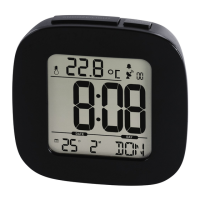
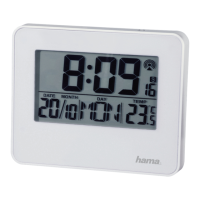
Press the +/DCF button (6) several times until the temperatureappears. Press the –button (5)
for approx. 5seconds to switch between Celsius and Fahrenheit.



 To Next Page