3
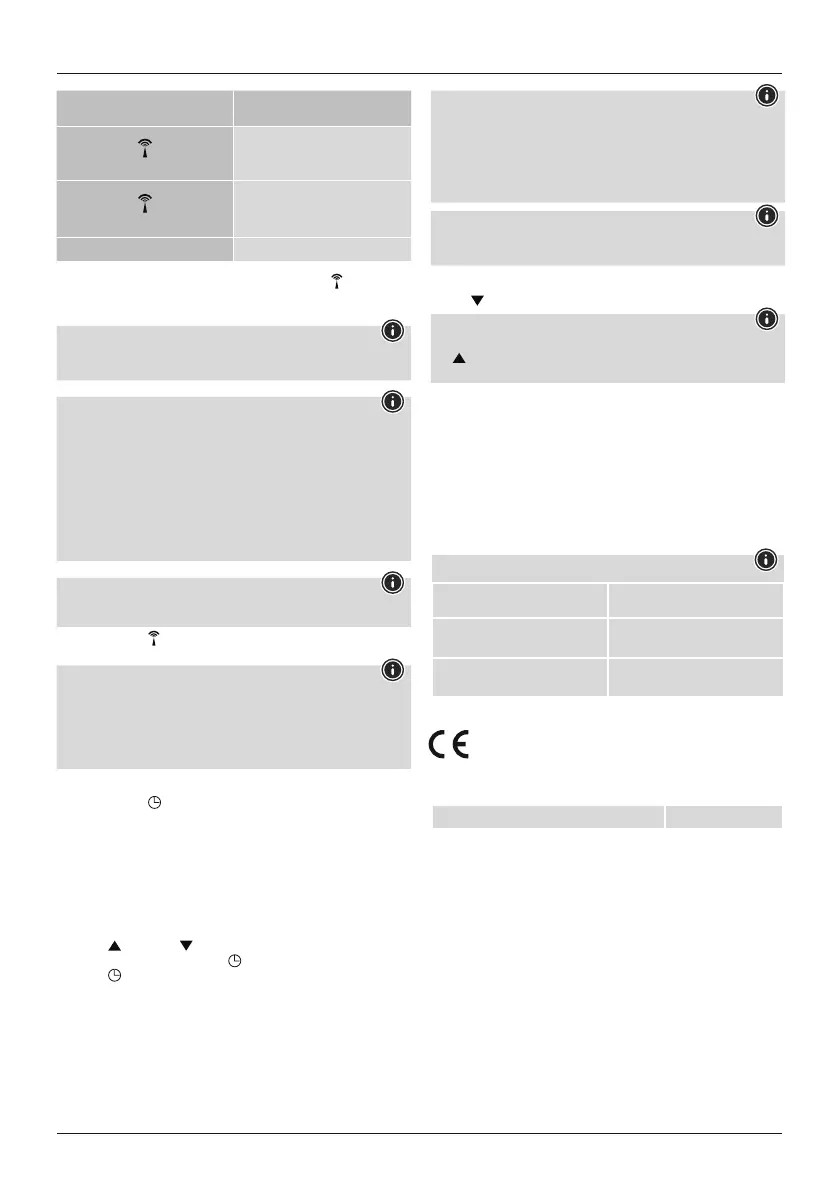
Display Search for DCF signal
Flashing display
Active
Permanent display
Successful -
the signal is being received
No display Inactive
• If no signal is received on arepeated basis, press and hold the button (B) for
around 3seconds to start the manual search for the DCF signal. The radio signal
(3) starts to ash.
Note
Be awarethat electronic devices such as TVs, PCs, etc. can interferewith
reception. The interference range of such devices can be up to two metres
Note -setting the time
• If no DCF radio signal is received within the rst few minutes of the initial setup
procedure, the search is terminated. The radio symbol disappears.
• In the event of reception problems, we recommend leaving the clock standing
overnight since the interference signals aregenerally fewer in number at this
time.
• Meanwhile, you can carry out amanual search for the DCF radio signal at a
different location or set the date and time manually.
• The clock automatically continues to search for the DCF signal every day.
Once the signal is received successfully,the manually set time and date are
overwritten.
Note -summertime
• The time adjusts automatically to summertime. While summertime is active, S
(4) appears on the display.
• Press and hold the button (B) for around 3seconds to end the manual search
process.
Note -time zone
• The DCF signal can be received in many places, however it does not always
correspond to the CET applicable in Germany.You should thereforeremember
to take into account the time difference in countries with adifferent time zone.
• Moscow,for example, is 3hours ahead of Germany.Set the time to the time
zone +3. The clock will then automatically set itself 3hours ahead of the time
received from the DCF signal or the time set manually.
8. (Manual) settings
• Press and hold the
button (A) for around 3seconds to carry out the following
settings in sequence:
• Year
• Month
• Day
• Language
• Time zone
• Hour
• Minute
• DCF signal ON/OFF
• Press the button (C) or button (D) to select the individual values and
conrm your selection by pressing the button (A).
• Press the button (A) directly to adopt and skip the displayed value.
• If no entries aremade for 20 seconds, the clock automatically exits settings
mode.
Note -disabling radio mode
• Youcan completely disable radio mode. In settings mode, select "OFF" to
disable radio mode.
• As described in 6.2 Manual settings, set the time and date.
• In settings mode, select "ON" to re-enable radio mode.
• The radio symbol (3) appears in the display and the clock once again searches
for the radio signal.
Note -day of the week
Forthe display of the days of the week, you can choose German (GER), English
(ENG), French (FRE), Italian (ITA), Spanish (SPA), Dutch (DUT) or Danish (DAN).
9. Celsius /Fahrenheit
Press the button (D) to switch the temperaturedisplay between °C and °F.
Note -12/24-hour format
Once the radio signal is received, the time is shown in the 24-hour format. Press
the button (C) to switch the time display between the 12-hour format and
24-hour format. In 12-hour format, either AM or PM appears in the display.
10. Care and Maintenance
• Only clean this product with aslightly damp, lint-free cloth and do not use
aggressive cleaning agents.
• Ensurethat no water is able to enter the product.
11. Warranty Disclaimer
Hama GmbH &CoKGassumes no liability and provides no warranty for damage
resulting from improper installation/mounting, improper use of the product or from
failuretoobserve the operating instructions and/or safety notes.
12. Technical data
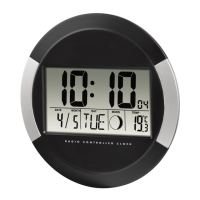
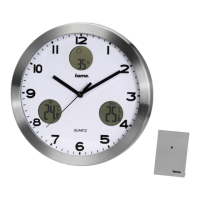
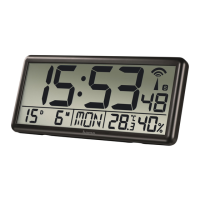
Digital radio wall clock
Power supply
1.5 V
4xAAbatteries
Measuring Range -Temperature0°C –+50°C/32°F –122°F
Measuring Range -Air Humidity 20% -95%
13. Declaration of Conformity
Hereby,Hama GmbH &CoKGdeclares that the radio equipment type
[00186352] is in compliance with Directive 2014/53/EU.The full text of
the EU declaration of conformity is available at the following internet
address:
www.hama.com-
>
00186352-
>
Downloads.
Frequency band(s) 77.5 kHz


 To Next Page