4
4. Getting Started
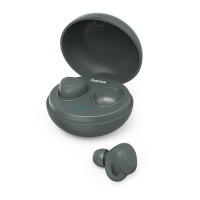
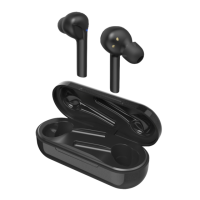
• The two earphones and the charging box areequipped with a
rechargeable battery.
• The batteries must be fully charged beforeusing the product for the
rst time.
• Ensurethat the earphones areswitched off beforecharging them.
• Begin charging by connecting the included USB charging cable to
the charging terminal (2), and to the USB connection of aPC/
laptop or to asuitable USB power supply unit.
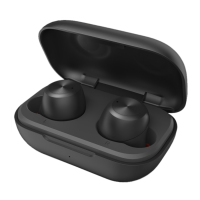
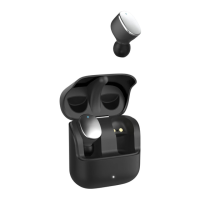
• Place the earphones in the charging box, making suretomatch
them with their correct positions (refer to the Land Rlabelling on
the product).
• The status LEDs of the earphones (5) areconstantly lit red
during charging.
• It can take up to 1hour to fully charge the earphone batteries, 2
hours to fully charge the battery of the charging box.
• Once the earphones have been fully charged, the status LED (5) is
lit blue for 1minute and then goes out.
• The LED of the charging box (2) ashes redduring charging.
Once charging is complete, it is constantly lit red.
• Disconnect all cable and mains connections after use.
Note
If you have not used the item for afew month, it may take 15-30
minutes for the status LEDs (2/5) to redwhen charging.
5.Operation
Switching the earphones on/off
• Turn On:
Remove the earphones from the charging cradle at the same time.
Both earphones switch on automatically.Avoice says, ‘Power on’
and the status LEDs (5) ash blue.
• Turn Off:
To switch off the earphones, simply place them back in the charging
box.
The rst time the device is turned on, pairing is automatically started
–see 5.1
Bluetooth
®
pairing.


 To Next Page