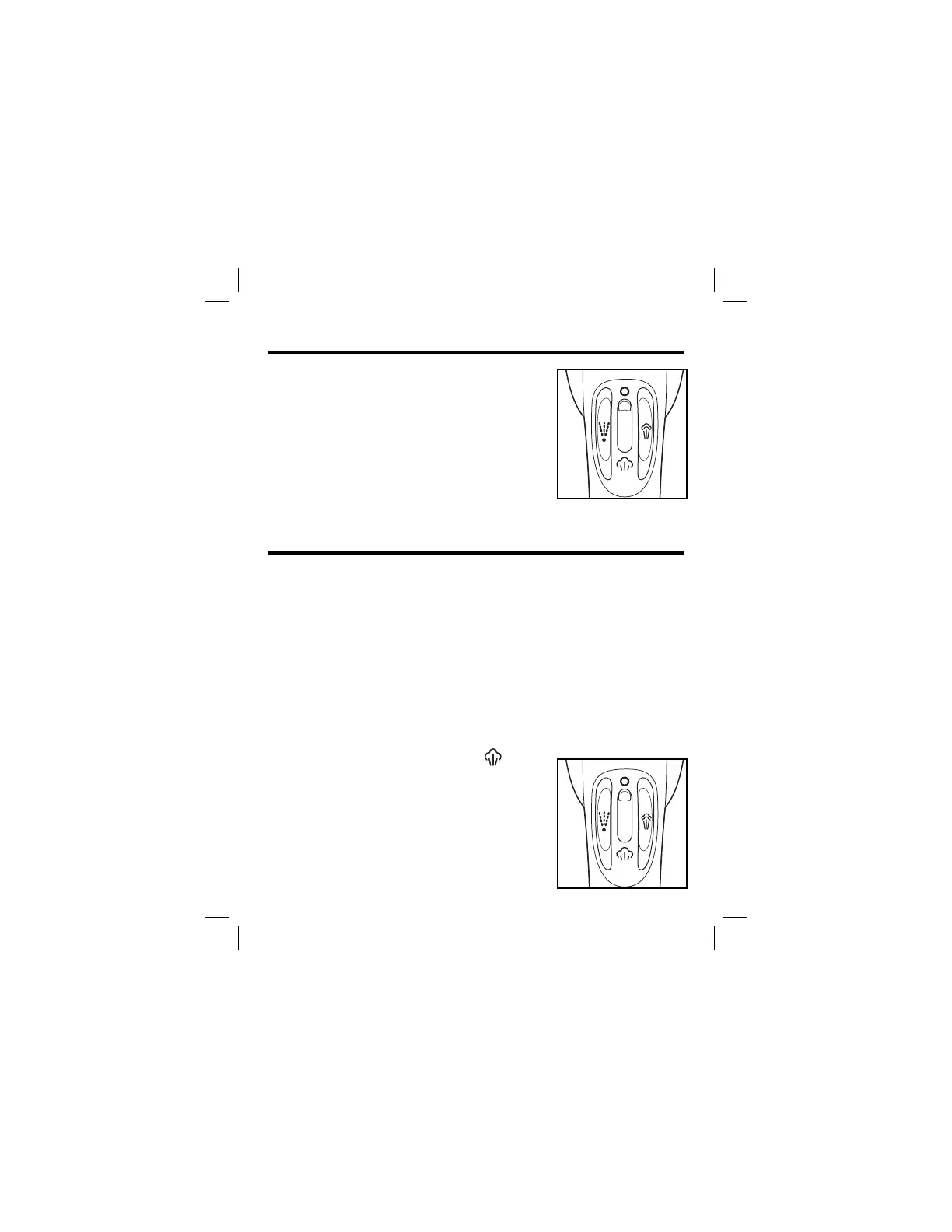
1. Plug the iron into outlet.
2. Set Steam ON/OFF Control to
O (Dry Iron).
3. Turn Temperature Control Dial to
desired temperature. Allow 2 minutes
for iron to reach desired temperature.
4. To turn iron OFF, turn Temperature
Control Dial to OFF and unplug iron.
6
1. Unplug iron. Set Steam ON/OFF Control to O (Dry Iron)
Hold iron with soleplate parallel to the ground. Open water
fill cover.
2. Using a cup, slowly pour tap water into water tank opening
until MAX fill line is reached. Close water fill cover. Do not
fill iron directly from the faucet.
3. Plug iron into outlet.
4. Turn Temperature Control Dial to desired fabric setting in
the steam range.
5. Allow 2 minutes for the iron to reach desired temperature.
6. Set Steam ON/OFF Control to .
7. To turn iron off, set Set Steam ON/
OFF Control to O (Dry Iron). Turn the
Temperature Control Dial to OFF.
Unplug iron.
8. Empty water from the iron following
directions in “Caring and Cleaning.”
To Dry Iron
To Steam Iron
840164303 ENv01.indd 6840164303 ENv01.indd 6 8/22/14 1:06 PM8/22/14 1:06 PM





 To Next Page