8
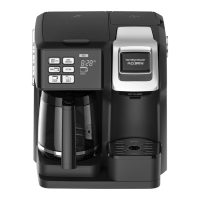
Delay Brew – For Carafe Side Only
NOTE: Unit will only brew on one side at a time. Single-serve side
cannot be used while Carafe side is programmed.
1. Time must be set before Coffee Maker can be programmed.
Press and pulse SET TIME ( ) button for correct hour in AM or
PM. Wait 3 seconds. Pulse or hold to set minutes.
2. To program, press and hold DELAY BREW
( )
button. Start time
is visible in display and 19:99 flashes as default.
3. While continuing to hold DELAY BREW
( )
button, pulse SET
TIME ( ) button to set desired brewing hour in AM or PM. Wait
3 seconds; minutes will flash. Pulse to set minutes. Release
DELAY BREW
( )
button. Press and release DELAY BREW
( )
button again to activate automatic brew. DELAY BREW light will
illuminate.
TIP: To check start time, press and hold DELAY BREW
( )
button.
The time you set will be displayed and can be changed by repeating
steps above. Press DELAY BREW
( )
button to reactivate automatic
brew and light will illuminate.



 To Next Page