EasyManua.ls Logo

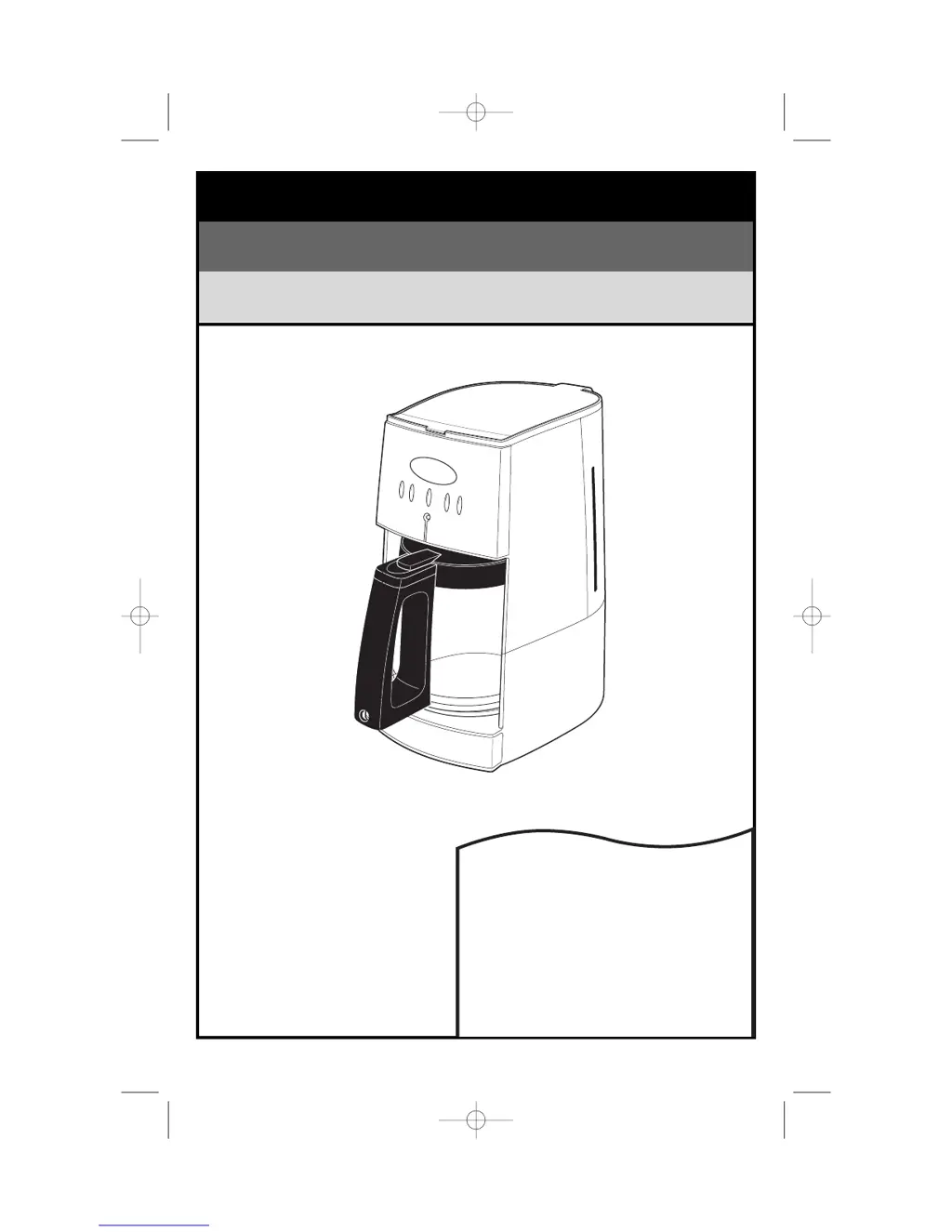
Hamilton Beach Programmable Coffeemaker - User Manual

Hamilton Beach Programmable Coffeemaker
28 pages
Print Icon
To Next Page IconTo Next Page
Loading...
Programmable Coffeemaker
840129500
READ BEFORE USE
LIRE AVANT L’UTILISATION
LEA ANTES DE USAR
English ................................................ 2
USA: 1-800-851-8900
Français ............................................ 10
Canada : 1-800-267-2826
Español .............................................. 18
México: 01 800 71 16 100
Le invitamos a leer cuidadosamente este
instructivo antes de usar su aparato.
Cafetière programmable
Cafetera programable
840129500 ENv00.qxd 7/6/04 12:34 PM Page 1

Questions and Answers

  • J
    jessicasanchezJul 30, 2025
    Why is my Hamilton Beach Programmable Coffeemaker not brewing?
    • J
      Joshua CollinsJul 30, 2025
      If your Hamilton Beach Coffee Maker isn't brewing or won't turn on, there could be several reasons. First, ensure the water reservoir isn't empty and that the unit is properly plugged in. Check for a power outage or surge. If there was a power surge, unplug the unit and then plug it back in. Also, the clock may require a reset after a power outage.
  • G
    gloverbrendaAug 8, 2025
    What to do if Hamilton Beach Programmable Coffeemaker filter basket overflows?
    • S
      steve40Aug 8, 2025
      If the filter basket of your Hamilton Beach Coffee Maker is overflowing or the coffee is brewing too slowly, it could be due to excessive amounts of coffee or coffee ground too finely (not automatic drip grind). Ensure the carafe is securely placed on the Keep-Hot Plate and wasn't removed during brewing for more than 20 seconds without being securely replaced. The coffeemaker may need cleaning. Also, check for coffee grounds between the paper filter and filter basket, or a paper filter that isn't open and in the proper position. Press the seamed edges of the paper filter before inserting it into the basket, or rinse the filter basket before inserting the paper filter so the edges will remain pressed against the sides of the basket. Poor quality paper filter can also cause this problem.
  • M
    Mrs. Debbie Crawford DVMAug 18, 2025
    Why does my Hamilton Beach Programmable Coffeemaker coffee taste bad?
    • A
      Ashley Ramirez DVMAug 18, 2025
      If your Hamilton Beach Coffee Maker is brewing coffee that tastes bad, it could be due to several factors. The coffeemaker may need cleaning. The coffee ground may not be automatic drip. The coffee-to-water ratio might be unbalanced, so adjust it to your preference. The coffee quality and freshness could be poor. Finally, poor water quality can affect the taste, so try using filtered or bottled water.

Summary

Important Safeguards

General Safety Precautions

Covers fundamental safety rules for appliance use, reducing risk of shock or injury.

Specific Usage & Environmental Warnings

Details warnings related to outdoor use, cord placement, and electrical safety.

Using Your Coffeemaker

Brewing Coffee Instructions

Step-by-step guide on preparing and brewing coffee, including water and coffee measurements.

Cleaning and Maintenance

Carafe Safety Precautions

Carafe Handling and Usage Safety

Critical warnings and advice for safely handling the glass carafe to prevent breakage or injury.

Troubleshooting Guide

Filter Basket and Brew Speed Issues

Solutions for problems like overflowing baskets or slow brewing.

Hamilton Beach Programmable Coffeemaker Specifications

General IconGeneral
BrandHamilton Beach
ModelProgrammable Coffeemaker
CategoryCoffee Maker
LanguageEnglish

Related product manuals