9
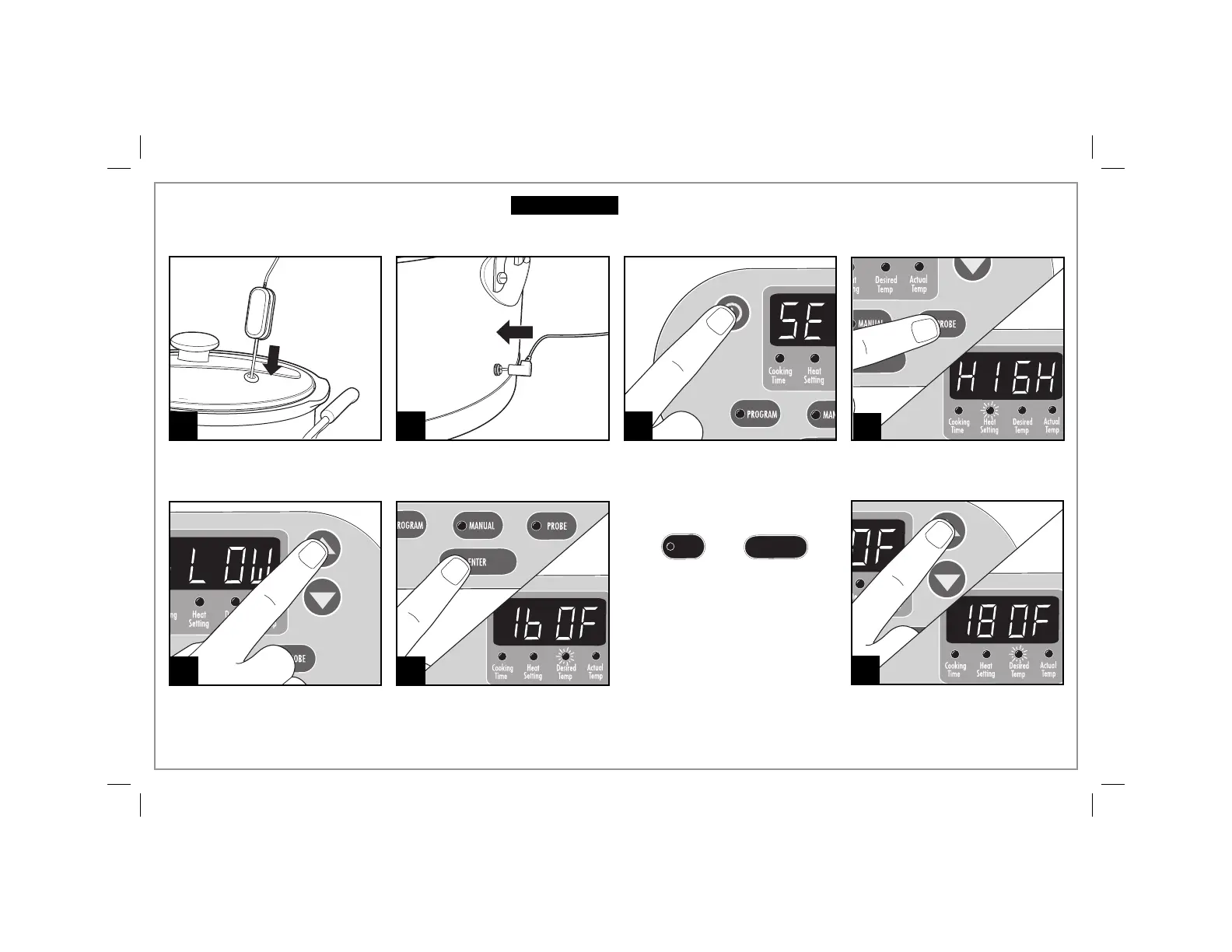
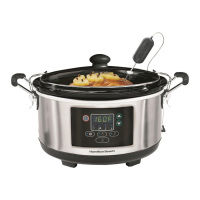
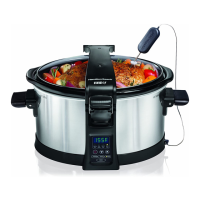
Probe Mode
1 2 3
5 6
Make sure probe is in center of
food and not touching bottom of
crock.
NOTE: To change temperature
display from ºF to ºC:
Press then
at the same time.
The temperature in ºC will
now be displayed.
If slow cooker is unplugged,
it will reset to ºF.
Press ON (I).
Press arrows to select desired
heat setting. Select HIGH or
LOW. NOTE: Do not use Warm
setting to cook food.
Press ENTER. Desired Temp will
illuminate.
Press PROBE. Heat setting will be
illuminated.
4
7
Press arrows to select desired
temperature.
PROBE
ENTER
Insert probe into jack on side of
slow cooker.
Before First Use: Wash glass lid and crock in hot, soapy water. Rinse and dry.
Electrical Shock Hazard. To reduce the risk of electrical shock, do not
immerse base in water.
w WARNING



 To Next Page