EasyManua.ls Logo

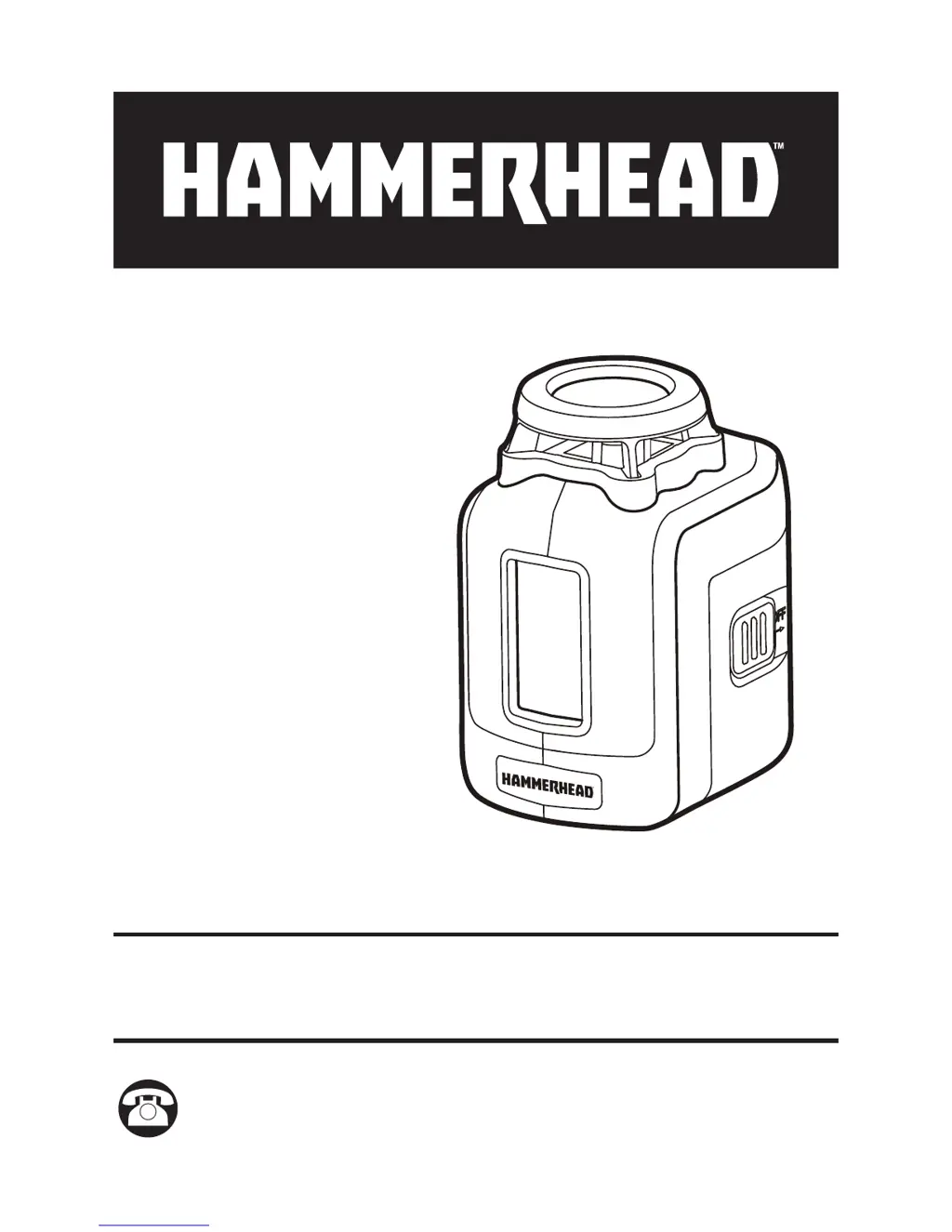
Hammerhead HLCL360 - User Manual

Default Icon
32 pages
Print Icon
To Next Page IconTo Next Page
Loading...
SELF-LEVELING
360-DEGREE
CROSS LINE LASER
MODEL HLCL360
ATTACH YOUR RECEIPT HERE
Serial Number ______________________ Purchase Date _______________________
Questions, problems, missing parts? Before returning to your retailer, call
our customer service department at 1-877-888-1880, 8:30 a.m. – 8:00 p.m.
EST (Monday – Friday) & 10:00 a.m. – 6:00 p.m. EST (Saturday and Sunday).

Questions and Answers

  • A
    Alicia GriffinJul 27, 2025
    Why is the laser line hard to see on my Hammerhead HLCL360 Laser Level?
    • K
      Kristi DavisJul 27, 2025
      If the laser line on your Hammerhead Laser Level is hard to see, it could be due to a couple of reasons. First, you might be too far from the target; try moving the tool closer. Alternatively, the surrounding area might be too bright. In this case, switch to the hand receiver mode and use a laser receiver (available separately) to find the laser line.
  • D
    dixonjessicaAug 4, 2025
    What to do if the laser line flickers on my Hammerhead HLCL360?
    • S
      Sara JamesAug 4, 2025
      If the laser line on your Hammerhead Laser Level flickers as an alert, it typically means the surface isn't level or the tool is beyond its self-leveling range. Try placing the tool on a surface that is level within ±4°. If that doesn't solve the problem, set the tool to its lock mode.
  • A
    Andrea LambAug 12, 2025
    Why is the laser line not projected from my Hammerhead HLCL360?
    • U
      uthorntonAug 12, 2025
      If your Hammerhead Laser Level isn't projecting a laser line, ensure that you have installed new batteries, or, if batteries are already installed, ensure that they aren't depleted. Also, check that the power switch is in the “ON” position; slide it accordingly if it isn't.
  • B
    Bob DelacruzAug 19, 2025
    How to fix a weak laser line projection on a Hammerhead Laser Level?
    • F
      Frank MelendezAug 19, 2025
      If the laser line projection on your Hammerhead Laser Level is weak, the batteries are likely low. Replace them with new batteries to restore the laser's brightness.

Summary

Technical Specifications

Safety Instructions

FCC Compliance Statement

Details device compliance with FCC rules and potential interference.

Unpacking and Initial Setup

Instructions for unpacking the laser and checking contents.

Product Overview and Parts

Operation Guide

Installing Batteries

Steps to insert four AA alkaline batteries into the compartment.

Powering the Laser On and Off

How to use the power switch to activate and deactivate the laser tool.

Selecting Laser Projection Modes

Guide to cycling through horizontal, vertical, and cross-hair laser patterns.

Using Hand Receiver Mode

Enabling pulsed laser output for use with a receiver outdoors.

Self-Leveling Mode Operation

How the tool automatically levels within ±4° and indicator lights.

Lock Mode Functionality

Using the lock mode for fixed-angle lines and manual leveling.

Product Applications

Common uses for the laser, including hanging pictures and installing fixtures.

Maintenance and Care

Troubleshooting Common Issues

3-Year Limited Warranty

Hammerhead HLCL360 Specifications

General IconGeneral
Laser ClassificationClass II
Laser Wavelength635 nm
Self-Leveling Range±4°
Power SourceBattery
Laser Beam DirectionHorizontal and Vertical
Battery TypeAA
Battery LifeUp to 20 hours
Leveling Accuracy±1/8 inch at 30 feet
Working RangeUp to 100 ft with detector
Mounting OptionsTripod
Warranty2 years