EasyManua.ls Logo

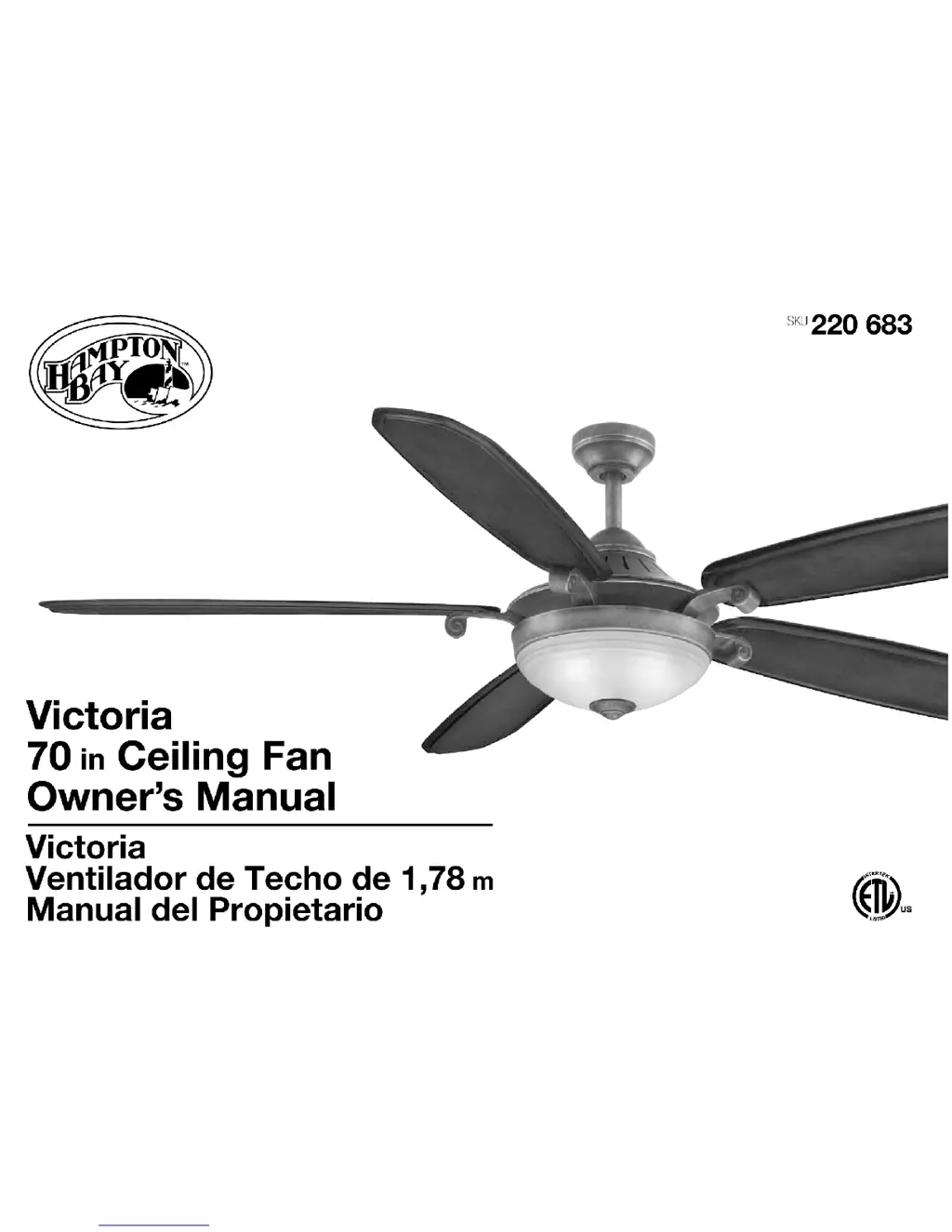
HAMPTON BAY Victoria - User Manual

HAMPTON BAY Victoria
15 pages
Print Icon
To Next Page IconTo Next Page
Loading...

Questions and Answers

  • B
    Bonnie GuzmanJul 31, 2025
    What to do if my HAMPTON BAY Victoria Fan will not start?
    • G
      gambledeborahJul 31, 2025
      If your HAMPTON BAY Fan isn't starting, try these steps: First, check the main and branch circuit fuses or breakers. Then, inspect the line wire connections to the fan and the switch wire connections in the switch housing. Try turning the power off at the wall for 20 seconds and then back on to reset the system. Also, consider battery replacement or reprogramming the unit.
  • J
    jessica18Aug 13, 2025
    Why is my HAMPTON BAY Victoria Fan so noisy?
    • L
      landryangelaAug 13, 2025
      A noisy HAMPTON BAY Fan could be due to several factors. Ensure all motor housing screws are snug and the screws attaching the fan blade bracket to the motor hub are tight. Also, check that wire nut connections aren't rattling against each other or the switch housing's interior wall. Allow a 24-hour "breaking-in" period, as most noises disappear during this time. If you're using a light kit, tighten the screws securing the glassware and ensure the bulb is secure. Confirm there's a short distance from the ceiling to the canopy and that your ceiling box is secure, using rubber isolator pads between the mounting bracket and outlet box.

Summary

Safety Rules

Unpacking Your Fan

Installing Your Fan

Tools Required

Lists the necessary tools for installing the ceiling fan.

Mounting Options

Explains different methods and considerations for mounting the fan securely.

Hanging the Fan

Making the Electrical Connections

Finishing the Installation

Steps to secure the canopy and complete the fan's physical installation.

Attaching the Fan Blades

Installing the Light Kit

Operation of your Ceiling Fan

Special Notes

Provides specific details regarding the remote control system and its operation.

Reprogramming Your Ceiling Fan

Steps to reset and reprogram the remote control to the fan unit.

Speed Settings and Airflow Direction

Care of Your Fan

Troubleshooting

Specifications

Lifetime Limited Warranty

HAMPTON BAY Victoria Specifications

General IconGeneral
Number of Blades5
Motor TypeAC
Light IncludedYes
Reversible MotorYes
WarrantyLifetime

Related product manuals