USER MANUAL For MULTISCAN P2
Chapter 7 - 4
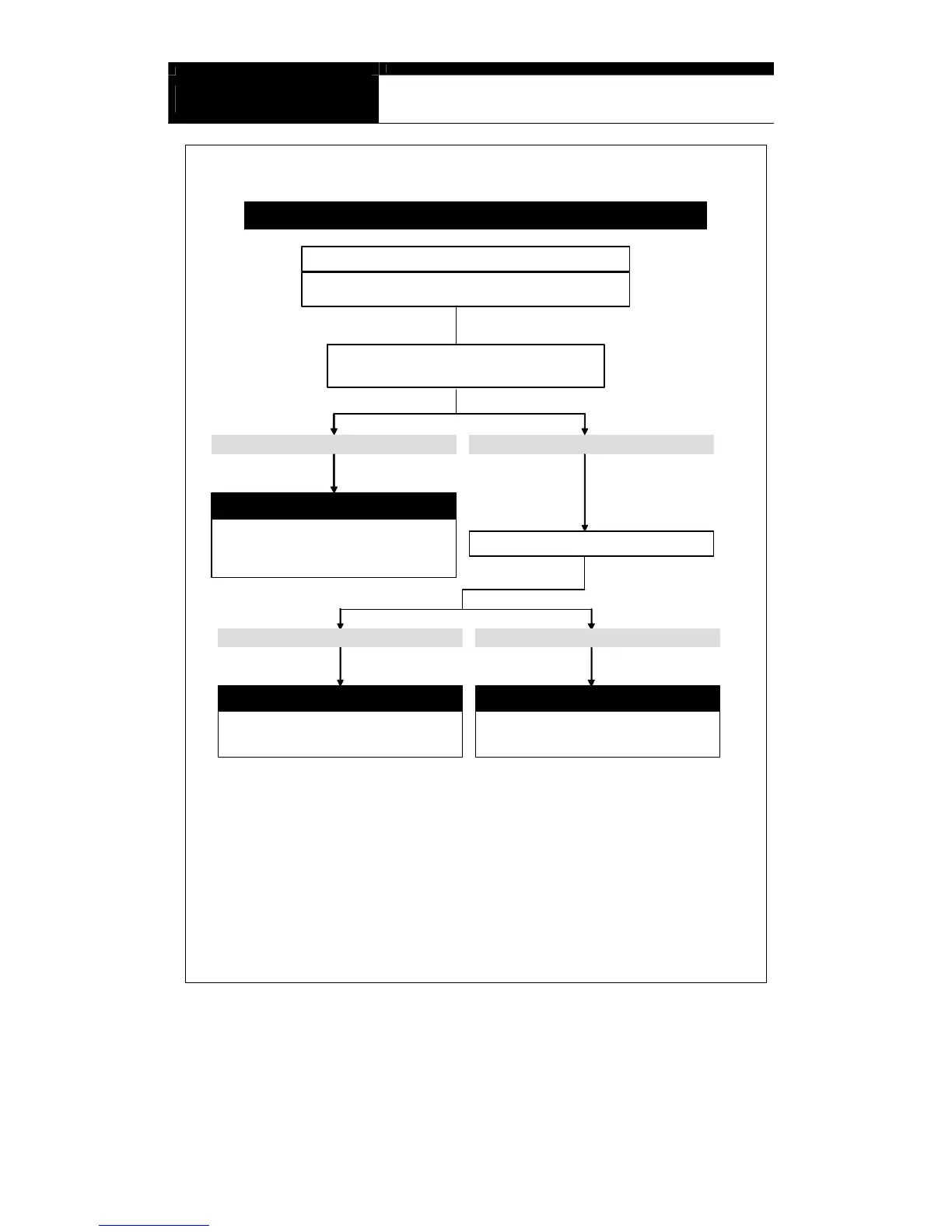
Power doesn’t turn off even the Power key is pressed
Check if the user pressed Power key shortly
NO. It is not solved. It happens againYES. It is solved
You must know
Report to your local distributor
To turn on: Press the Power key shortly
Ton turn off: Keep pressing the Power key for 1
seconds or more until “Turning Off” message
appears
The distributor may have to replace the main
board. Report the symptoms to your local
distributor and wait for the instruction
If the you press the “Power” key too short, Scanner does not
recognize the key input signal as a turning off command.
Keep pressing the Power key for more
than 1 second to turn off
Check when it happens
Not sure. It happens any time.Right after turning ON the unit
Refer to Internal Memory problem
Refer to “System stops promptly after showing the
logo”. 1MB internal memory reflashing is
necessary.


 To Next Page