Chapter 7
Hanatech Co., Ltd.
Chapter 7 - 3
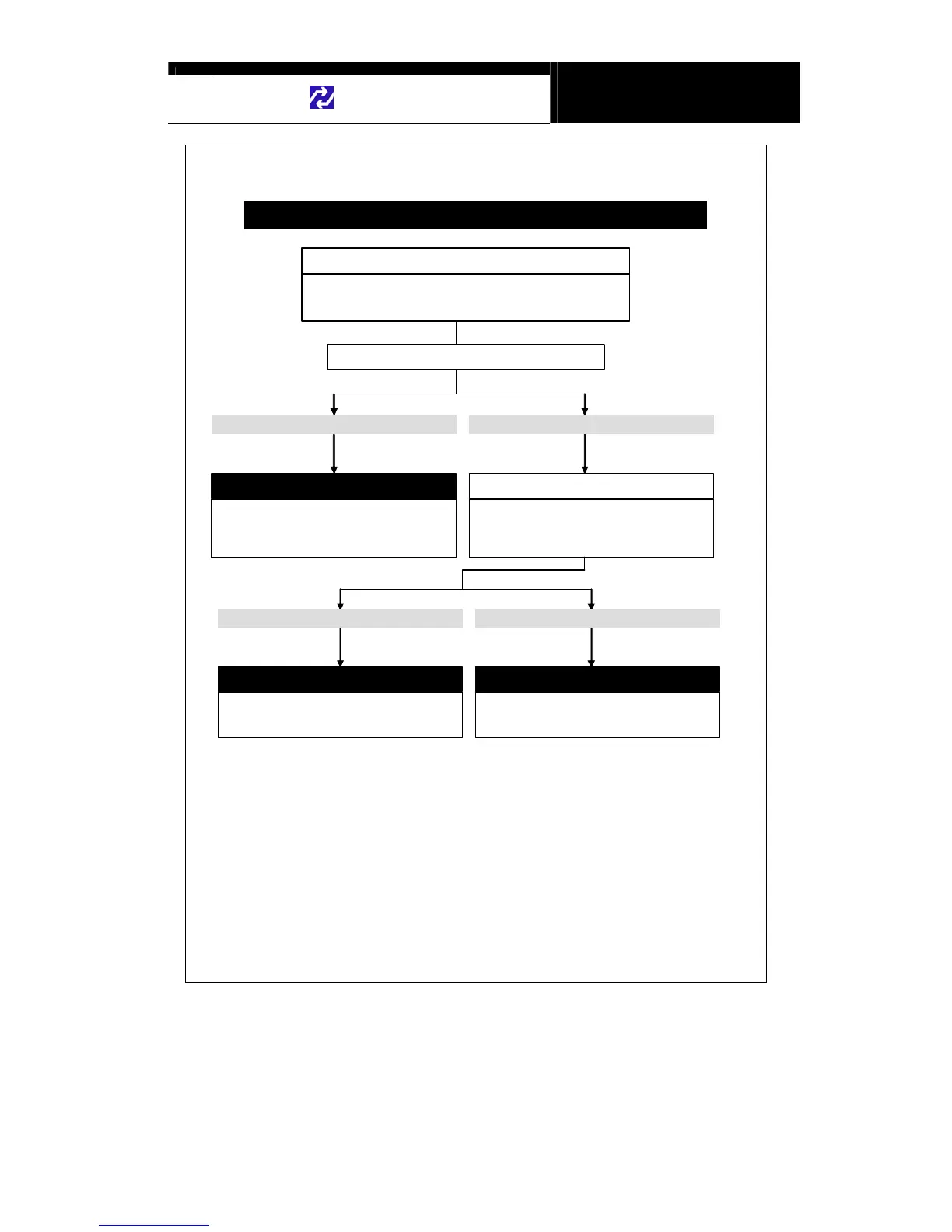
Power automatically turns off after turned on
Check if the user pressed Power key continually
NO. It is not solved. It happens againYES. It is solved
You must know
Report to your local distributor
To turn on: Press the Power key shortly
Ton turn off: Keep pressing the Power key for 1
seconds or more until “Turning Off” message
appears
The distributor may have to replace the main
board. Report the symptoms to your local
distributor and wait for our instruction
It may sound stupid, but it actually happens out there. If the user
presses the “Power” key too long, Scanner recognizes the long
key input signal as a turning off command.
Press the Power key shortly to turn on
Check the battery voltage
Scanner requires the power of 8V or higher for
proper operation. Insufficient vehicle battery
voltage may result in prompt system turn off.
Check the vehicle battery voltage
It is normal. It is higher than 10 VIt is lower than 10 V
Use the other power source
Replace the vehicle battery with fresh new one.
Or use external vehicle battery for temporary
power supply.


 To Next Page