ALGIZ 8X User’s Manual
5. First-time Operation
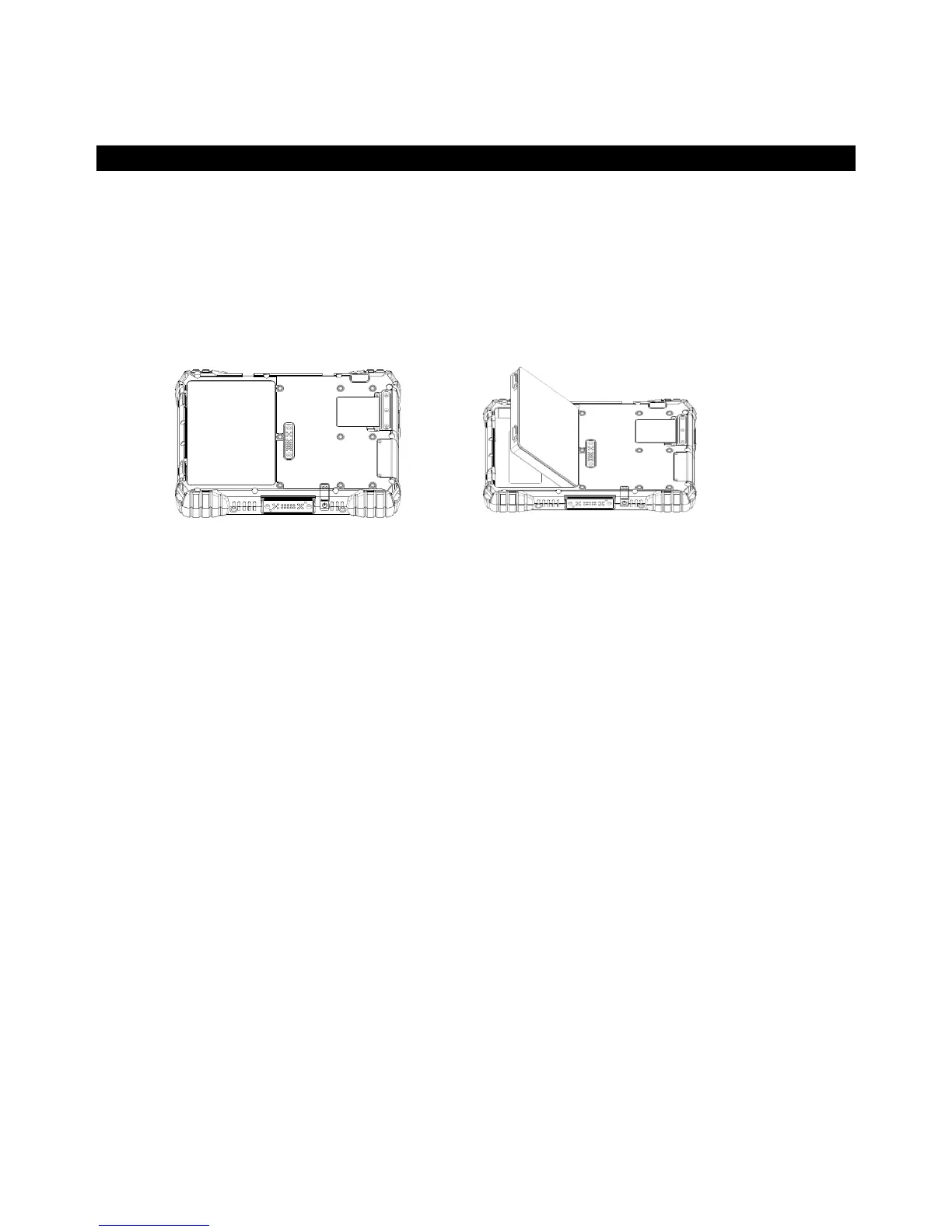
Inserting Battery Pack
To insert the standard battery pack into the Tablet Computer:
1. Disconnect AC adapter and power cord from the tablet computer.
2. Turn the tablet computer over, back facing up.
3. Insert the battery on the connector-pins side first, and then lower the battery into the battery
compartment. Continue to hold the Battery before battery is fully inserted.
4. Make sure the battery is completely lowered into the compartment before letting go the Battery
will be flat against the housing once fully inserted
Removing the Battery Pack
1. Power off the tablet computer (or put it to sleep). Disconnect any cords connected to the
computer.
2. Turn the tablet computer over, back facing up.
3. Lift the battery out using the opening on side of battery compartment.



 To Next Page