ALGIZ 8X User’s Manual
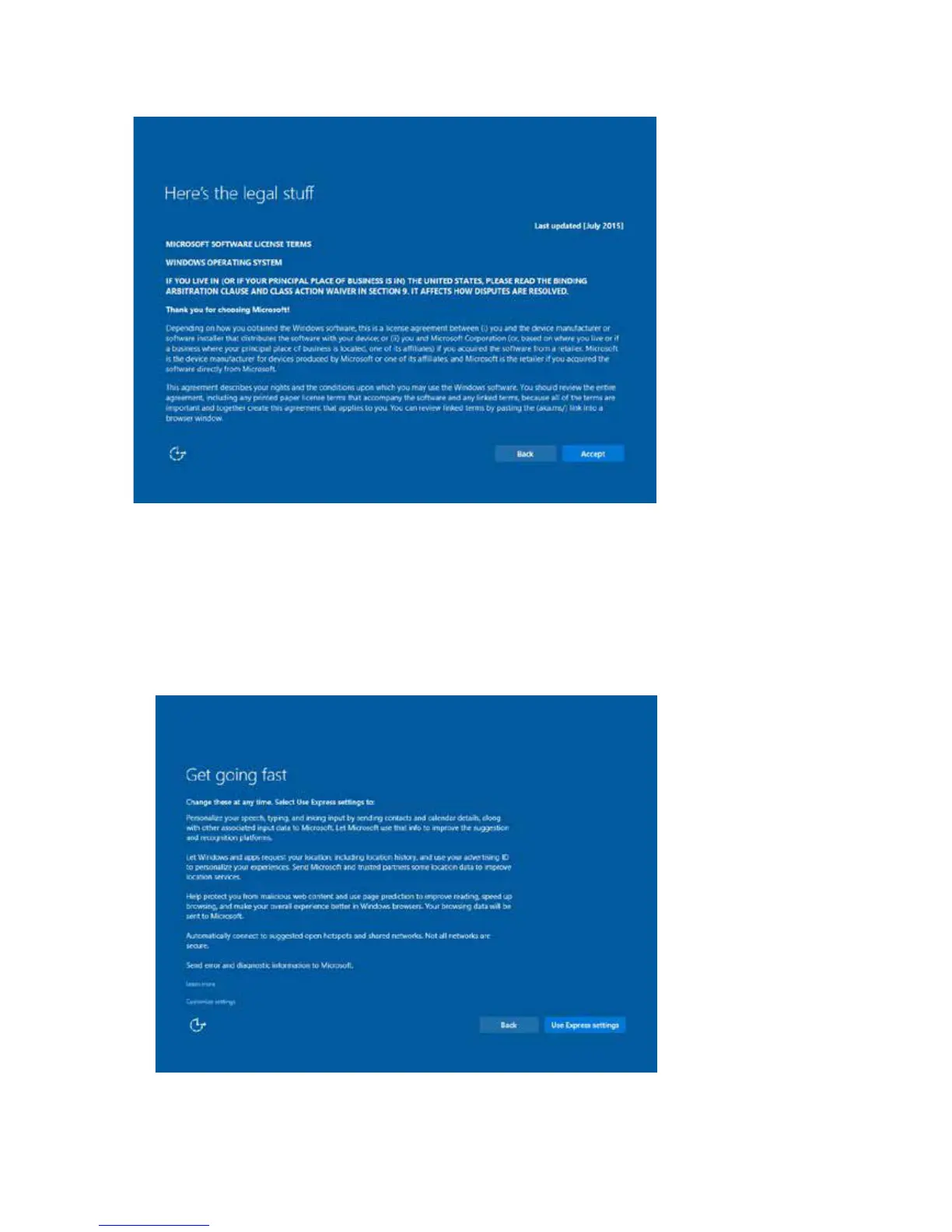
3. On the Here’s the legal stuff screen, read through the disclosures, then tap Accept.
4. Windows will then try to connect to network. Tap Skip this step to continue without a wireless
connection as you can then set up the network later.
5. On the Get going fast screen, click Use Express settings for the fastest setup. If you would like more
information, tap Learn more, or if you would like to select your own options, click Customize
settings.



 To Next Page