ALGIZ 8X User’s Manual
Using the GPS feature
To enable the wireless GPS feature, perform the following procedure:
1. Open the Hottab utility by press the (Menu) Button located on the front panel, OR launching
the Hottab Utility application.
2. Tap on the Device ON/OFF button.
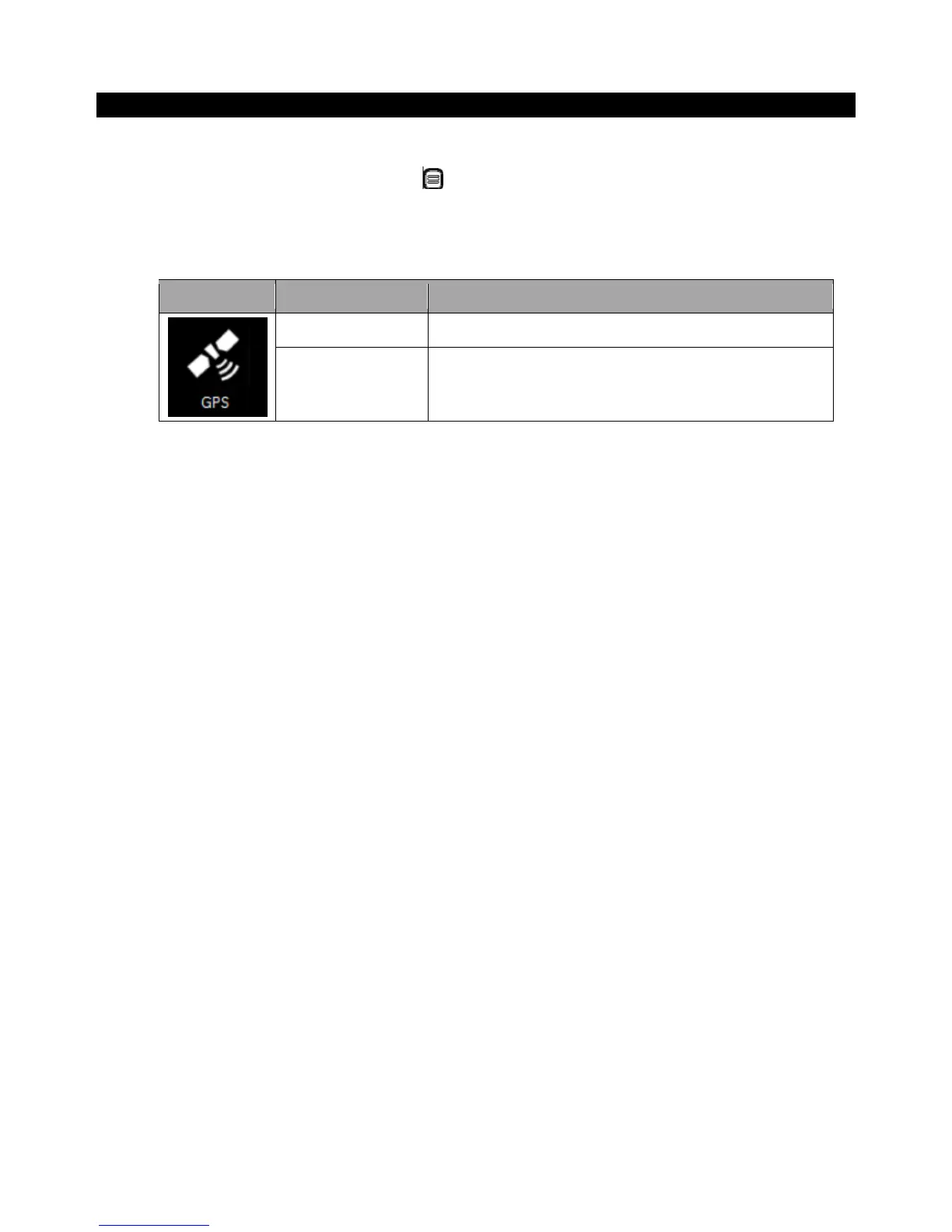
3. Check the status color of the GPS icon:
4. If the GPS feature is disabled (white), tap on the GPS icon to enable it (orange).
5. Now the GPS feature is ready to be used with an application utilizing the GPS.



 To Next Page