ALGIZ 8X User’s Manual
How to disable automatic brightness adjustments
For computers with a light sensor, Windows 10 has the ability to automatically adjust the screen
brightness depending on the ambient light levels.
This feature can be more annoying than helpful, either leaving your screen too dark or frequently
adjusting the brightness levels.
Here’s three ways to disable the Ambient light sensor
1: using the systems setting
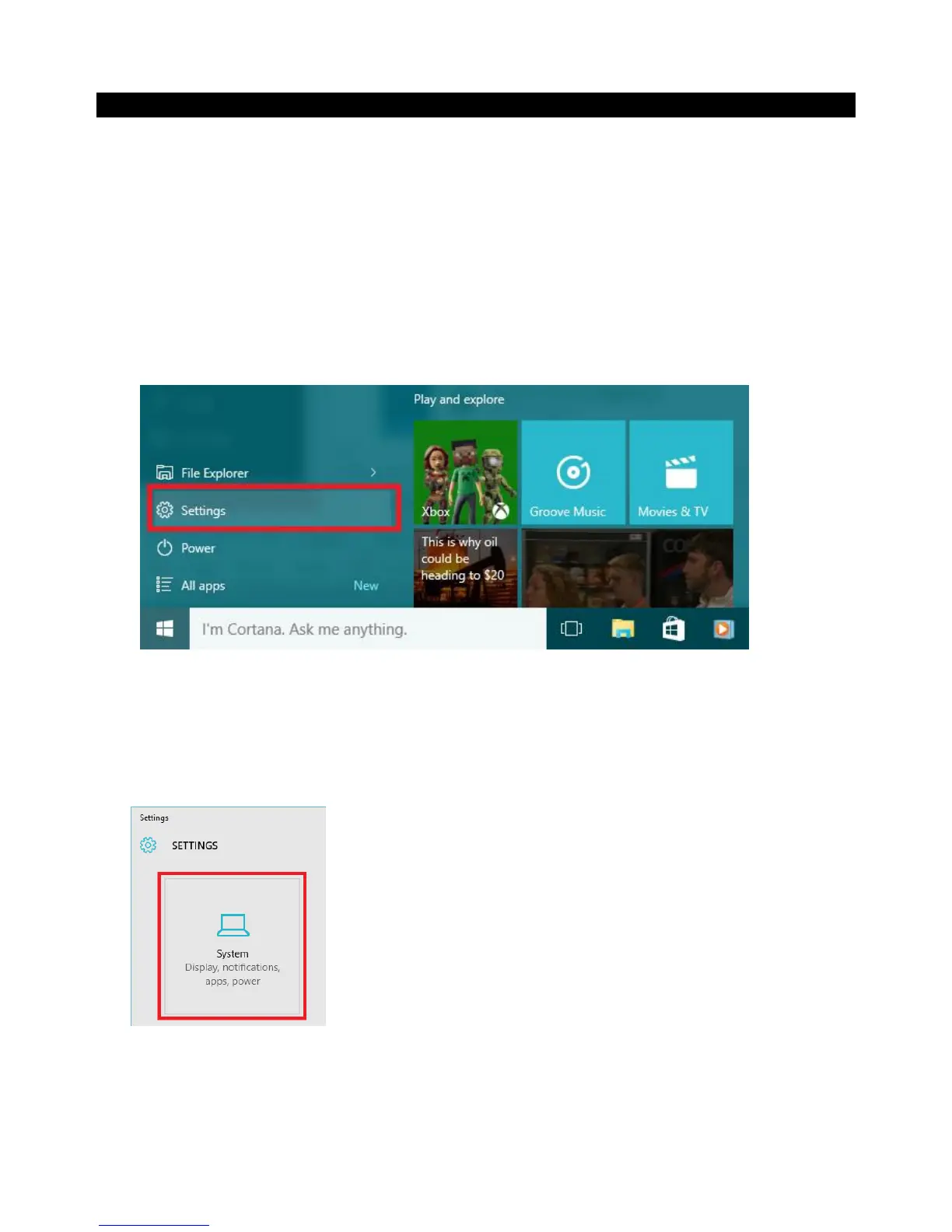
Open the Windows start menu and click on ‘Settings’
1. In the settings window, click on ‘System’
2. The ‘Display’ menu should selected on the left, if it is not – click on‘Display’
3. Turn the ‘Change brightness automatically when lighting changes’ to ‘Off’
4. Click ‘Apply’ to save the changes.



 To Next Page