22 HANDICARE SIMPLICITY INSTALLATION MANUAL
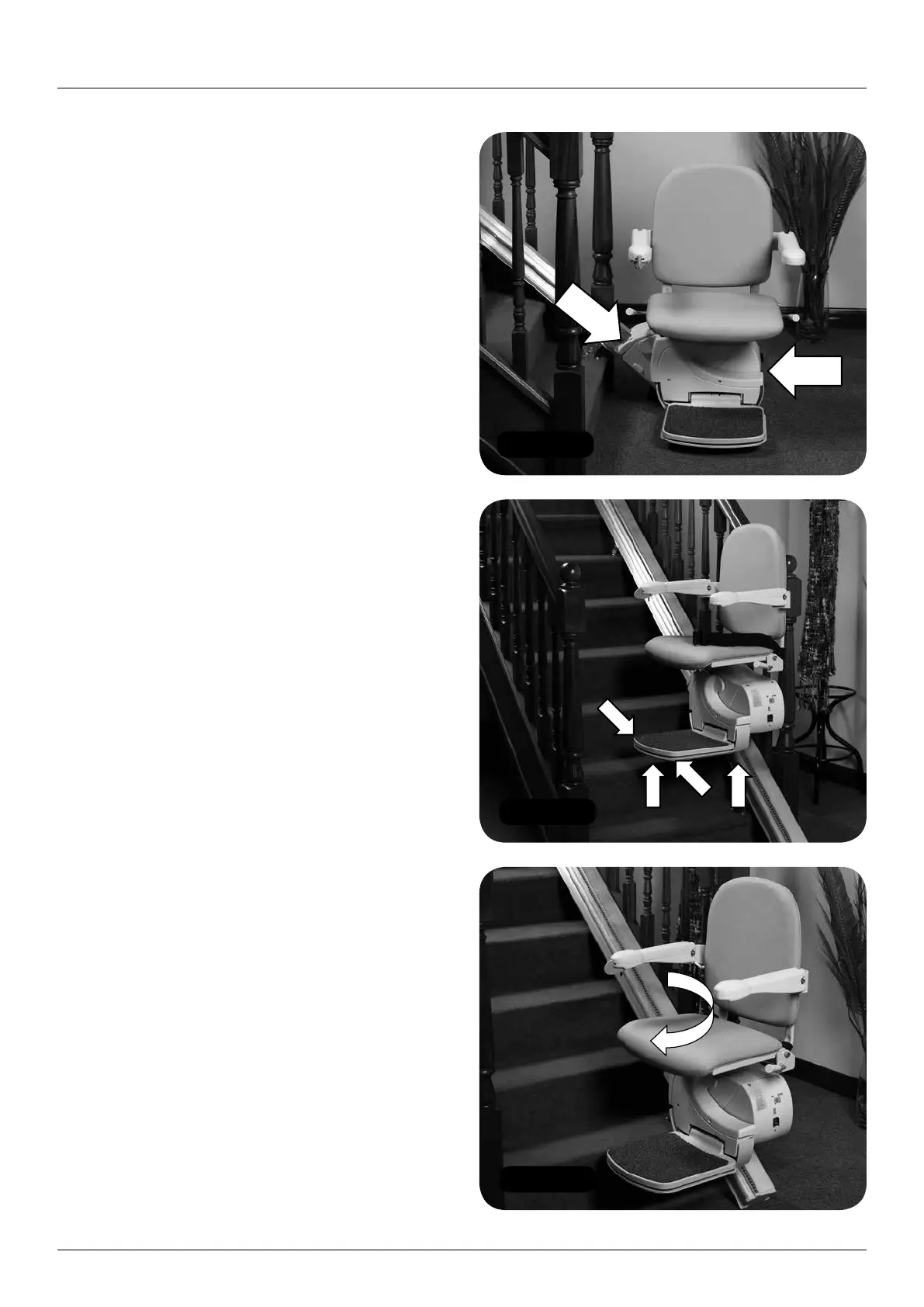
Figure 60
Figure 61
Figure 62
Testing
1 Ensure that all of the safety edges on the
power pack are functioning (Figure 60):
a Drive the lift in the up direction.
b Press the top safety edge
– the lift should stop.
c Drive the lift in the down direction.
d Press the bottom safety edge
– the lift should stop.
e Repeat a-d above using the remote
handset to drive the lift.
2 Check the safety edges on the footplate
and footplate chassis (Figure 61):
a Drive the lift in the up direction.
b Press the upstairs edge of the footplate
– the lift should stop.
c Drive the lift in the down direction.
d Press the downstairs edge of the footplate
– the lift should stop.
e Drive the unit in the down direction.
f Press the underside of the footplate
– the lift should stop.
g Drive the unit in the down direction.
h Press the underside of the footplate chassis
– the lift should stop.
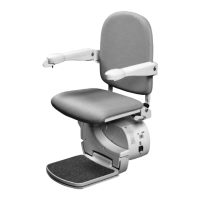
3 Check the swivel interlock (Figure 62):
a Drive the lift in the up direction.
b Swivel the seat – the lift should stop.
c Drive the lift in the down direction.
d Swivel the seat – the lift should stop.
4 Check the stopping distance of the lift:
a Using the handset, drive the lift in the
down direction.
b After the lift has travelled for about
2 seconds, release the down button.
Testing
Items required:
• Handsets
Tools required:
• None



 To Next Page