22 Mini Maxx Installation Manual • www.hsperformance.com
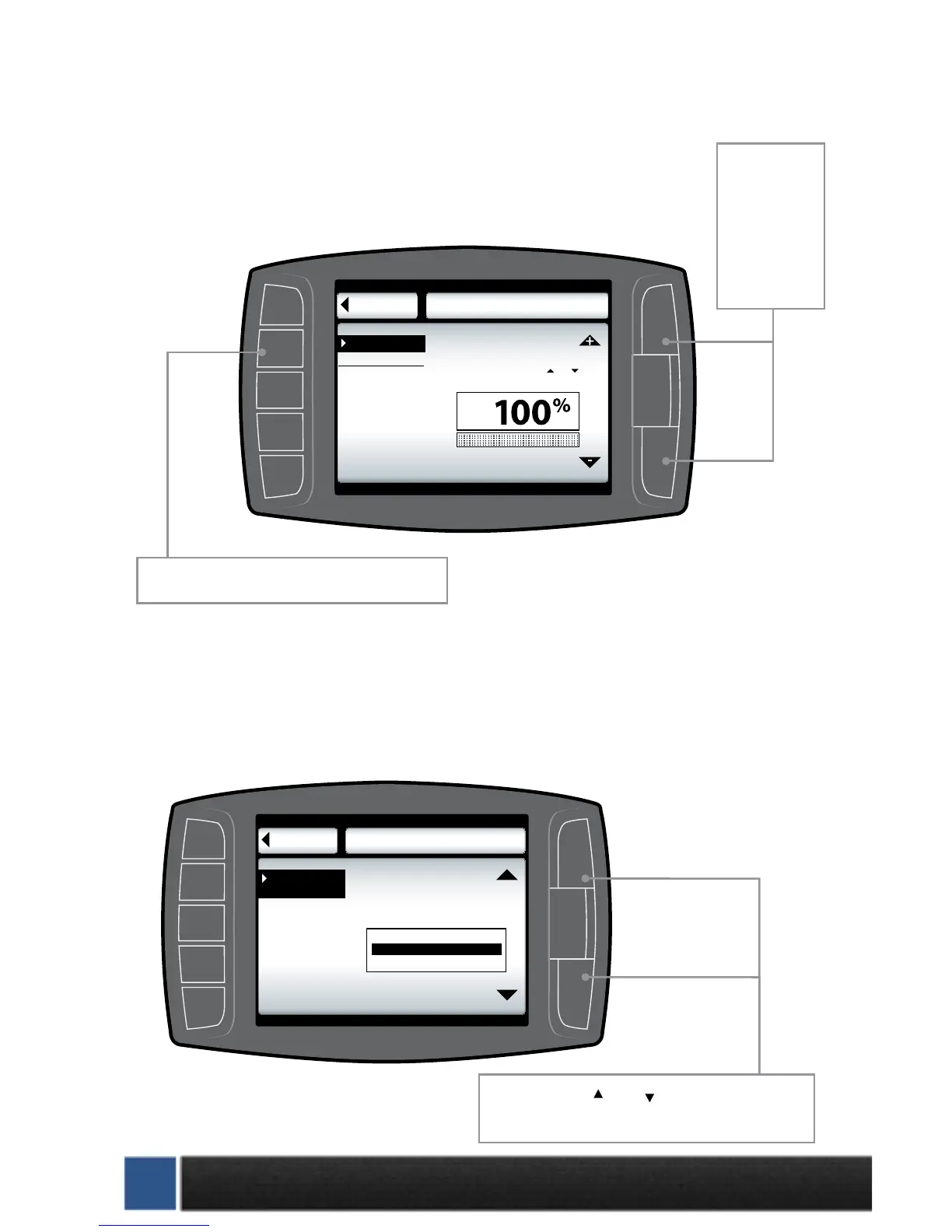
ADJUST BACKLIGHT
Highlight screen and use the up and down buttons to adjust the lighting to your preference.
Go Back
BACKLIGHTING
to User Opts
0 50 100
Brightness 100%
Screen Backlight
Select 0 to 100% using and
to set desired light level
Screen
Use this button select the ‘Screen’ option.
Use these
buttons to
adjust the
backlight
brightness
level.
CHANGE BACKGROUND COLOR
Use the up and down buttons to select a background color. The Mini Maxx background will
preview each color background as you scroll up and down through the color options. When
the preferred color is highlighted, exit the color menu to select the color.
Go Back
COLOR SETUP
to User Opts
Background
Black
Background
Use the up and down arrows
to change the gauge function
HSBlue
Bluelight
Use the large Up Down Buttons to scroll up and
down through the color options.



 To Next Page