Chapter 5 Page 63
2. If the HotSync Manager is not running, start it: On the Windows
desktop, click Start, and then choose Programs. Navigate to the
Palm Desktop software program group and choose HotSync
Manager. Alternatively, you can start the Palm Desktop software
which automatically opens the HotSync Manager.
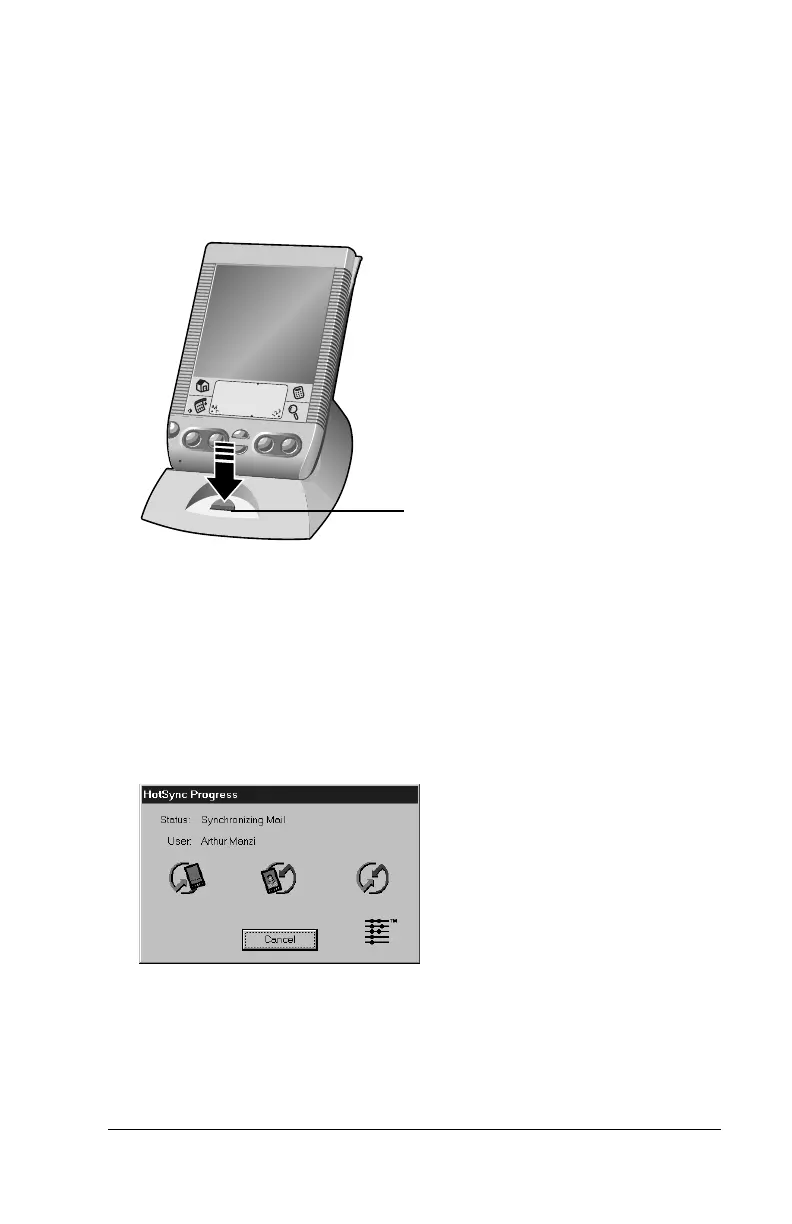
3. Press the HotSync button on the cradle.
Important: The first time you perform a HotSync operation, you
must enter a user name in the New User dialog box and
click OK. Every handheld should have a unique name. To
prevent loss of a user’s records, never try to synchronize
more than one handheld to the same user name.
The HotSync Progress dialog box appears and synchronization
begins.
4. Wait for a message on your handheld indicating that the process is
complete.
After the HotSync process is complete, you can remove your
handheld from the cradle.
HotSync
button



 To Next Page