Page 74 Common Tasks
Making records private
In all basic applications except Expense, you can make individual
records private. Private records remain visible and accessible,
however, until you select the Security setting to hide all private
records. See “Security” in Chapter 3 for more information.
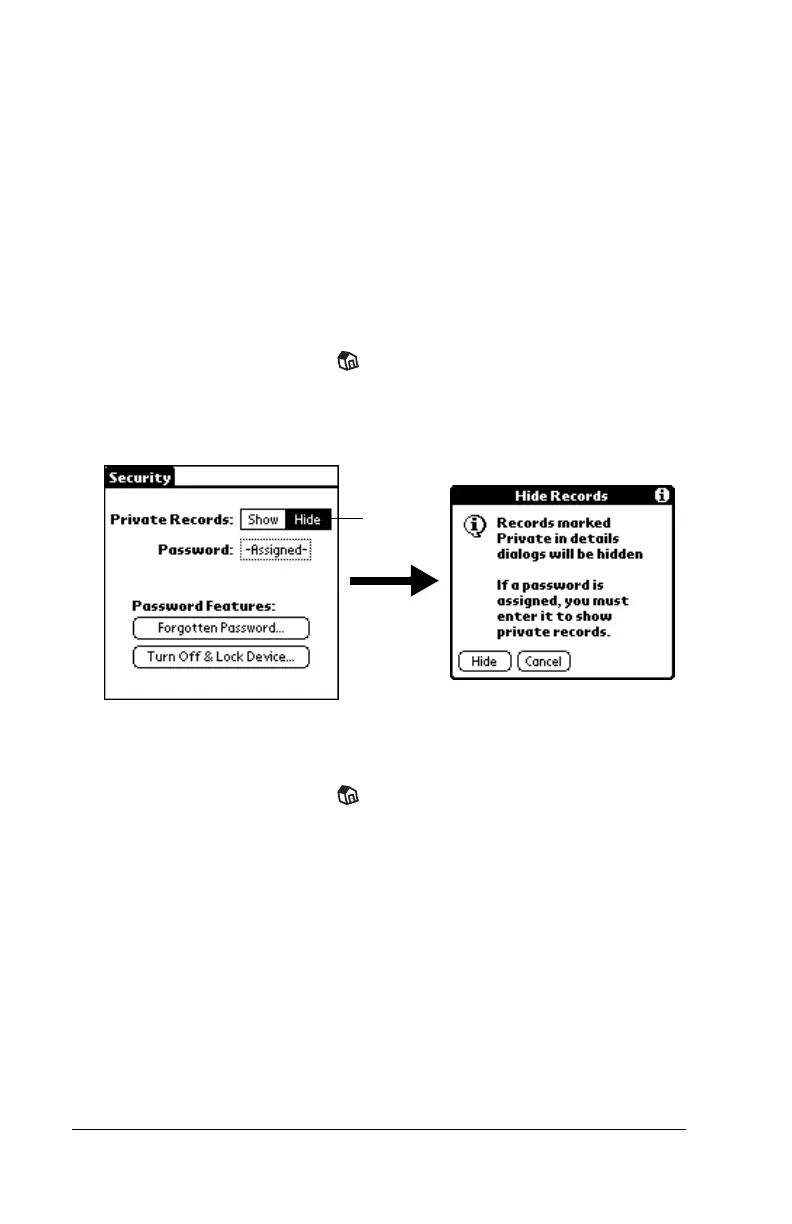
Hiding private records
You can hide records that you mark as private. If you define a
password, you must enter it to display private records.
To hide private records:
1. Tap the Applications icon .
2. Tap Security.
3. Tap Hide.
4. Tap Hide to confirm that you want to hide private records.
To display private records:
1. Tap the Applications icon .
2. Tap Security.
3. Tap Show.
If you do not have a password, hidden records become visible.
If you have a password, the Show Private Records dialog box
appears. Go to step 4.
Tap Hide



 To Next Page