Chapter 5 Page 65
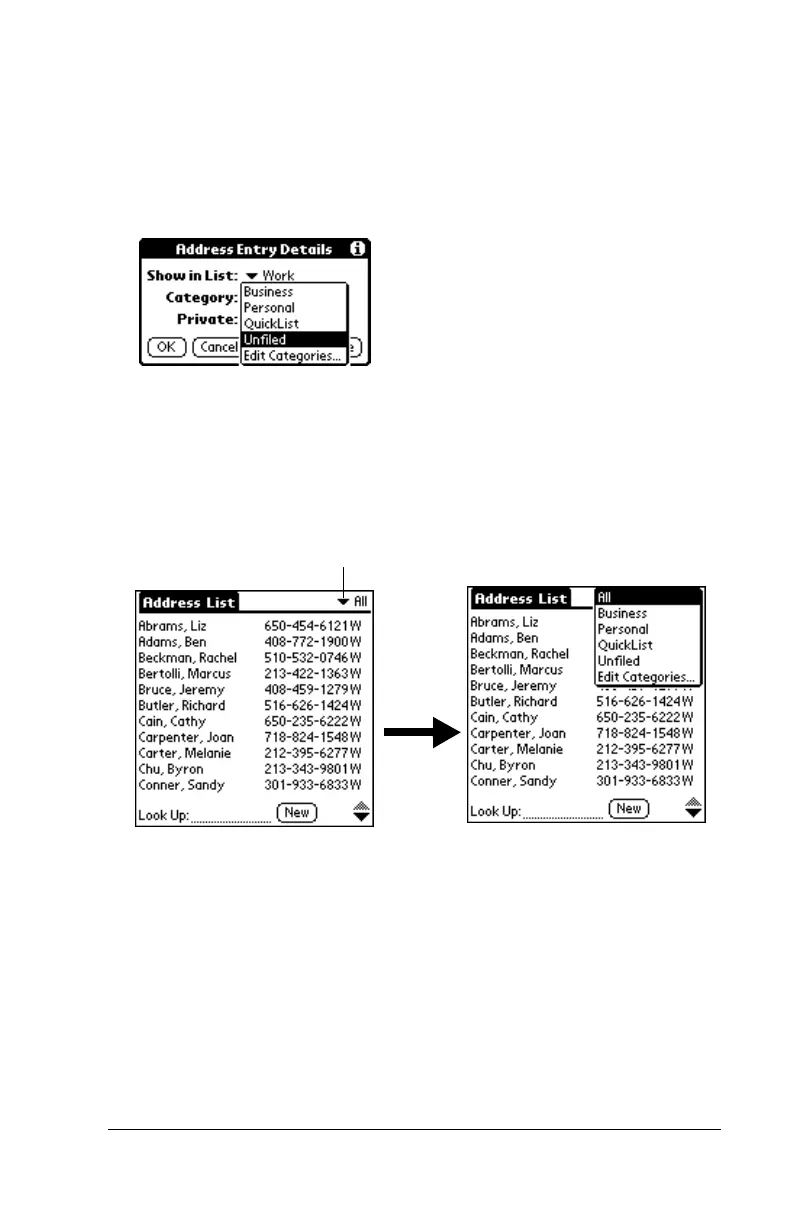
To move a record into a category:
1. Select the record you want to categorize.
2. In Address Book only: Tap Edit.
3. Tap Details.
4. Tap the Category pick list to display the list of available categories.
5. Select the category for the record.
6. Tap OK.
To display a category of records:
1. Tap the category pick list in the upper-right corner of the List
screen.
2. Select the category you want to view.
The List screen now displays only the records assigned to that
category.
Tip: Pressing an application button on the front panel of the
handheld toggles through all the categories of that application.
Tap here



 To Next Page