EasyManua.ls Logo

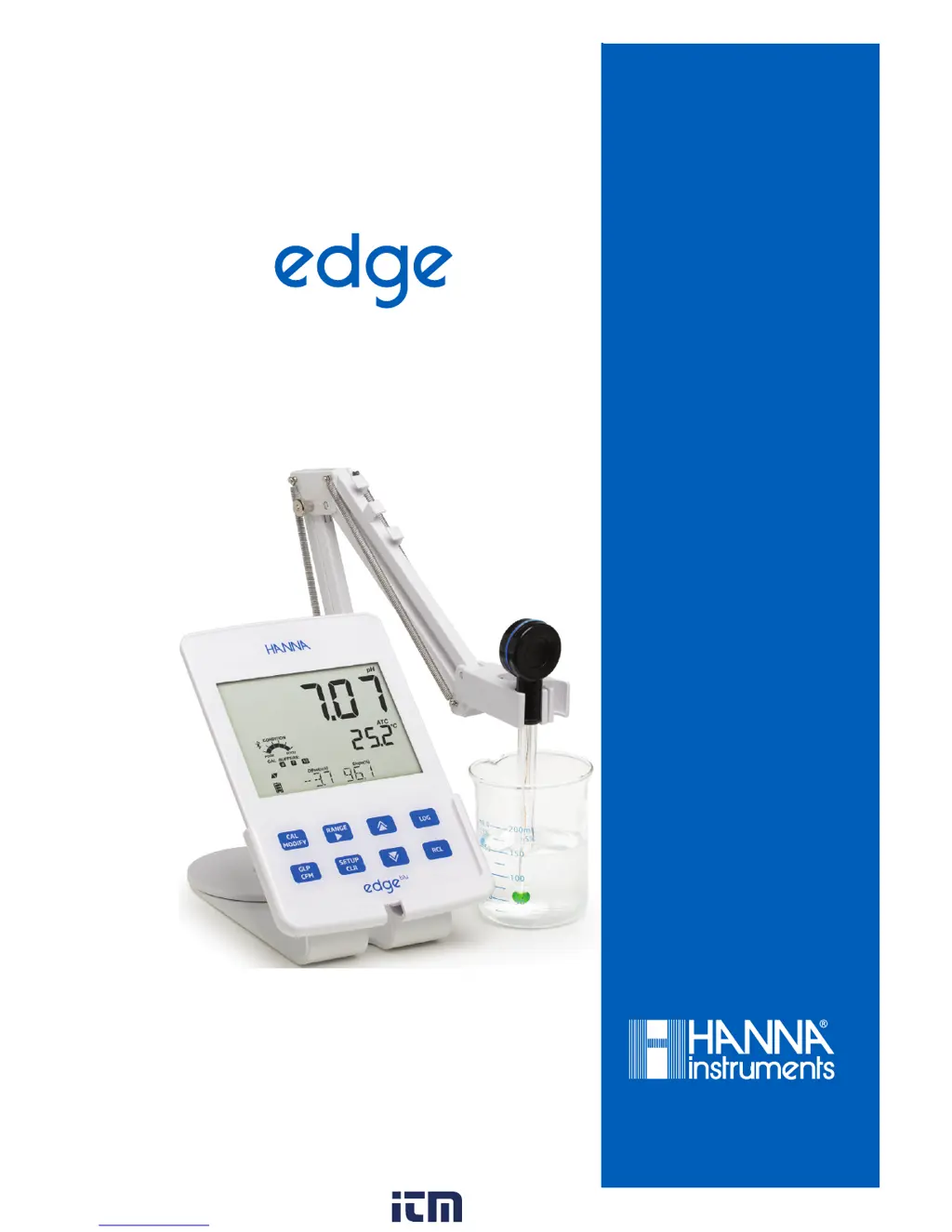
Hanna edge blu - User Manual

Hanna edge blu
46 pages
Print Icon
To Next Page IconTo Next Page
Loading...
blu
INSTRUCTION MANUAL
®
w ww . . co m
information@itm.com1.800.561.8187

Questions and Answers

  • J
    Jamie YoungAug 13, 2025
    Why does Hanna Measuring Instruments probe fail to calibrate?
    • J
      Jennifer FloresAug 13, 2025
      If your Hanna Measuring Instruments probe fails to calibrate or gives faulty readings, the cause may be a broken pH electrode. In this case, you should replace the probe.
  • S
    Sara ColeAug 16, 2025
    What to do if Hanna Measuring Instruments shows 'CONNECTION ERROR'?
    • E
      Eric PowellAug 16, 2025
      If your Hanna Measuring Instruments display a 'CONNECTION ERROR' message, it means the probe isn't connected. Here's what you can do: * Try pressing the operation button on the probe, then scan and confirm using the GLP/CFM key. * Check if another edge® blu or iPad is connected to the probe. * Try bringing the probe closer to the meter.
  • M
    Marvin Duncan Jr.Aug 20, 2025
    Why do readings fluctuate on Hanna Measuring Instruments?
    • S
      Shawn WestAug 20, 2025
      If your Hanna Measuring Instruments reads fluctuate up and down (noise) it may be caused by a clogged or dirty junction, or a low electrolyte level (for refillable electrodes only). To solve this: * Shake the probe down. * Clean the electrode. * Refill with fresh solution (for refillable electrodes only).
  • A
    Alan FreemanAug 25, 2025
    How to fix 'NO PROBE' error on Hanna Measuring Instruments?
    • C
      codyandersonAug 25, 2025
      If your Hanna Measuring Instruments display 'NO PROBE', ensure the probe's battery isn't depleted and that the probe is advertising; the LED will indicate the connection status. Also, press the GLP/CFM key during the scan operation. If it still fails, move the meter closer to the probe and try connecting again.
  • D
    dwayne42Aug 27, 2025
    What to do if buffer is not accepted on Hanna Measuring Instruments?
    • A
      Alan GarciaAug 28, 2025
      If your Hanna Measuring Instruments' buffer or standard solution for calibration is not accepted, it could be due to a dirty electrode or contaminated buffer. First, verify that the protective cap has been removed. Next, replace the buffer with fresh buffers. Then, follow the cleaning procedure. If the issue persists, consider replacing the probe.
  • N
    nicholscassandraAug 31, 2025
    What does 'PROBE OUT OF SPEC' mean on Hanna Measuring Instruments?
    • R
      Richard ParkAug 31, 2025
      If your Hanna Measuring Instruments probe is 'OUT OF SPEC', it means it is out of range in the mV scale or pH. To fix this, verify the protective cap has been removed. Also, verify the pH bulb and ceramic are in the buffer or sample. Finally, verify there are no bubbles inside the pH membrane.
  • N
    natasha17Sep 4, 2025
    Why is my Hanna Measuring Instruments reading slow?
    • C
      Christian MitchellSep 4, 2025
      If you are experiencing slow response or excessive drift with your Hanna Measuring Instruments, it is likely due to a dirty pH electrode. Clean the electrode by placing the tip in HI7061 or HI8061 for 30 minutes, rinse, and then soak in HI70300 Storage Solution.
  • A
    Andrea VanceSep 8, 2025
    Why Hanna Measuring Instruments doesn't measure temperature?
    • N
      Nicholas ShafferSep 8, 2025
      If your Hanna Measuring Instruments do not measure temperature and “25°C” is displayed on the second LCD line, the cause is a broken temperature sensor. Replace the probe to resolve this issue.

Hanna edge blu Specifications

General IconGeneral
pH Resolution0.01 pH
ORP Range±2000.0 mV
ORP Resolution0.1 mV
Temperature Resolution0.1 °C
Temperature Accuracy±0.5 °C
ConnectivityBluetooth
Power Supply5 VDC adapter
Battery Life8 hours
CalibrationUp to 5-point calibration
Logging1000 log records
DisplayLCD
Probe TypeDigital pH/ORP/Temperature electrode
Battery TypeRechargeable lithium-ion
Dimensions202 x 140 x 12.7 mm
Weight250 g
Temperature Range-20.0 to 120.0 °C; -4.0 to 248.0 °F

Related product manuals