DG3 Controller – Installation and Operation
Manual
540846-3 page 18 of 64 25/09/2015
Operation
Getting started
Boot screens on power-up
Whenever the DG3 is powered up or restarted, it carries out a series of initialising checks. Normally, this
sequence is rapid and can be ignored.
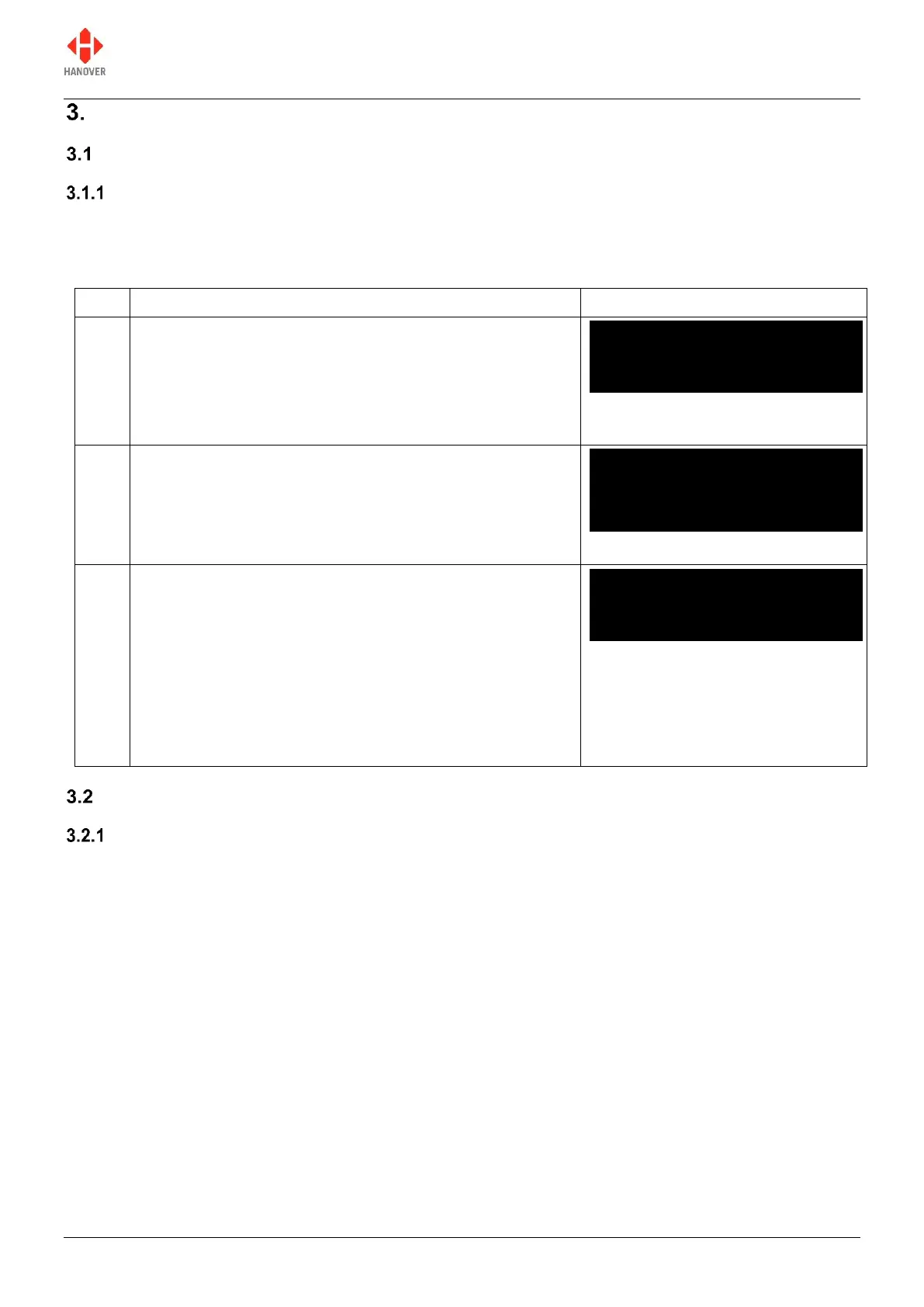
The following screen will appear very briefly as the DG3
checks for a USB key loaded with a new firmware
A splash screen as shown will then appear as the main
application starts up.
The controller goes through a basic initialisation process
as shown. If everything is correct, it will change to the
driver's information screen where the software version is
displayed. However, if an error occurs during software
initialisation, the screen may freeze while showing one of
the codes. If so, the user should restart the process. If this
does not work, the code should be noted and Hanover
informed because it will help establish the cause of the
problem.
Loading a database into the DG3 from Helen
Formatting the USB stick
The DG3 uses a USB stick to load a destination list via its USB port. The stick must be formatted to use
the FAT32 file system.
DERIC-G3 V1.12
abcdeNCP012U//
Deric G3 Bootloader
G3-BOOT V1.05.03



 To Next Page
 Loading...